Välj språk

Form 36-0102 – Fillable PDF Download

  1. Språk engelsk
  2. Land Australien
  3. Avdelning Queensland Building and Construction Commission
  4. Aktivitet Construction Regulations
Form 36-0102 – Fillable PDF Download

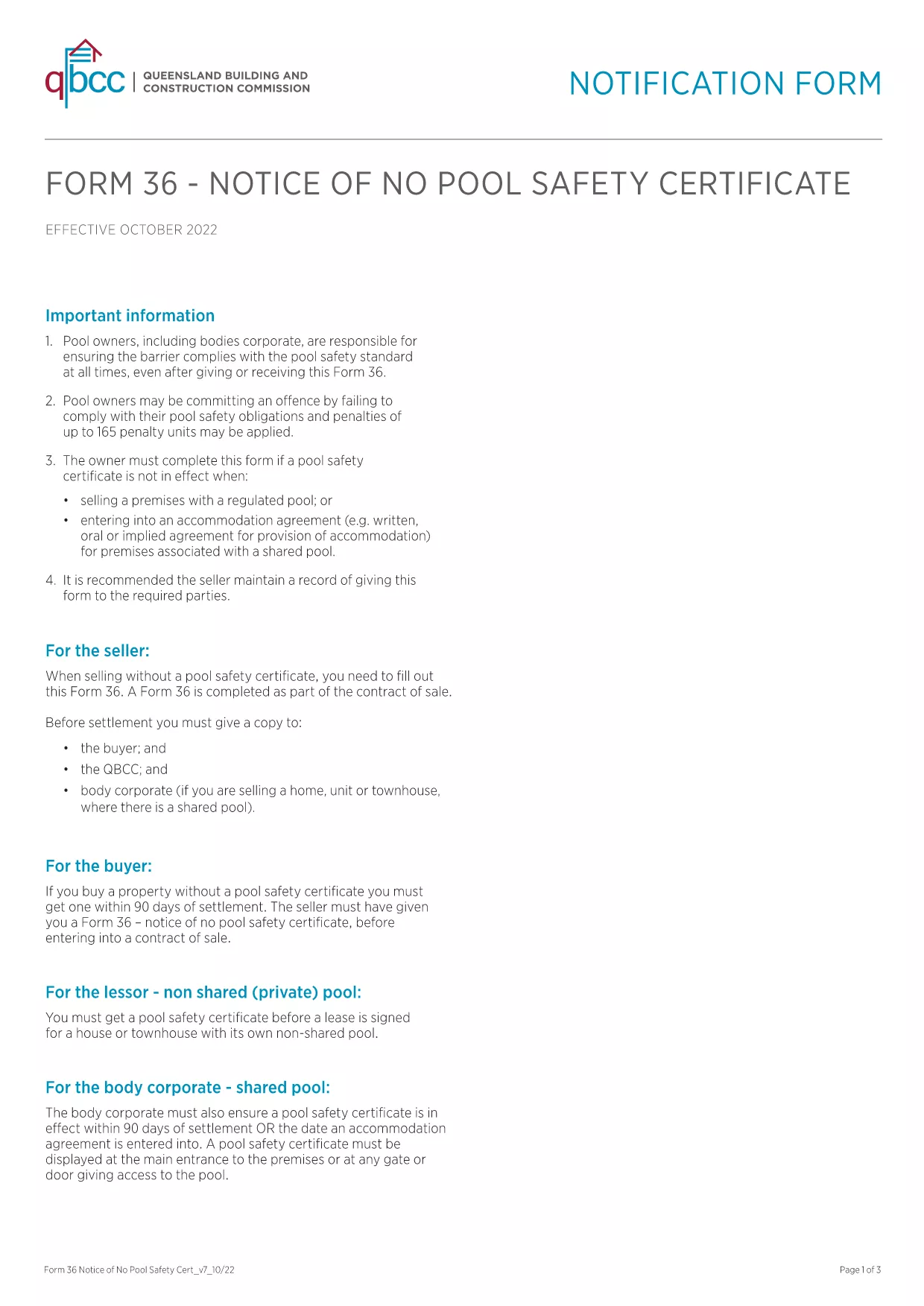
Form 36‑0102 is a standard notice used by the Queensland Building and Construction Commission (QBCC) when a property does not require a pool safety certificate. Whether you are a homeowner, builder, or a QBCC‑registered contractor, you’ll need this form to confirm the absence of a pool safety requirement.

What is Form 36-0102?

The form is a simple, one‑page declaration that states no pool safety certificate is needed for a particular building project. It must be signed by the responsible party and kept on file for future inspections.

How to Fill Form 36-0102 Online

Instead of downloading, printing, and scanning, you can complete the form directly in your browser using the Formize PDF Filler. The process is fast, secure, and fully compliant with QBCC guidelines.

Common Mistakes to Avoid

  • Leaving any required field blank – every box is mandatory.
  • Using an outdated version of the PDF – always start with the latest file linked below.
  • Signing with a non‑legible handwritten signature – use the digital signature tool in Formize.

Where to Submit the Completed Form

Once you have filled and saved the form, you can either:

  • Upload it through the QBCC online portal.
  • Email it to the project’s supervising building certifier.
  • Keep a digital copy for your records and present it on‑site if requested.

FAQ About Form 36-0102

Below are the most common questions users have about this form.

FAQ
  • Is Form 36‑0102 required for every new building project?

    Only if the project does not include a swimming pool. If a pool is present, a separate pool safety certificate is required.

  • Can I use an older version of the form?

    No. Always use the latest version provided by QBCC to ensure compliance with current regulations.

  • Do I need a digital signature?

    A digital signature is accepted and preferred for online submissions. You can also print, sign, and scan if required.

  • How long should I keep the completed form?

    Retain the form for at least five years, or as long as the building project remains active, in case of an audit.

  • What if I make a mistake after submitting?

    Contact the QBCC immediately. You may need to submit an amended Form 36‑0102 with a clear note of the correction.

  • Is there a fee to download or submit Form 36‑0102?

    Downloading the PDF is free. Submission fees may apply if you file through the QBCC online portal—check their fee schedule.

  • Can I fill the form on a mobile device?

    Yes. The Formize PDF Filler works on smartphones and tablets, allowing you to complete the form anywhere.

HUR

Så här fyller du i Form 36-0102 gratis, online i 5 enkla steg:

  1. 1
    Click the Fill‑out Button
    Press the “Fill out this form” button on the page to launch the Formize PDF Filler.
  2. 2
    Wait for the Filler to Load
    The app loads in seconds; a loading bar will appear. No download or installation is required.
  3. 3
    Complete All Fields
    Enter the required information, select dates from the calendar picker, and use the digital signature tool.
  4. 4
    Review and Save
    Check the completed form for errors, then click “Save” to download a copy or “Submit” to send it directly to QBCC.
  5. 5
    Keep a Record
    Store the saved PDF in your project folder or upload it to the QBCC portal for future reference.
Formize PDF Filler app
HANDLA OM

Form 36-0102 mall

Med den traditionella uppsättningen funktioner för att visa och fylla i ett PDF-dokument, kombinerat med fördelarna med en webbapplikation och responsiv layout, kan du slutföra Form 36-0102 på några minuter.

FUNKTIONER

PDF-fyllare

Det enklaste sättet att fylla i Form 36-0102 online

  • Fyll snabbt i Form 36-0102
    Letar du efter ett sätt att snabbt fylla Form 36-0102 online? Med vår online gratis PDF-formulärfyllare vet du hur du redigerar och fyller i detta pdf-dokument på mindre än en minut.
  • Lätt att använda online PDF-redigerare
    Är du trött på att skriva ut PDF-filer så att du kan redigera dem innan du skannar om och skickar tillbaka dem? Redigera PDF-dokument gratis online. Använd vår online pdf-redigerare för att spara tid och papper.
  • Bra verktyg, alla plattformar
    Undrar du hur man fyller i Form 36-0102 på en Mac, eller kanske hur man använder ett PDF-fyllmedel gratis? Våra online PDF-verktyg fungerar på alla plattformar.
  • Säker fillagring
    Färdiga "Form 36-0102"-filer lagras i en säker databas som hanteras av Amazon Cloud-hosting. Du kan ta bort dina filer från vårt system när som helst. I alla fall raderas dessa filer automatiskt efter 24 timmar.
  • Chatta med Form 36-0102
    Chatta med "Form 36-0102" på Chatize som är en gratis PDF-läsare. Ställ frågor och få svar från "Form 36-0102". Klicka bara på knappen Chatta med dokument ovan.

Ta bort fyllningssession

Ta bort den valda fyllningssessionen? I det här fallet kommer dina framsteg i att fylla i formuläret att gå förlorade.

Ta bort redigeringssession

Vill du ta bort den valda redigeringssessionen? I det här fallet kommer dina framsteg i att skapa och redigera formuläret att gå förlorade.