
application form a mall
Med den traditionella uppsättningen funktioner för att visa och fylla i ett PDF-dokument, kombinerat med fördelarna med en webbapplikation och responsiv layout, kan du slutföra application form a på några minuter.


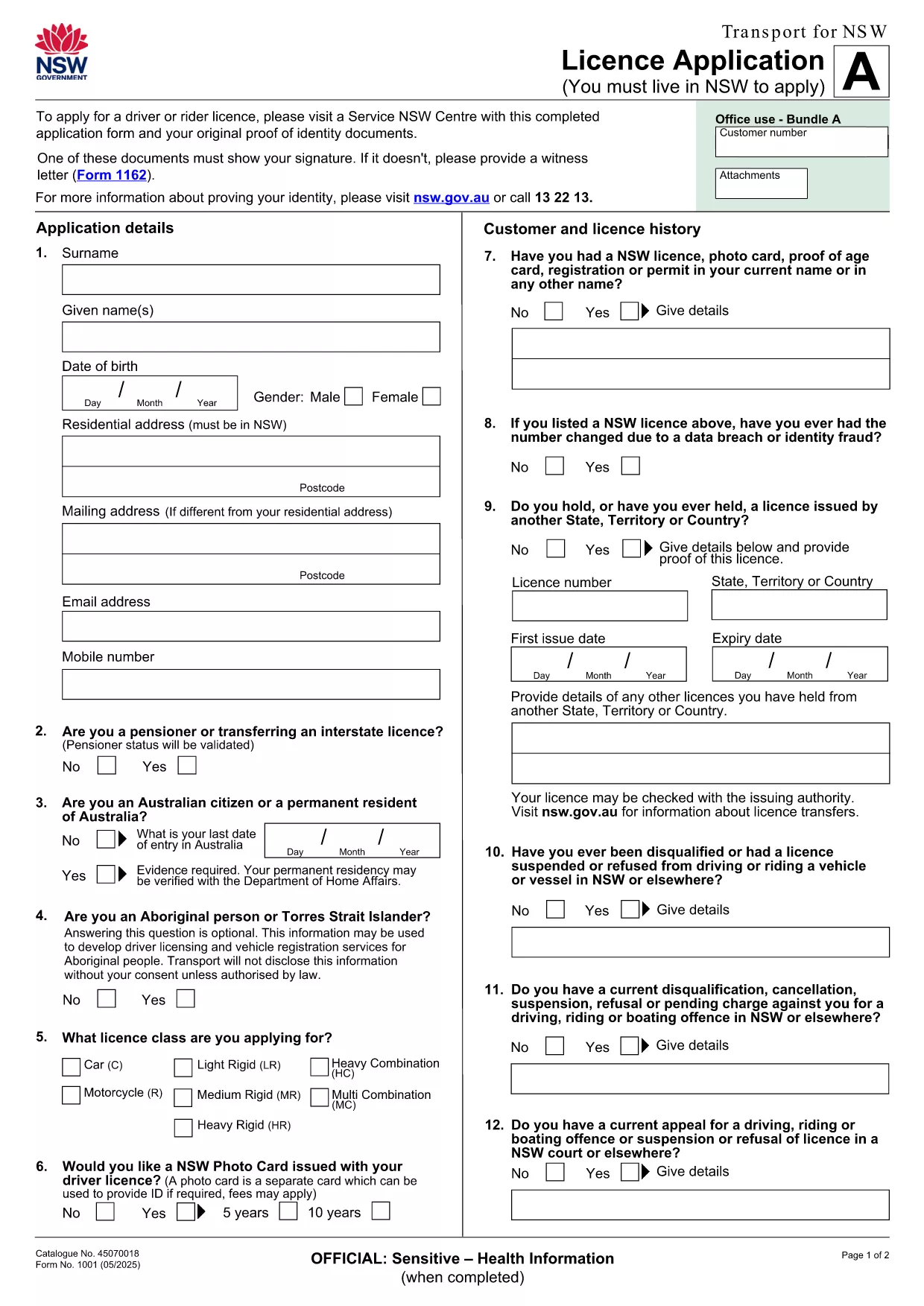
Looking for a quick and reliable way to fill out Application Form A? Our free, fillable PDF lets you complete the form directly in your browser, save time, and reduce errors. The PDF is hosted by Formize, so you can start filling it out with a single click—no extra software required.
Follow the simple steps below to fill out the form without ever leaving the page.
Even with a user‑friendly PDF, small errors can cause delays. Watch out for:
Once you’ve saved the completed PDF, you can submit it according to the instructions on the last page of the form—usually via email, postal service, or an online portal provided by the relevant department.
Below you’ll find answers to the most common questions about Application Form A.
No. The Formize PDF Filler works in any modern browser, so you don’t need additional software.
Yes. Use the “Save” button in the filler to download a partially completed PDF and reload it later.
Formize uses SSL encryption, ensuring that your personal information is protected while you fill out the form.
Open the saved PDF again with the Formize filler, correct the error, and re‑save before submitting.
Both the download and the online filler are completely free.
Absolutely. After saving, you can print the PDF directly from your browser or any PDF viewer.
We regularly update the PDF to match the official version. Refresh the page to get the latest file.
Med den traditionella uppsättningen funktioner för att visa och fylla i ett PDF-dokument, kombinerat med fördelarna med en webbapplikation och responsiv layout, kan du slutföra application form a på några minuter.
Det enklaste sättet att fylla i application form a online
Ta bort fyllningssession
Ta bort redigeringssession