
เทมเพลต OCSEAS application form
ด้วยชุดคุณสมบัติดั้งเดิมสำหรับการดูและกรอกเอกสาร PDF รวมกับประโยชน์ของเว็บแอปพลิเคชันและเค้าโครงที่ตอบสนอง คุณสามารถสร้าง OCSEAS application form ให้เสร็จภายในไม่กี่นาที


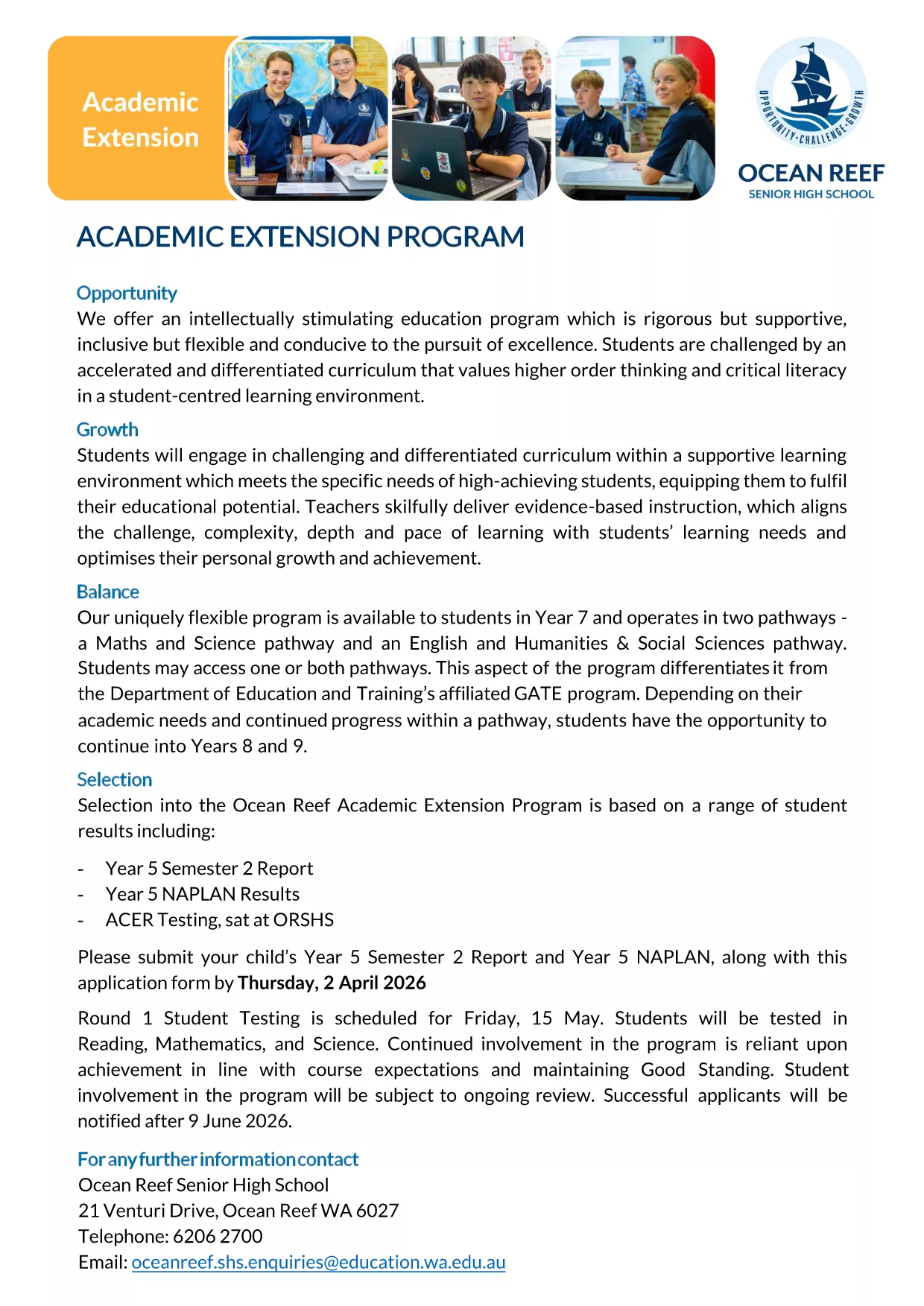
The OCSEAS application form is now available as a fully fillable PDF that you can complete instantly in your browser. No extra software is required – simply click the "Fill out this form" button and let the Formize PDF Filler load the document for you.
Whether you are applying for the Academic Extension Program or submitting a related request, this page gives you everything you need: a direct download link, step‑by‑step guidance, and answers to the most common questions.
Ready to get started? Follow the simple instructions below, avoid typical pitfalls, and submit a flawless application.
No. The Formize PDF Filler works in any modern browser, so you can complete the form without installing additional software.
Yes. Use the "Save" button in the Formize app to download a partially completed PDF, then re‑upload it later to continue.
All data entered in the Formize app is encrypted in transit. The form never leaves your browser unless you choose to submit or download it.
You will receive a completed, searchable PDF that includes all your entered data and signatures.
Contact the OCSEAS office immediately. They can provide a corrected form or allow you to upload a revised PDF.
Attachments must be under 5 MB each. If you have larger files, compress them before uploading.
Printing is optional. The electronic PDF is accepted by the OCSEAS office, but you may print a copy for your records if desired.
ด้วยชุดคุณสมบัติดั้งเดิมสำหรับการดูและกรอกเอกสาร PDF รวมกับประโยชน์ของเว็บแอปพลิเคชันและเค้าโครงที่ตอบสนอง คุณสามารถสร้าง OCSEAS application form ให้เสร็จภายในไม่กี่นาที
วิธีที่ง่ายที่สุดในการกรอกแบบฟอร์ม PDF ทางออนไลน์
ลบเซสชันการบรรจุ
ลบเซสชันการแก้ไข