
hamburger-menu icon
เลือกภาษา

Looking for a quick, secure way to complete Application Form Z? You’ve come to the right place. Our fillable PDF version lets you enter data directly in your browser, sign electronically, and submit without ever printing a single page.

Formize hosts the official PDF from the Department of Home Affairs, so you can be confident you’re using the correct, up‑to‑date version. Below you’ll find everything you need to know – from a brief overview of the form’s purpose to detailed, step‑by‑step instructions on how to fill it out online.

What is Application Form Z?

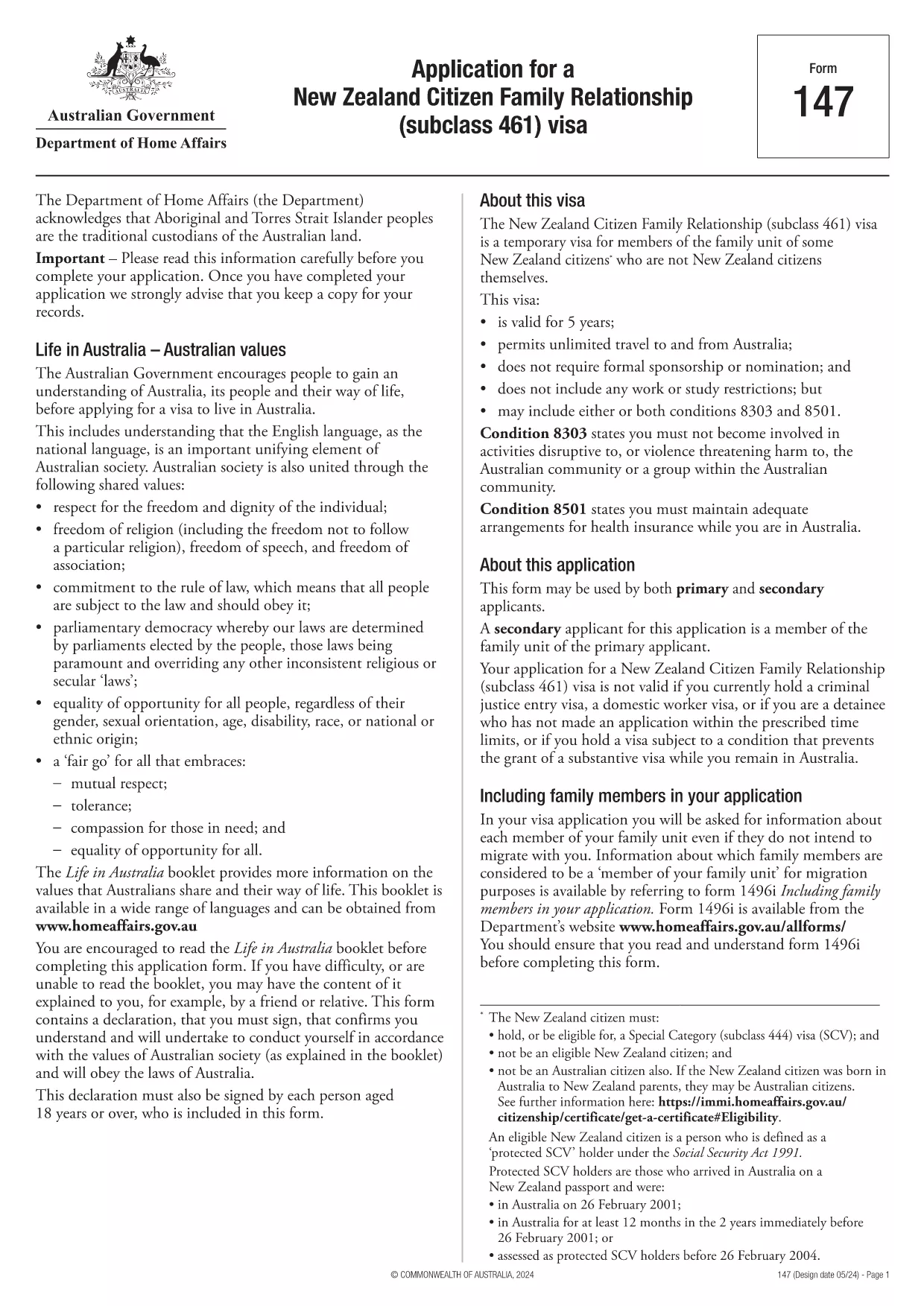
Application Form Z is the official document used for certain visa and family‑relationship requests in Australia. It captures personal details, relationship information, and supporting evidence required by the Department of Home Affairs.

How to Fill the Form Online with Formize

Instead of downloading the PDF and opening it in a desktop editor, simply click the "Fill out this form" button on this page. The Formize PDF Filler app will load in seconds, presenting you with an intuitive, web‑based interface.

Common Mistakes to Avoid

  • Leaving required fields blank – the filler will highlight missing information before you can submit.
  • Using the wrong date format – the form expects DD/MM/YYYY.
  • Uploading unsupported file types for attachments – stick to PDF, JPG, or PNG.
  • Forgetting to add your electronic signature – the signature field is mandatory.

Download the Fillable PDF

If you prefer to keep a local copy, you can download the official PDF directly from the Department of Home Affairs:

Download Application Form Z (PDF)

After downloading, you can still use Formize’s online filler by uploading the file, but the one‑click option above is the fastest route.

Frequently Asked Questions

Below are the most common questions users have about Application Form Z and how to complete it using Formize.

คำถามที่พบบ่อย
  • Do I need Adobe Acrobat to fill Application Form Z?

    No. Formize’s online filler works in any modern browser, so you don’t need Acrobat or any additional software.

  • Can I save my progress and finish later?

    Yes. The filler lets you save a draft to your device or to your Formize account, then resume whenever you’re ready.

  • Is the electronic signature accepted by the Department of Home Affairs?

    Absolutely. The Department recognises electronic signatures on fillable PDFs submitted through approved platforms like Formize.

  • What file formats are allowed for supporting documents?

    PDF, JPG, and PNG are accepted. Each file must be under 10 MB.

  • How long does it take for the Department to process the form?

    Processing times vary by visa category. Check the latest estimates on the Department of Home Affairs website after you submit.

  • What if I make a mistake after submitting?

    Contact the Department’s case office as soon as possible. You may be asked to submit a corrected form or an amendment letter.

ทำอย่างไร

วิธีกรอก application form z ฟรีทางออนไลน์ใน 5 ขั้นตอนง่ายๆ:

  1. 1
    Open the Formizer Filler
    Click the bright "Fill out this form" button on this page. The Formize PDF Filler app will launch in a new window.
  2. 2
    Enter Your Information
    Type directly into each fillable field. Use the Tab key to move quickly between sections.
  3. 3
    Add Attachments
    Upload required supporting documents (PDF, JPG, PNG) using the attachment icons next to each field.
  4. 4
    Sign Electronically
    Click the signature field, draw or type your name, and confirm. The signature is legally binding.
  5. 5
    Review & Submit
    Use the built‑in validator to check for missing fields, then click "Submit". You’ll receive a confirmation email with a copy of your completed form.
สร้างแอป PDF Filler
เกี่ยวกับ

แบบฟอร์มวีซ่า

application form z เป็นหนึ่งในแบบฟอร์มวีซ่าที่เป็นเอกสารที่ใช้ในการยื่นขอวีซ่าเข้าประเทศต่างประเทศ วีซ่าเป็นเอกสารที่อนุญาตให้คนต่างชาติเข้ามา พำนัก และบางครั้งทำงานในต่างประเทศตามระยะเวลาที่กำหนด แบบฟอร์มและข้อกำหนดในการขอวีซ่าจะแตกต่างกันไปตามประเทศและประเภทของวีซ่า

แบบฟอร์มวีซ่ามักต้องการข้อมูลส่วนบุคคล เช่น ชื่อ วันเกิด และข้อมูลหนังสือเดินทาง ตลอดจนข้อมูลเกี่ยวกับวัตถุประสงค์และระยะเวลาของการเดินทาง จุดหมายปลายทาง และไม่ว่าผู้ยื่นคำร้องจะเคยถูกปฏิเสธวีซ่าหรือถูกเนรเทศออกจากประเทศหรือไม่ แบบฟอร์มอาจต้องใช้เอกสารประกอบ เช่น หนังสือเดินทาง รูปถ่าย และหลักฐานการสนับสนุนทางการเงิน

ในสหรัฐอเมริกา แบบฟอร์มวีซ่าที่พบมากที่สุดคือแบบฟอร์ม DS-160 และ DS-260 แบบฟอร์ม DS-160 ใช้ในการสมัครวีซ่าชั่วคราว ในขณะที่แบบฟอร์ม DS-260 ใช้ในการสมัครวีซ่าคนเข้าเมือง แบบฟอร์มเหล่านี้ต้องการข้อมูลโดยละเอียดเกี่ยวกับประวัติส่วนตัวและการเดินทางของผู้สมัคร ตลอดจนเอกสารประกอบ เช่น หนังสือเดินทาง กำหนดการเดินทาง และบันทึกทางการเงิน

ประเทศอื่นๆ อาจมีแบบฟอร์มและข้อกำหนดในการขอวีซ่าที่แตกต่างกัน แต่โดยทั่วไปแล้วกระบวนการพื้นฐานเกี่ยวข้องกับการกรอกคำร้องขอวีซ่า จัดเตรียมเอกสารประกอบ และเข้ารับการสัมภาษณ์กับเจ้าหน้าที่กงสุลที่สถานทูตหรือสถานกงสุลสหรัฐฯ สิ่งสำคัญคือต้องทราบว่าขั้นตอนการยื่นคำร้องขอวีซ่าอาจซับซ้อนและใช้เวลานาน และขอแนะนำให้บุคคลที่ต้องการขอวีซ่าปรึกษากับทนายความตรวจคนเข้าเมืองหรือผู้เชี่ยวชาญที่มีคุณสมบัติเหมาะสมอื่นๆ เพื่อให้แน่ใจว่าตรงตามแบบฟอร์มและข้อกำหนดที่จำเป็นทั้งหมด

คุณสมบัติ

PDF ฟิลเลอร์

วิธีที่ง่ายที่สุดในการกรอกแบบฟอร์ม PDF ทางออนไลน์

  • กรอก application form z อย่างรวดเร็ว
    กำลังมองหาวิธีเติม application form z ทางออนไลน์อย่างรวดเร็วอยู่ใช่ไหม ด้วยตัวกรอกแบบฟอร์ม PDF ออนไลน์ฟรีของเรา คุณจะรู้วิธีแก้ไขและกรอกเอกสาร PDF นี้ในเวลาไม่ถึงนาที
  • โปรแกรมแก้ไข PDF ออนไลน์ที่ใช้งานง่าย
    เบื่อกับการพิมพ์ไฟล์ PDF เพื่อให้คุณสามารถแก้ไขได้ก่อนที่จะสแกนซ้ำและส่งกลับหรือไม่? แก้ไขเอกสาร PDF ออนไลน์ฟรี ใช้โปรแกรมแก้ไข PDF ออนไลน์ของเราเพื่อประหยัดเวลาและกระดาษ
  • เครื่องมือที่ยอดเยี่ยมสำหรับทุกแพลตฟอร์ม
    สงสัยวิธีเติม application form z บน Mac หรืออาจใช้ตัวเติม PDF ฟรีได้อย่างไร เครื่องมือ PDF ออนไลน์ของเราทำงานได้บนทุกแพลตฟอร์ม
  • การจัดเก็บไฟล์ที่ปลอดภัย
    ไฟล์ "application form z" ที่เสร็จสมบูรณ์จะถูกจัดเก็บไว้ในฐานข้อมูลที่ปลอดภัยซึ่งจัดการโดย Amazon Cloud hosting คุณสามารถลบไฟล์ของคุณออกจากระบบของเราได้ตลอดเวลา ไม่ว่าในกรณีใด ไฟล์เหล่านี้จะถูกลบโดยอัตโนมัติหลังจากผ่านไป 24 ชั่วโมง
  • สนทนากับ application form z
    แชทกับ "application form z" บน Chatize ที่เป็นผู้ช่วยอ่าน PDF ฟรี ถามคำถามและรับคำตอบจาก "application form z" เพียงคลิกที่ปุ่ม แชทด้วยเอกสาร ด้านบน

ลบเซสชันการบรรจุ

ลบเซสชันการกรอกข้อมูลที่เลือกหรือไม่?ในกรณีนี้ความคืบหน้าในการกรอกแบบฟอร์มจะหายไป

ลบเซสชันการแก้ไข

ลบเซสชันการแก้ไขที่เลือกหรือไม่ ในกรณีนี้ ความคืบหน้าในการสร้างและแก้ไขแบบฟอร์มจะหายไป