
Dil Seçin

Punjab Renewal of Arms License Form for Individuals (Fillable PDF)

  1. Dil İngilizce Hintçe
  2. Ülke Hindistan
  3. Belirtmek, bildirmek Pencap
  4. Departman İçişleri ve Adalet Bakanlığı
Punjab Renewal of Arms License Form for Individuals (Fillable PDF)

Renewing your personal arms license in Punjab has never been easier. Our dedicated page provides the official Punjab renewal of arms license form for individuals as a fully fillable PDF that you can complete directly in your browser.

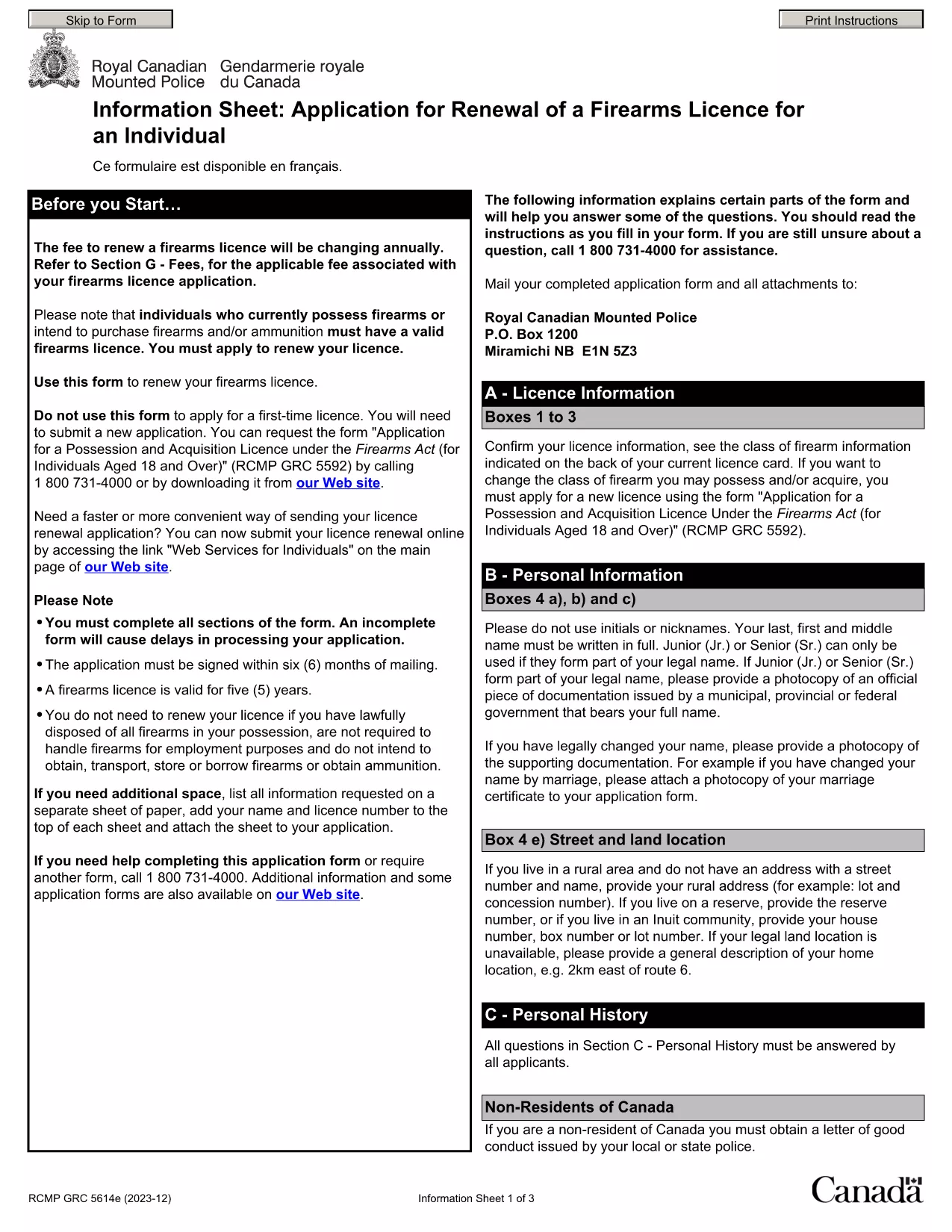
By using Formize’s PDF Filler, you avoid printing, scanning, and the risk of missing handwritten information. The form is powered by the same structure as the RCMP PAL Renewal Form, which meets international standards for firearm licensing documentation.

Why Use a Fillable PDF for Your Punjab Arms License Renewal

A fillable PDF ensures:

  • Accuracy – fields are validated in real time.
  • Speed – submit within minutes, not days.
  • Security – your data stays encrypted while you work.

Step‑by‑Step Guide to Completing the Form Online

Follow the simple steps below to finish your renewal without leaving the page.

Common Mistakes to Avoid When Renewing Your Arms License

Skipping a required field or uploading an unsupported file format can delay processing. Our guide highlights the most frequent errors and how to prevent them.

Where to Submit Your Completed Form

After you finish, download the completed PDF and submit it to the Punjab Police Arms Licensing Office either in person or via their official online portal.

Ready to start? Click the button below, let Formize load the PDF filler, and complete the form in a few easy steps.

SSS
  • Is the Punjab arms license renewal form available for free?

    Yes. The fillable PDF is provided at no cost. You only need an internet connection to complete it online.

  • Can I edit the form after I download it?

    Once you download the completed PDF, you can open it in any standard PDF viewer, but the official submission should be the version you saved from Formize.

  • What documents do I need to attach with the renewal?

    Typically you must attach a recent passport‑size photograph, a copy of your current license, and any supporting certificates. Check the form’s attachment section for exact requirements.

  • How long does the renewal process take after submission?

    Processing times vary by district, but most renewals are completed within 7‑10 business days once the correct form and documents are received.

  • What if I make a mistake while filling the form?

    The fillable PDF highlights incomplete or incorrectly formatted fields. Correct the information before saving, or you can start over by clicking the reset button.

  • Do I need to print the form to submit it?

    No. The Punjab Police accepts a digitally signed PDF via their online portal or by email. Printing is optional.

  • Is my personal data safe while using Formize?

    Formize uses SSL encryption, and the PDF is processed locally in your browser, ensuring your data never leaves your computer unless you choose to upload it.

  • Can I use this form on a mobile device?

    Yes. The fillable PDF works on most modern smartphones and tablets with a compatible browser.

NASıL

Punjab arms license renewal formunu ücretsiz, çevrimiçi olarak 5 kolay adımda nasıl doldurabilirsiniz:

  1. 1
    Click the Fill Out This Form button
    Press the highlighted button on the page to open the Formize PDF Filler app.
  2. 2
    Wait for the filler to load
    The fillable PDF loads automatically; this usually takes a few seconds.
  3. 3
    Enter your information
    Complete each field – the form validates entries in real time to prevent errors.
  4. 4
    Review and sign
    Double‑check all details, add your digital signature if required, and save the document.
  5. 5
    Download or submit
    Download the finished PDF for your records and submit it to the Punjab Police Arms Licensing Office.
PDF Filler uygulamasını biçimlendirin
HAKKıNDA

Dışişleri Bakanlığı başvuru formları

Punjab arms license renewal, ​​Dışişleri Bakanlığı başvuru formlarından biridir. Hindistan Dışişleri Bakanlığı, dış ilişkiler ve uluslararası ilişkilerle ilgili farklı hizmetler için çeşitli başvuru formları sunmaktadır. Yaygın başvuru formlarından bazıları şunlardır:

Pasaport Başvurusu: Bu form Hindistan pasaportuna başvurmak için kullanılır. İsim, adres, doğum tarihi ve uyruk gibi kişisel bilgileri toplar.

Hindistan Yurtdışı Vatandaşlığı (OCI) Başvurusu: Bu form, Hindistan kökenli bireylerin Hindistan'da süresiz olarak yaşamasına ve çalışmasına olanak tanıyan OCI statüsüne başvurmak için kullanılır. Hint kökenli olduğuna dair kanıt da dahil olmak üzere kişisel ayrıntıları toplar.

Vize Başvurusu: Bu form, yabancı bir ülkeye seyahat etmek amacıyla vize başvurusunda bulunmak için kullanılır. Kişisel ayrıntıları, seyahat bilgilerini ve seyahat amacını toplar.

Göçmenlik İzin Başvurusu: Bu form, belirli ülkelerde çalışmak için göç izni almak isteyen kişiler tarafından kullanılır. Kişisel bilgileri ve istihdam ayrıntılarını toplar.

Tasdik Başvurusu: Bu form, eğitim belgeleri, evlilik cüzdanları ve ticari belgeler gibi çeşitli belgelerin tasdik başvurusunda bulunmak için kullanılır. Onaylanacak belgenin ayrıntılarını ve tasdikin amacını toplar.

Konsolosluk Hizmetleri Başvurusu: Bu form, acil durum sertifikalarının verilmesi, yurtdışındaki Hindistan vatandaşlarına yardım ve Hindistan vatandaşlarının kaydı dahil olmak üzere çeşitli konsolosluk hizmetleri için kullanılır. Gereken spesifik ayrıntılar, talep edilen hizmetin niteliğine bağlıdır.

ÖZELLIKLERI

PDF Doldurucu

PDF formlarını çevrimiçi doldurmanın en kolay yolu

  • Punjab arms license renewal'ü hızlıca doldurun
    Punjab arms license renewal çevrimiçi olarak hızlı bir şekilde doldurmanın bir yolunu mu arıyorsunuz? Çevrimiçi ücretsiz PDF form doldurucumuzla, bu pdf belgesini nasıl düzenleyeceğinizi ve dolduracağınızı bir dakikadan kısa sürede öğreneceksiniz.
  • Kullanımı kolay çevrimiçi PDF düzenleyici
    PDF dosyalarını yeniden tarayıp geri göndermeden önce düzenleyebilmek için yazdırmaktan bıktınız mı? PDF belgelerini çevrimiçi olarak ücretsiz düzenleyin. Zamandan ve kağıttan tasarruf etmek için çevrimiçi pdf editörümüzü kullanın.
  • Harika araçlar, tüm platformlar
    Bir Mac'te Punjab arms license renewal'ü nasıl dolduracağınızı veya PDF doldurucuyu ücretsiz olarak nasıl kullanacağınızı mı merak ediyorsunuz? Çevrimiçi PDF araçlarımız tüm platformlarda çalışır.
  • Güvenli dosya depolama
    Tamamlanan "Punjab arms license renewal" dosyaları, Amazon Cloud barındırma tarafından yönetilen güvenli bir veritabanında depolanır. Dosyalarınızı istediğiniz zaman sistemimizden silebilirsiniz. Her durumda, bu dosyalar 24 saat sonra otomatik olarak silinir.
  • Punjab arms license renewal ile sohbet et
    Ücretsiz bir PDF okuyucu asistanı olan Chatize'da "Punjab arms license renewal" ile sohbet edin. "Punjab arms license renewal" adlı kişiden sorular sorun ve yanıtlar alın. Yukarıdaki Belgeyle Sohbet Et düğmesini tıklamanız yeterlidir.

Doldurma oturumunu sil

Seçilen doldurma oturumunu silin mi? Bu durumda, formu doldurmadaki ilerlemeniz kaybolacaktır.

Düzenleme oturumunu sil

Seçilen düzenleme oturumu silinsin mi? Bu durumda formu oluşturma ve düzenleme konusundaki ilerlemeniz kaybolacaktır.