Оберіть мову

OCSEAS Application Form – Fill Out Online

  1. Країна Австралія
  2. Мова англійська
  3. діяльність Academic Programs
  4. відділ Department of Education
OCSEAS Application Form – Fill Out Online

The OCSEAS application form is now available as a fully fillable PDF that you can complete instantly in your browser. No extra software is required – simply click the "Fill out this form" button and let the Formize PDF Filler load the document for you.

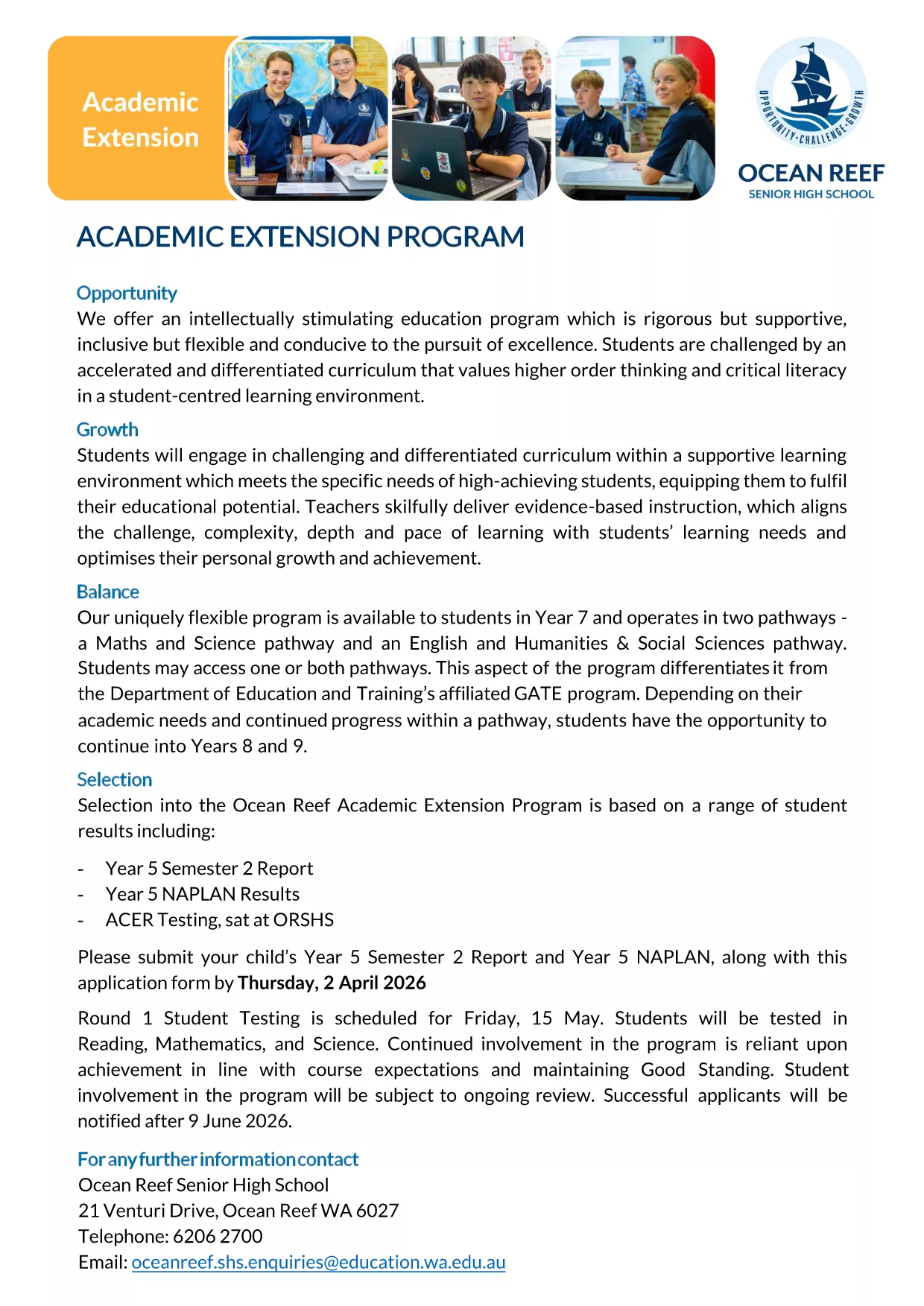
Whether you are applying for the Academic Extension Program or submitting a related request, this page gives you everything you need: a direct download link, step‑by‑step guidance, and answers to the most common questions.

  • Secure, online completion – your data stays private.
  • Automatic field validation to reduce errors.
  • Save a copy for your records with just one click.

Ready to get started? Follow the simple instructions below, avoid typical pitfalls, and submit a flawless application.

FAQ
  • Do I need Adobe Acrobat to fill the OCSEAS form?

    No. The Formize PDF Filler works in any modern browser, so you can complete the form without installing additional software.

  • Can I save my progress and return later?

    Yes. Use the "Save" button in the Formize app to download a partially completed PDF, then re‑upload it later to continue.

  • Is the form secure?

    All data entered in the Formize app is encrypted in transit. The form never leaves your browser unless you choose to submit or download it.

  • What file format will I receive after submission?

    You will receive a completed, searchable PDF that includes all your entered data and signatures.

  • What if I make a mistake after submitting?

    Contact the OCSEAS office immediately. They can provide a corrected form or allow you to upload a revised PDF.

  • Are there any size limits for attachments?

    Attachments must be under 5 MB each. If you have larger files, compress them before uploading.

  • Do I need to print the form after completing it online?

    Printing is optional. The electronic PDF is accepted by the OCSEAS office, but you may print a copy for your records if desired.

ЯК

Як безкоштовно заповнити OCSEAS application form онлайн за 5 простих кроків:

  1. 1
    Click the Fill‑out Button
    Press the "Fill out this form" button on this page. The Formize PDF Filler app will open in a new tab and load the OCSEAS application automatically.
  2. 2
    Wait for the Form to Load
    Give the app a few seconds to render the fillable fields. You’ll see a clean, interactive version of the PDF ready for input.
  3. 3
    Enter Your Information
    Type directly into each field, select dates from the calendar widget, and upload any required supporting documents.
  4. 4
    Add Your Signature
    Use the built‑in signature tool to draw or type your signature. The form validates the signature placement automatically.
  5. 5
    Submit or Save
    When you’re finished, click "Submit" to send the completed form to the designated email address, or click "Download" to save a copy on your device.
Програма Formize PDF Filler
ПРО

шаблон OCSEAS application form

Завдяки традиційному набору функцій для перегляду та заповнення PDF-документа в поєднанні з перевагами веб-додатку та адаптивного макета ви можете виконати OCSEAS application form за лічені хвилини.

ОСОБЛИВОСТІ

Наповнювач PDF

Найпростіший спосіб заповнювати PDF-форми онлайн

  • Швидко заповніть OCSEAS application form
    Шукаєте спосіб швидко заповнити OCSEAS application form онлайн? За допомогою нашого безкоштовного онлайн-заповнювача PDF-форм ви знатимете, як редагувати та заповнювати цей PDF-документ менш ніж за хвилину.
  • Простий у використанні онлайн-редактор PDF
    Набридло роздруковувати PDF-файли, щоб ви могли їх редагувати, перш ніж сканувати повторно та надсилати назад? Безкоштовно редагуйте PDF-документи онлайн. Використовуйте наш онлайн-редактор PDF, щоб заощадити час і папір.
  • Чудові інструменти, усі платформи
    Хочете знати, як заповнити OCSEAS application form на комп’ютері Mac або, можливо, як використовувати PDF-заповнювач безкоштовно? Наші онлайн-інструменти PDF працюють на всіх платформах.
  • Безпечне зберігання файлів
    Завершені файли "OCSEAS application form" зберігаються в захищеній базі даних, якою керує хостинг Amazon Cloud. Ви можете будь-коли видалити свої файли з нашої системи. У будь-якому випадку ці файли автоматично видаляються через 24 години.
  • Чат із OCSEAS application form
    Спілкуйтеся з "OCSEAS application form" у Chatize, який є безкоштовним помічником для читання PDF. Ставте запитання та отримуйте відповіді від "OCSEAS application form". Просто натисніть кнопку Chat With Document вище.

Видалити сеанс заповнення

Видалити вибраний сеанс заповнення? В цьому випадку ваш прогрес у заповненні форми буде втрачений.

Видалити сеанс редагування

Видалити вибраний сеанс редагування? У цьому випадку ваш прогрес у створенні та редагуванні форми буде втрачено.