
шаблон online registration form
Завдяки традиційному набору функцій для перегляду та заповнення PDF-документа в поєднанні з перевагами веб-додатку та адаптивного макета ви можете виконати online registration form за лічені хвилини.


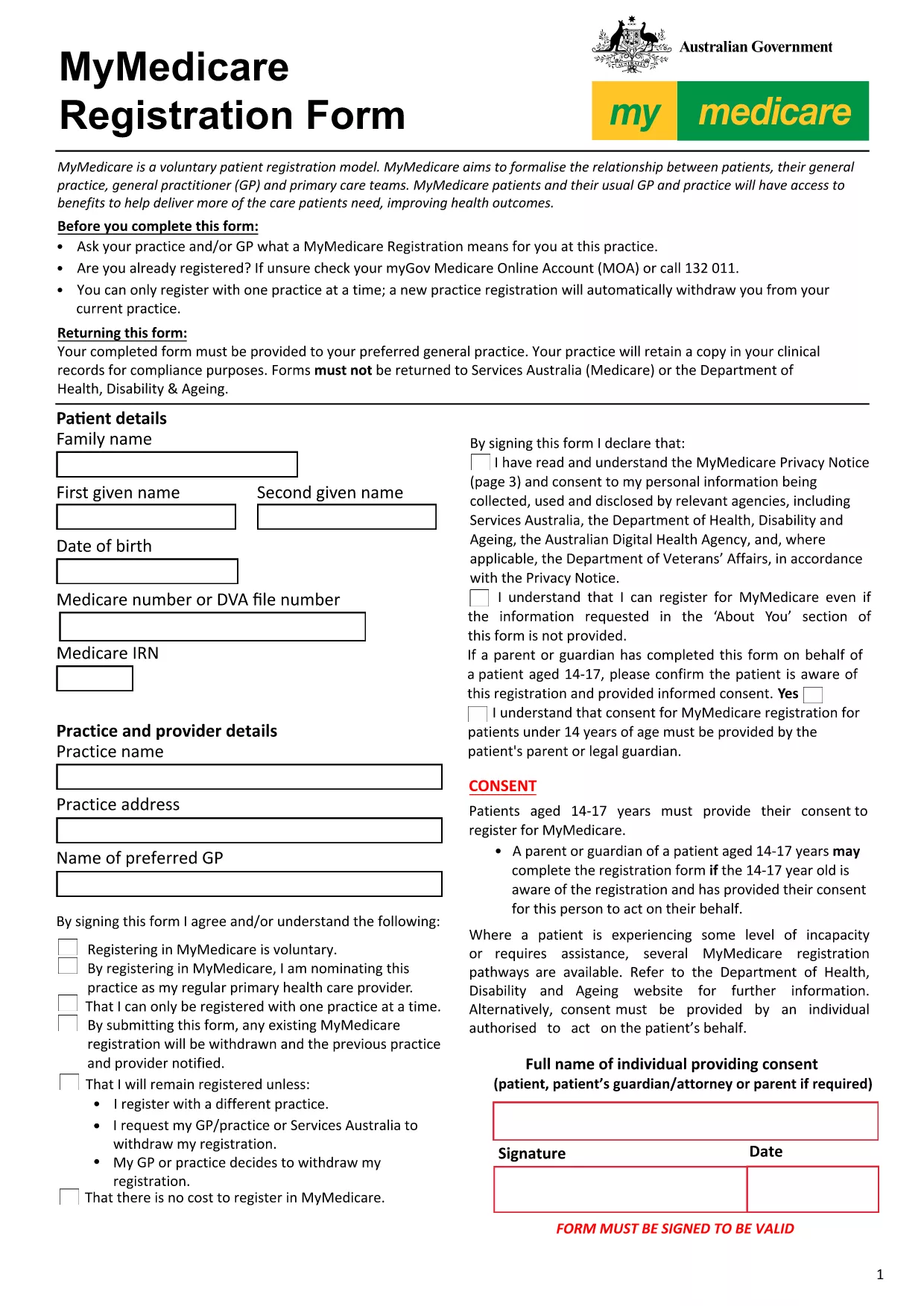
Looking for a quick, secure way to submit an online registration form? Our **fillable PDF** version of the MyMedicare registration form lets you enter all required details directly in your browser – no extra software, no printing, and no scanning.
Follow these simple steps to finish your registration in minutes:
After completing the fillable PDF, you can:
registrations@myhealth.gov.au.If you prefer to work offline, click the button below to download the original MyMedicare registration PDF.
No. The Formize PDF Filler works entirely in your web browser, so you don’t need Adobe Acrobat or any other software.
Yes. All data stays on your device until you choose to download or send the completed form. The connection is encrypted with HTTPS.
The filler allows you to download a partially completed PDF at any time. Simply open the saved file later to continue where you left off.
Contact the MyMedicare help desk at registrations@myhealth.gov.au within 48 hours to request a correction.
No. The fillable version and the Formize service are completely free.
Absolutely. Once you’ve saved the finished PDF, you can print it on any standard printer.
The filler works in the latest versions of Chrome, Edge, Firefox, and Safari.
You need internet access to load the filler and to email or upload the final document. Offline work is possible after the form is downloaded.
Завдяки традиційному набору функцій для перегляду та заповнення PDF-документа в поєднанні з перевагами веб-додатку та адаптивного макета ви можете виконати online registration form за лічені хвилини.
Найпростіший спосіб заповнювати PDF-форми онлайн
Видалити сеанс заповнення
Видалити сеанс редагування