
шаблон Leris application form
Завдяки традиційному набору функцій для перегляду та заповнення PDF-документа в поєднанні з перевагами веб-додатку та адаптивного макета ви можете виконати Leris application form за лічені хвилини.


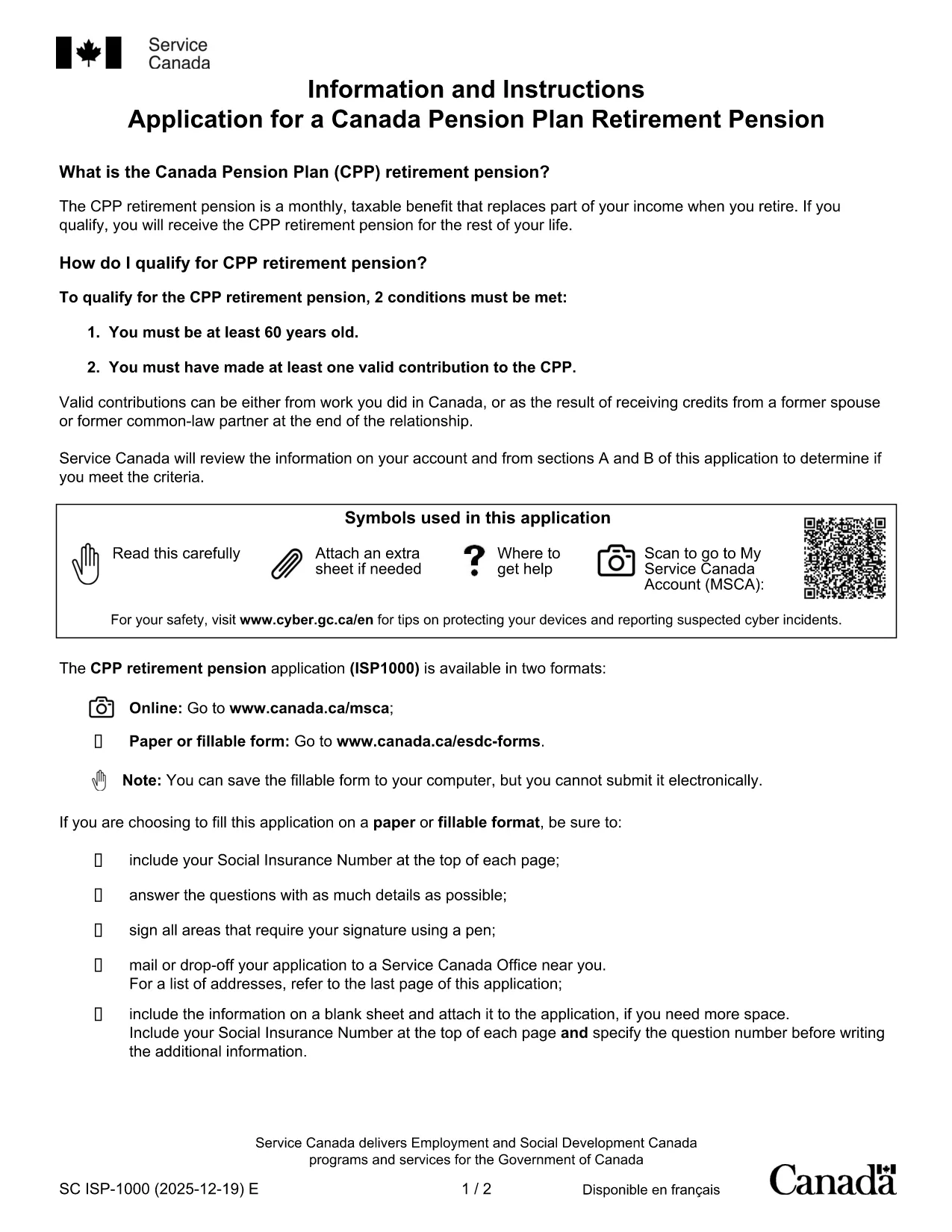
The Leris application form is a government‑approved PDF that lets you apply for benefits quickly and securely. Thanks to Formize’s fillable PDF technology, you can complete the entire form directly in your browser—no extra software required.
Our online filler automatically validates your entries, saves your progress, and lets you download a final, printable copy for your records. Whether you’re applying for a pension, a supplement, or another benefit, this fillable PDF streamlines the process.
Key benefits:
Follow the simple steps below to complete the Leris application in minutes.
No. The Formize PDF Filler works directly in your web browser, so you never need to install additional software.
Yes. All data is transmitted over an encrypted HTTPS connection and never stored on our servers after you submit or download the form.
The filler auto‑saves locally in your browser. You can close the tab and reopen the form later to continue where you left off.
Contact the responsible agency (e.g., Service Canada) to request a correction. Having a saved copy of your completed PDF makes the process faster.
No. The online filler and the PDF download are completely free for users.
Download the final version provided by the filler; it is a standard, non‑editable PDF that can be printed or emailed.
Завдяки традиційному набору функцій для перегляду та заповнення PDF-документа в поєднанні з перевагами веб-додатку та адаптивного макета ви можете виконати Leris application form за лічені хвилини.
Найпростіший спосіб заповнювати PDF-форми онлайн
Видалити сеанс заповнення
Видалити сеанс редагування