

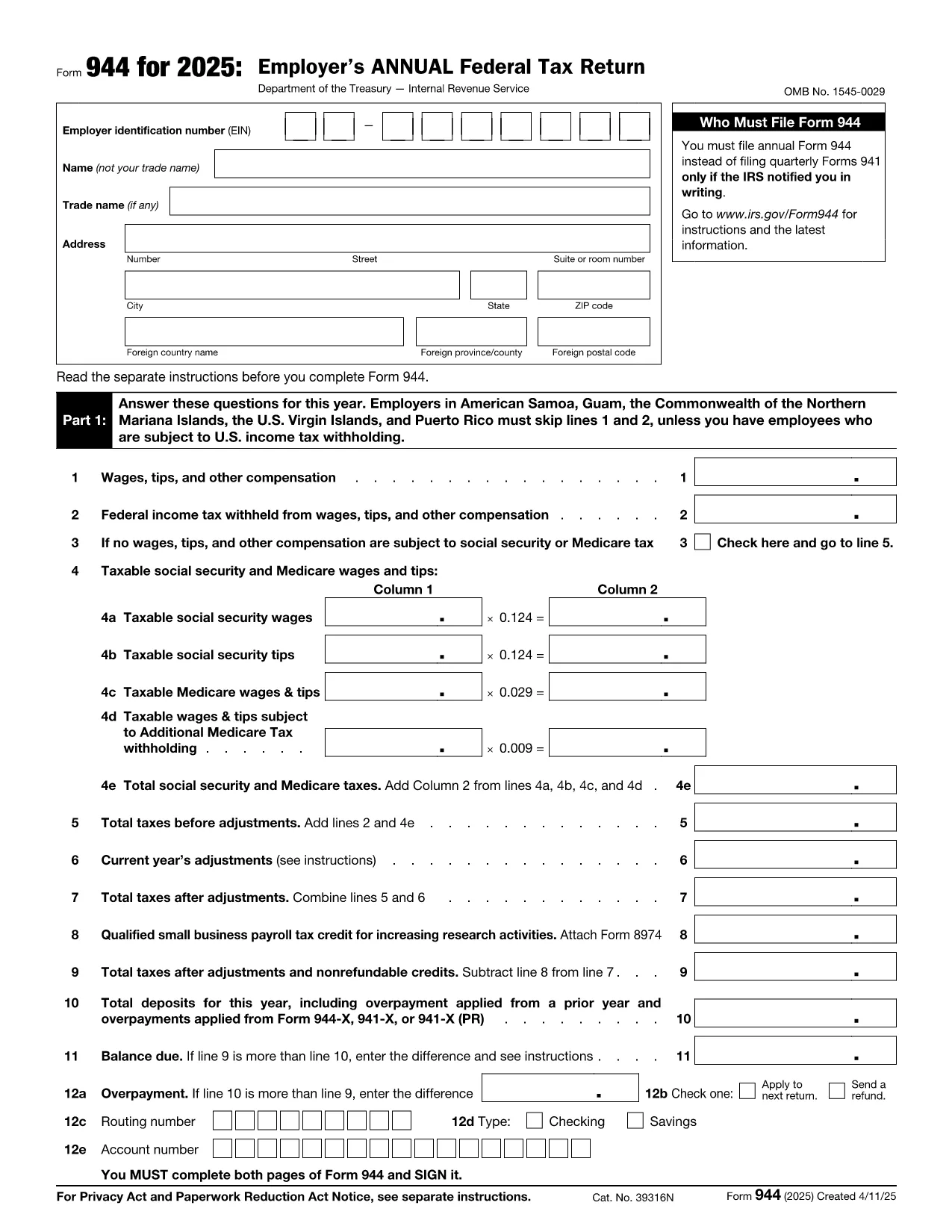

Форми Служби внутрішніх доходів (IRS).
Form 944 — це одна з офіційних форм оподаткування, яка використовується в Сполучених Штатах для звітування про доходи, отримання відрахувань і кредитів, розрахунку податкових зобов’язань та виконання інших податкових зобов’язань. IRS є федеральним агентством, відповідальним за адміністрування та виконання законів про внутрішні доходи в Сполучених Штатах.
Ось кілька прикладів форм податкової служби:
Форма 1040: це основна форма декларації про доходи фізичних осіб, якою користується більшість платників податків. Він використовується для звітування про різні види доходів, витребування відрахувань і кредитів, розрахунку податкових зобов’язань і визначення того, чи має платник податків додатковий податок чи має право на відшкодування.
Форма 1099: існують різні варіанти форми 1099, наприклад 1099-MISC, 1099-INT, 1099-DIV тощо. Ці форми використовуються для звітування про доходи, отримані окремими особами чи підприємствами з різних джерел, окрім роботи за наймом, як-от самозайнятість доходи, процентні доходи, дивідендні доходи та доходи від оренди.
Форма W-2: ця форма використовується роботодавцями для звітування про виплачену працівникам заробітну плату та податки утримано з їх заробітної плати. Працівники використовують інформацію у формі W-2 для заповнення індивідуальних податкових декларацій.
Форма 941: роботодавці використовують цю форму, щоб звітувати про податки на працевлаштування, у тому числі федеральний податок на прибуток, податок на соціальне страхування та податок на медичне страхування для своїх працівників.
Форма 1065: ця форма використовується товариствами для звітування про свої доходи, відрахування та податкові зобов’язання. Самі товариства не сплачують податок на прибуток; натомість партнери повідомляють про свою частку прибутку партнерства у своїх індивідуальних податкових деклараціях.
Форма 1120: це форма декларації про податок на прибуток корпорацій, яка використовується корпораціями C для звітування про свої доходи, відрахувань і податкових зобов'язань.
Форма 990: ця форма використовується організаціями, звільненими від сплати податків, наприклад некомерційними та благодійними організаціями, щоб повідомляти про свою фінансову інформацію, діяльність і дотримання податкового законодавства.
Форма 8862: цією формою користуються платники податків, які раніше подали заявку на податковий кредит на зароблений прибуток (EITC) але його було відхилено, і тепер ви хочете вимагати його знову.
Це лише кілька прикладів численних форм IRS, які існують для виконання різноманітних податкових зобов’язань. Конкретні форми, необхідні для фізичної особи чи підприємства, залежать від їхніх унікальних обставин, джерел доходу та відрахувань. Рекомендуємо відвідати офіційний веб-сайт Служби внутрішніх доходів (www.irs.gov) або отримати професійну податкову консультацію, щоб отримати точну й актуальну інформацію щодо конкретної податкової служби. форми, що відповідають вашій податковій ситуації.