
Chọn ngôn ngữ

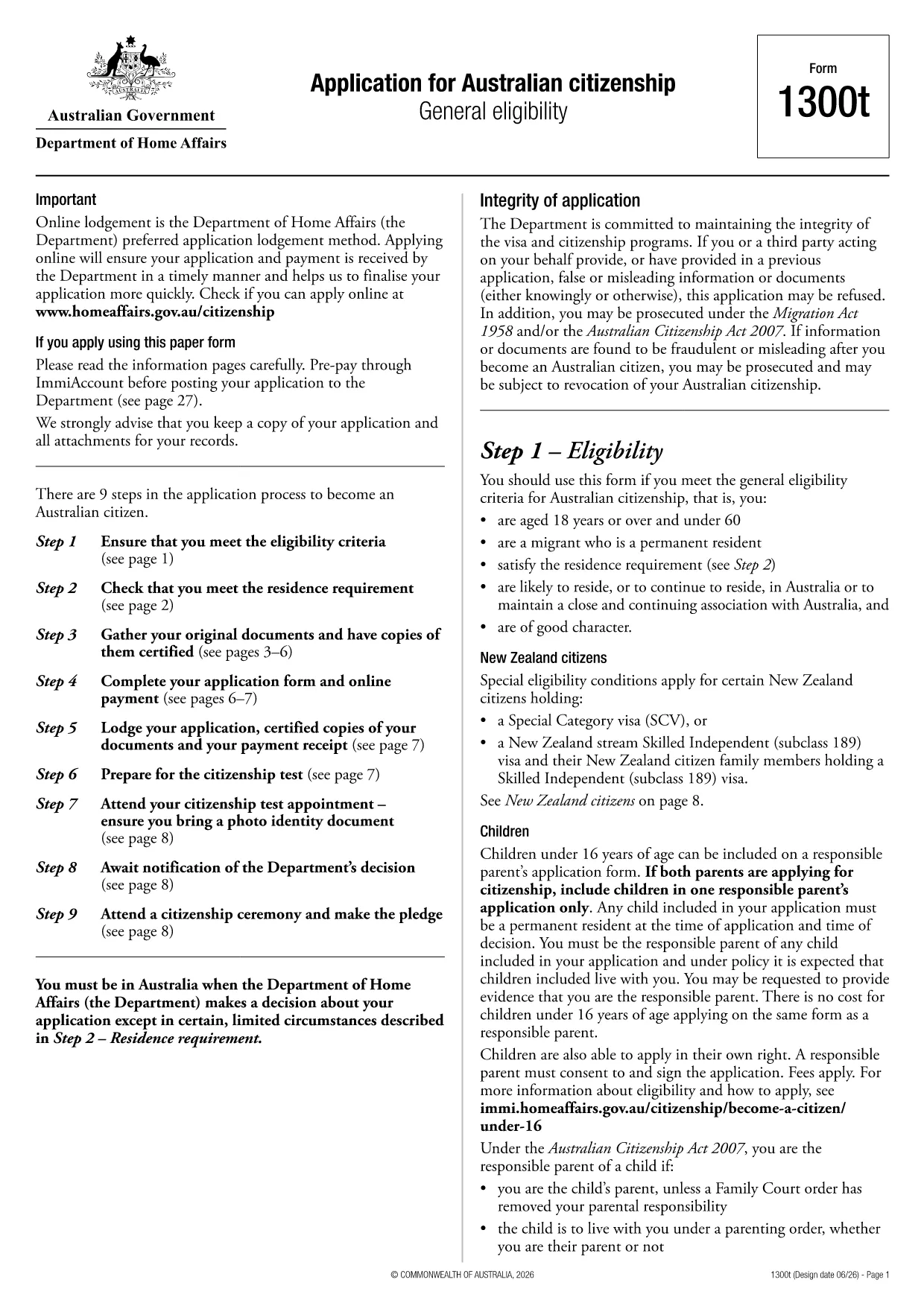
Australian Citizenship Application Form (Form 1300t)

  1. Ngôn ngữ Tiếng Anh
  2. Quốc gia Châu Úc
  3. Phòng Bộ Nội vụ và Tư pháp
  4. Hoạt động Quyền công dân
Australian Citizenship Application Form (Form 1300t)

Looking for a quick way to complete the Australian Citizenship Application (Form 1300t)? You’ve come to the right place. This page lets you download the official PDF, fill it out instantly in your browser, and avoid the hassle of printing and scanning.

What Is Form 1300t?

Form 1300t is the Department of Home Affairs’ official application for Australian citizenship under the general eligibility pathway. The form collects personal details, residency history, character information, and supporting documents.

Eligibility Requirements

  • Be a permanent resident of Australia.
  • Have lived in Australia for at least 4 years, with at least 12 months as a permanent resident.
  • Pass the citizenship test and meet character requirements.

How to Fill the Form Online with Formize

Instead of downloading the PDF and editing it in a separate program, simply click the "Fill out this form" button on this page. The Formize PDF Filler app will load, letting you complete every field directly in your browser.

Common Mistakes to Avoid

  • Leaving any mandatory field blank – the filler will highlight missing information.
  • Providing outdated passport numbers or addresses.
  • Skipping the declaration section; it must be signed electronically.

Where to Submit Your Application

After completing the form, download the filled PDF and submit it through the Department of Home Affairs online portal or mail it to the address listed in the instructions.

Ready to start? Click the button below and let Formize do the heavy lifting.

CÂU HỎI THƯỜNG GẶP
  • Can I submit Form 1300t online?

    Yes. After filling the form with Formize, you can upload the completed PDF directly to the Department of Home Affairs online portal.

  • Is the Formize filler secure?

    Absolutely. All data is processed locally in your browser and is not stored on our servers.

  • Do I need a PDF editor to use this form?

    No. Formize provides a full fillable interface, so you never need a separate PDF editor.

  • What if I make a mistake after downloading?

    You can reopen the downloaded PDF in Formize, edit the fields again, and re‑download the corrected version.

  • How long does it take to process the citizenship application?

    Processing times vary, but most applications are reviewed within 12‑24 months after submission.

  • Do I need to attach supporting documents to the PDF?

    Supporting documents are submitted separately through the online portal or by mail, as instructed in the form's guidelines.

  • Is there a fee for submitting Form 1300t?

    Yes, a citizenship application fee applies. Check the Home Affairs website for the current amount.

  • Can I save my progress and finish later?

    Formize allows you to export a partially completed PDF, which you can reopen later to continue filling.

LÀM THẾ NÀO ĐỂ

Cách điền Australian citizenship form miễn phí, trực tuyến trong 6 bước đơn giản:

  1. 1
    Click the Fill‑out button
    Press the "Fill out this form" button on this page. The Formize PDF Filler will open in a new tab.
  2. 2
    Wait for the filler to load
    The application loads fully editable fields. This usually takes a few seconds.
  3. 3
    Enter your details
    Complete each section – personal information, residency history, character declarations, and signatures.
  4. 4
    Review and validate
    Use the built‑in validation to ensure no required fields are missing or incorrectly formatted.
  5. 5
    Download the completed PDF
    When you’re satisfied, click "Download" to save the filled form to your device.
  6. 6
    Submit to the Department
    Upload the saved PDF to the Home Affairs online portal or print and mail it as instructed.
Định dạng ứng dụng PDF Filler
TRONG KHOẢNG

mẫu đơn công dân

Australian citizenship form là một trong những biểu mẫu Công dân là tài liệu được sử dụng để đăng ký quốc tịch tại một quốc gia. Các hình thức và yêu cầu chính xác về quyền công dân khác nhau tùy theo quốc gia, nhưng nhìn chung, quy trình này bao gồm việc cung cấp thông tin cá nhân và bằng chứng về việc đủ điều kiện để trở thành công dân.

Tại Hoa Kỳ, mẫu đơn nhập quốc tịch phổ biến nhất là Đơn xin Nhập tịch N-400. Biểu mẫu này được sử dụng bởi thường trú nhân hợp pháp (người có thẻ xanh) để đăng ký quốc tịch Hoa Kỳ. Biểu mẫu yêu cầu thông tin cá nhân như tên, ngày sinh và thông tin liên lạc, cũng như thông tin về tình trạng nhập cư của người nộp đơn, lịch sử tội phạm và các yêu cầu đủ điều kiện khác.

Các quốc gia khác có thể có các hình thức và yêu cầu khác nhau về quyền công dân, nhưng quy trình cơ bản thường liên quan đến việc cung cấp thông tin về lý lịch của người nộp đơn và đáp ứng các tiêu chí đủ điều kiện nhất định. Điều này có thể bao gồm vượt qua bài kiểm tra quyền công dân, thể hiện kiến ​​thức về lịch sử và chính phủ của đất nước, đồng thời thể hiện sự thành thạo ngôn ngữ của đất nước.

Điều quan trọng cần lưu ý là quá trình lấy quốc tịch có thể phức tạp và tốn thời gian. Các cá nhân đang tìm kiếm quốc tịch nên tham khảo ý kiến ​​​​luật sư di trú hoặc chuyên gia có trình độ khác để giúp điều hướng quá trình và đảm bảo rằng tất cả các biểu mẫu và yêu cầu cần thiết đều được đáp ứng.

ĐẶC TRƯNG

Trình điền PDF

Cách dễ nhất để điền vào các mẫu PDF trực tuyến

  • Nhanh chóng điền vào Australian citizenship form
    Bạn đang tìm cách điền nhanh Australian citizenship form trực tuyến? Với trình điền biểu mẫu PDF miễn phí trực tuyến của chúng tôi, bạn sẽ biết cách chỉnh sửa và điền vào tài liệu pdf này trong vòng chưa đầy một phút.
  • Trình chỉnh sửa PDF trực tuyến dễ sử dụng
    Chán nản với việc in ra các tệp PDF để bạn có thể chỉnh sửa chúng trước khi quét lại và gửi lại? Chỉnh sửa tài liệu PDF trực tuyến miễn phí. Sử dụng trình chỉnh sửa pdf trực tuyến của chúng tôi để tiết kiệm thời gian và giấy.
  • Công cụ tuyệt vời, tất cả các nền tảng
    Bạn muốn biết cách điền Australian citizenship form trên máy Mac hoặc có thể là cách sử dụng trình điền PDF miễn phí? Các công cụ PDF trực tuyến của chúng tôi hoạt động trên tất cả các nền tảng.
  • Lưu trữ tệp an toàn
    Các tệp "Australian citizenship form" đã hoàn thành được lưu trữ trong cơ sở dữ liệu bảo mật do dịch vụ lưu trữ Amazon Cloud quản lý. Bạn có thể xóa các tệp của mình khỏi hệ thống của chúng tôi bất cứ lúc nào. Trong mọi trường hợp, các tệp này sẽ tự động bị xóa sau 24 giờ.
  • Trò chuyện với Australian citizenship form
    Trò chuyện với "Australian citizenship form" trên Trò chuyện, một trợ lý đọc PDF miễn phí. Đặt câu hỏi và nhận câu trả lời từ "Australian citizenship form". Chỉ cần nhấp vào nút Trò chuyện với tài liệu ở trên.

Xóa phiên điền

Xóa phiên điền đã chọn? Trong trường hợp này, tiến độ của bạn trong việc hoàn thành biểu mẫu sẽ bị mất.

Xóa phiên chỉnh sửa

Xóa phiên chỉnh sửa đã chọn? Trong trường hợp này, tiến trình tạo và chỉnh sửa biểu mẫu của bạn sẽ bị mất.