
mẫu UGIFT 2026 application
Với bộ tính năng truyền thống để xem và điền vào tài liệu PDF, kết hợp với các lợi ích của ứng dụng web và bố cục đáp ứng, bạn có thể hoàn thành UGIFT 2026 application trong vài phút.


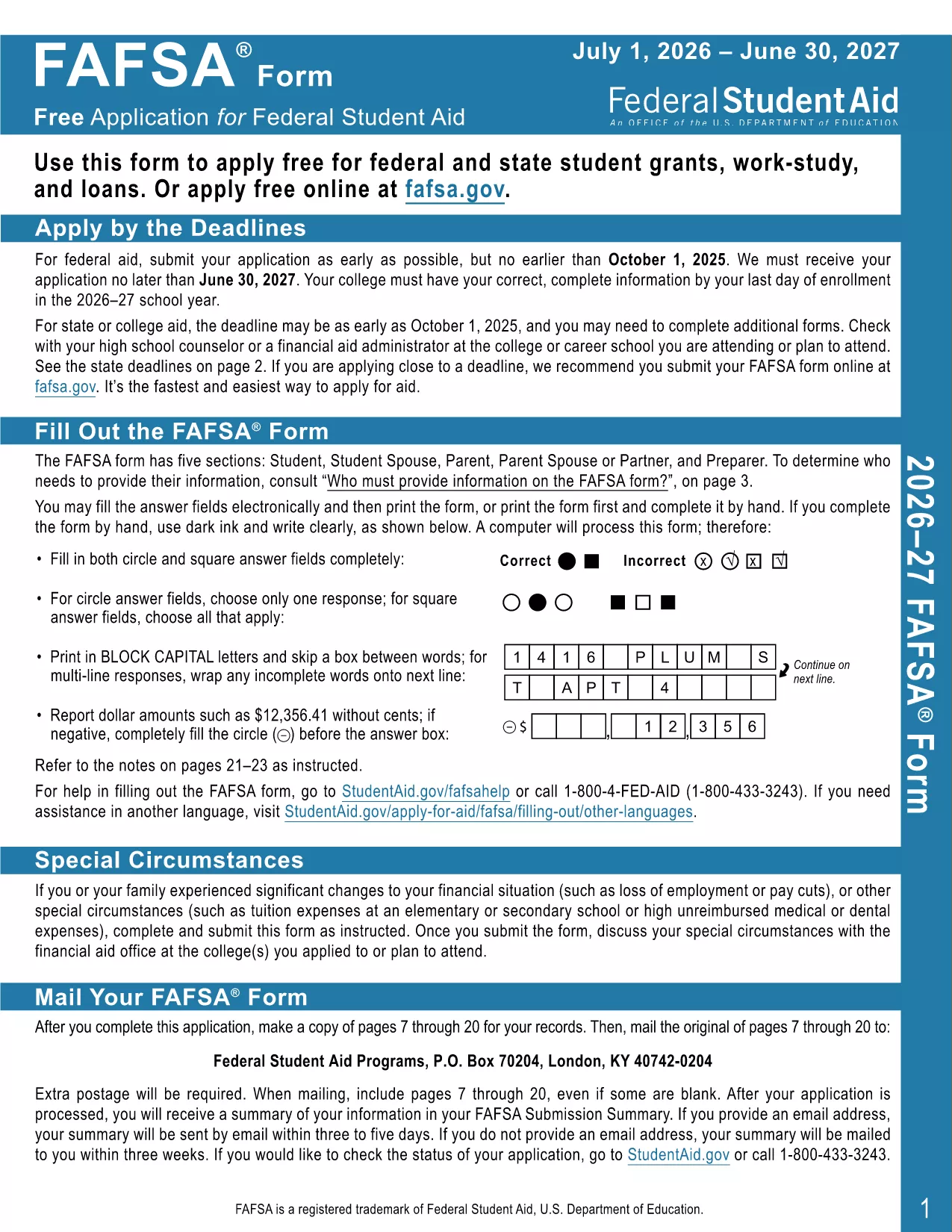
The UGIFT 2026 application form is the official, fillable PDF you need to apply for the 2026 Universal Gift Initiative. With Formize’s integrated PDF Filler, you can complete the form directly in your browser—no extra software required.
This form is designed by the Department of Education to streamline the gift‑application process. It includes auto‑calculations, validation checks, and a clean, accessible layout that meets the 2026 compliance standards.
Follow the simple steps below to fill out the form in minutes:
If you prefer to work offline, click the download button below to get the official UGIFT 2026 fillable PDF. The file works with any free Adobe Acrobat Reader version.
Need help? Review our FAQ section or revisit the step‑by‑step guide above.
No. Formize’s PDF Filler works in any modern browser. Adobe Reader is only needed if you download the PDF for offline use.
Yes. Open the saved PDF with Formize’s filler again, make changes, and re‑save.
The filler will highlight the error and prevent you from saving until the field is corrected.
Absolutely. The PDF is provided at no cost and can be used multiple times.
Follow the submission instructions on the last page of the PDF—usually mailing to the address listed or uploading via the program’s portal.
Yes. The Formize filler is responsive and works on smartphones and tablets.
Chrome, Firefox, Edge, and Safari (latest versions) are fully supported.
Với bộ tính năng truyền thống để xem và điền vào tài liệu PDF, kết hợp với các lợi ích của ứng dụng web và bố cục đáp ứng, bạn có thể hoàn thành UGIFT 2026 application trong vài phút.
Cách dễ nhất để điền vào các mẫu PDF trực tuyến
Xóa phiên điền
Xóa phiên chỉnh sửa