
mẫu school leave application
Với bộ tính năng truyền thống để xem và điền vào tài liệu PDF, kết hợp với các lợi ích của ứng dụng web và bố cục đáp ứng, bạn có thể hoàn thành school leave application trong vài phút.


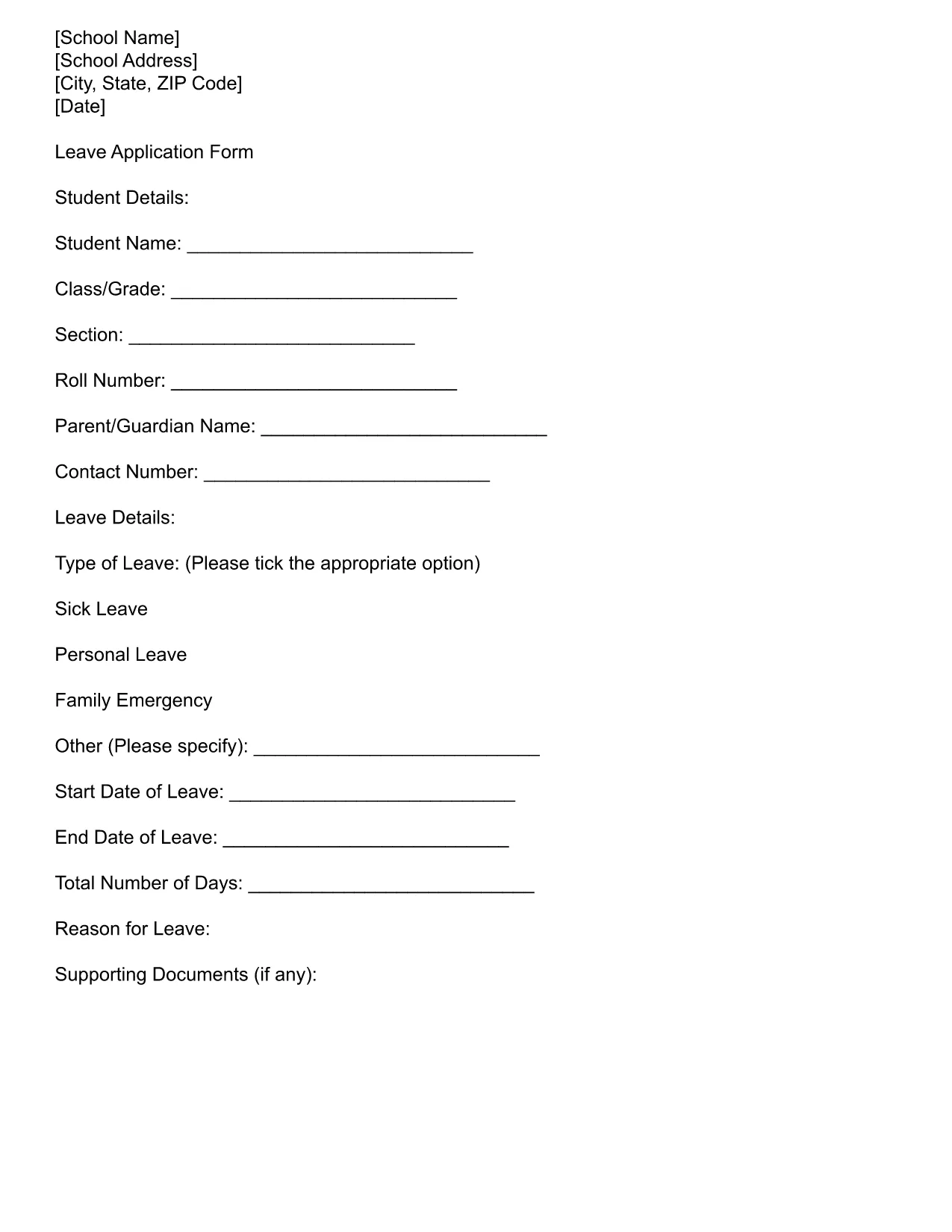
When a student needs to request a day of absence after it has already occurred, schools often require a formal yesterday leave application. Our fillable PDF makes the process quick, accurate, and paper‑free.
A fillable PDF ensures that all required fields are completed in the correct format, reduces handwriting errors, and lets you submit the form electronically. Parents and guardians can save a copy for their records and the school receives a clean, legible document.
Simply click the Fill out this form button below. The Formize PDF Filler app will load directly in your browser—no extra software needed. Enter the student’s name, date of the missed day, reason for the absence, and signatures. When you’re done, download the completed PDF or send it straight to your school’s email.
Check your school’s policy for the latest deadline—most districts require the form within 48 hours of the missed day. Email the completed PDF to the attendance office or upload it to the school’s portal as instructed.
Find quick answers to the most common questions below, or scroll down to the full FAQ section.
It is a formal application submitted after a student has missed a school day, requesting the absence be recorded as excused.
Only if the school’s policy requires medical documentation for illness. Otherwise, a clear reason is sufficient.
Yes. Open the saved PDF in the Formize PDF Filler again, make changes, and re‑save.
Most districts require submission within 48 hours of the missed day, but check your school’s specific deadline.
The template follows common U.S. school district requirements, but always verify with your local school’s attendance office.
No. The Formize PDF Filler lets you add a digital signature, which many schools accept.
The filler will highlight missing fields before you can save, preventing incomplete submissions.
After completing the form, download the PDF and follow your school’s submission instructions (email or portal upload).
Với bộ tính năng truyền thống để xem và điền vào tài liệu PDF, kết hợp với các lợi ích của ứng dụng web và bố cục đáp ứng, bạn có thể hoàn thành school leave application trong vài phút.
Cách dễ nhất để điền vào các mẫu PDF trực tuyến
Xóa phiên điền
Xóa phiên chỉnh sửa