
mẫu application form
Với bộ tính năng truyền thống để xem và điền vào tài liệu PDF, kết hợp với các lợi ích của ứng dụng web và bố cục đáp ứng, bạn có thể hoàn thành application form trong vài phút.


Looking for a fast, secure way to complete an application form without printing, scanning, or faxing? Our fillable PDF application form lets you fill out every field directly in your browser. The document is hosted on Formize, a trusted PDF filler that works on any device.
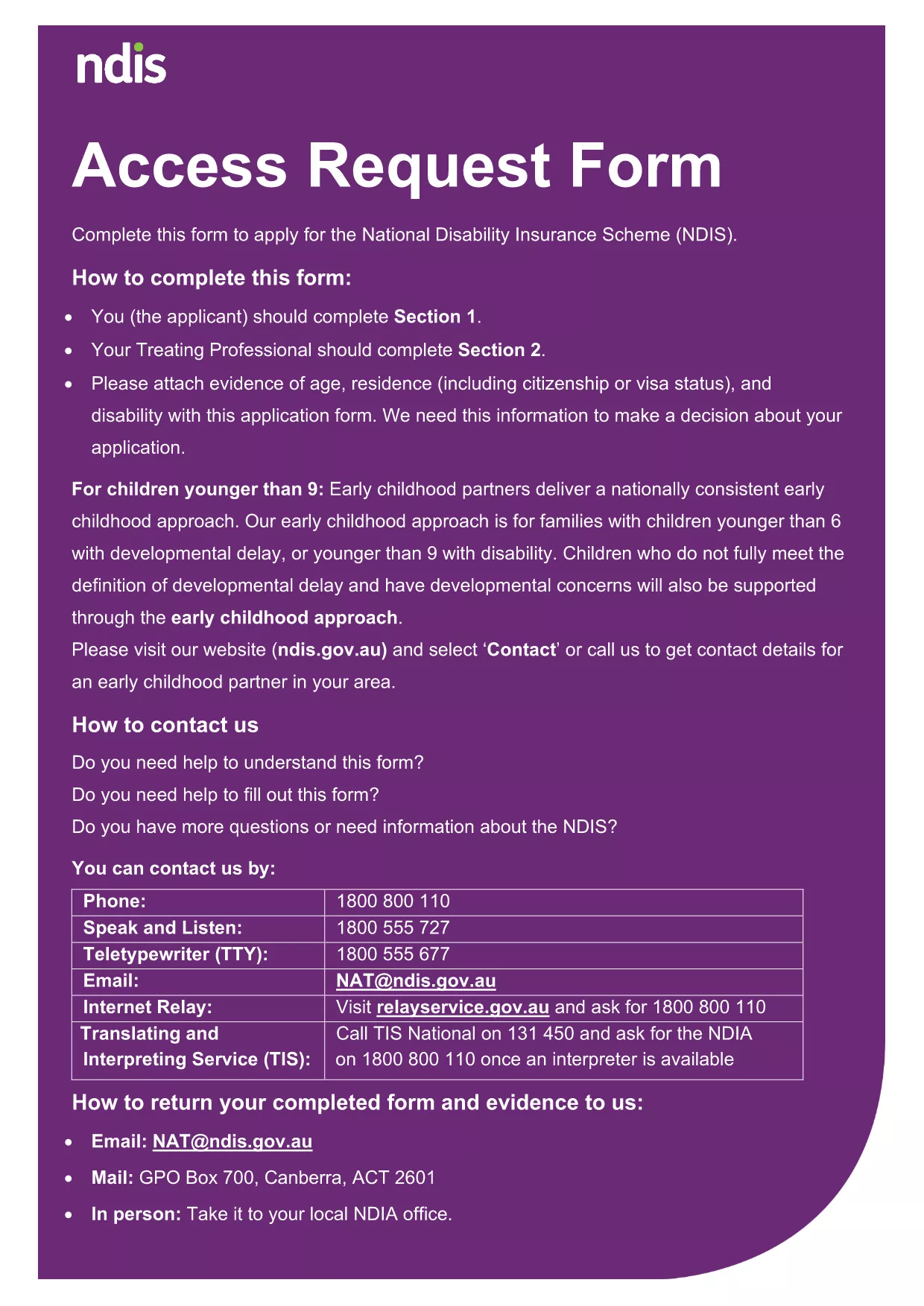
The form linked below is the official Access Request Form used by the National Disability Insurance Agency (NDIA). It collects essential personal information, contact details, and qualifications to process your request.
This is a government‑issued PDF that requests your name, address, date of birth, and other supporting details. Because it is fully fillable, you can type directly into each field, add signatures, and attach supporting documents.
Follow the simple steps in the How‑To section below – you never need to download a separate PDF editor.
Once you have filled and signed the form, you can either:
Need more help? Review the FAQs below or contact the NDIA through their official website.
No. Formize runs completely in your web browser, so no downloads or installations are required.
Yes. The saved PDF remains fully fillable. Open it again with Formize to make changes.
Formize uses HTTPS encryption and does not store your data on its servers after you close the session.
You can attach PDF, JPG, JPEG, and PNG files. Each attachment must not exceed 5 MB.
Yes. The built‑in signature tool lets you draw or type a signature that complies with most government requirements.
Absolutely. Use the “Print” button in the Formize toolbar to produce a paper copy of your completed form.
Với bộ tính năng truyền thống để xem và điền vào tài liệu PDF, kết hợp với các lợi ích của ứng dụng web và bố cục đáp ứng, bạn có thể hoàn thành application form trong vài phút.
Cách dễ nhất để điền vào các mẫu PDF trực tuyến
Xóa phiên điền
Xóa phiên chỉnh sửa