
mẫu I-485 fillable PDF
Với bộ tính năng truyền thống để xem và điền vào tài liệu PDF, kết hợp với các lợi ích của ứng dụng web và bố cục đáp ứng, bạn có thể hoàn thành I-485 fillable PDF trong vài phút.


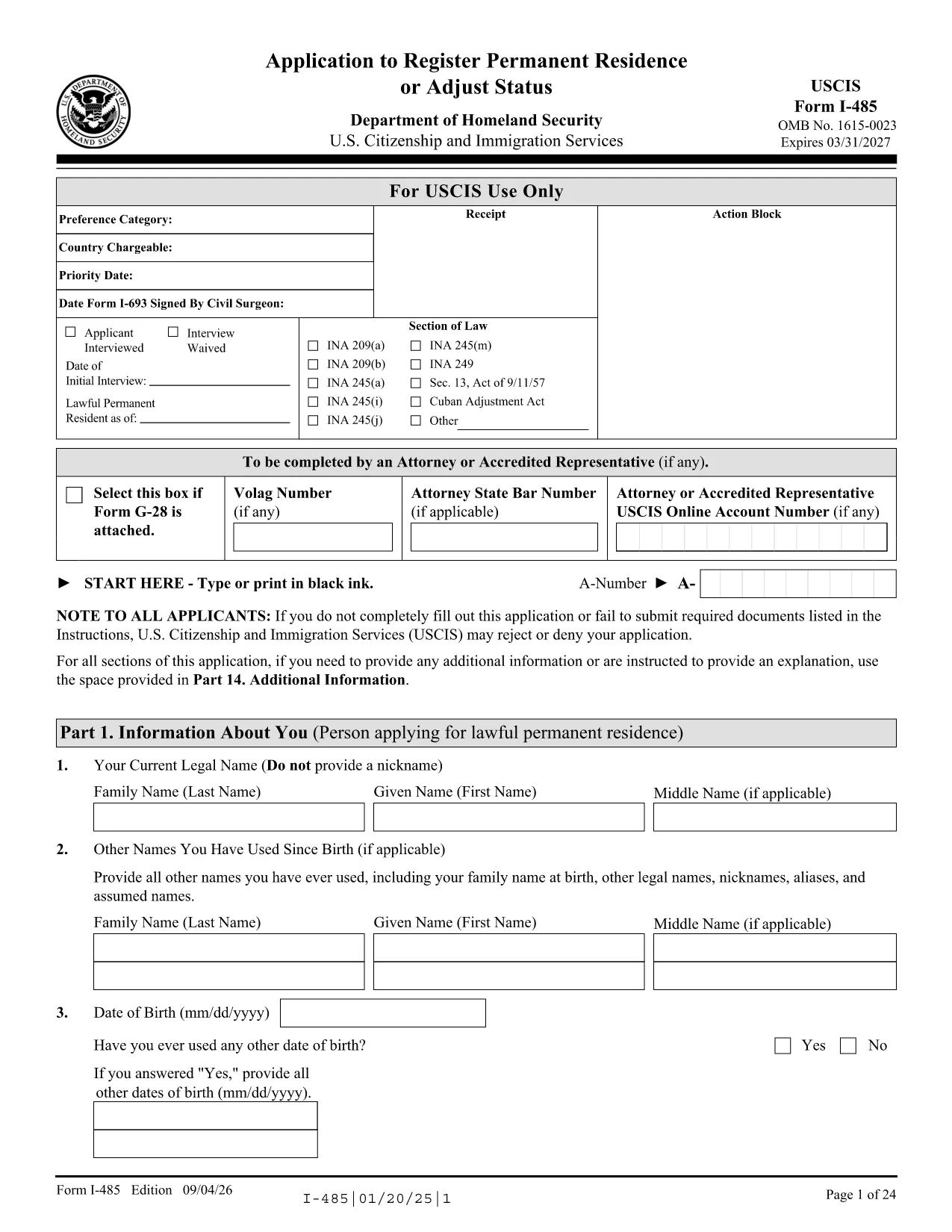
Looking for a fast, secure way to fill out the USCIS Form I-485 and monitor your application status? Formize provides a fully fillable PDF that loads directly in your browser, so you never have to download, print, or scan again.
Follow these simple steps to complete your I-485 application without any extra software.
After you submit the completed I-485, you can check the status in three easy ways:
Using the fillable PDF from Formize reduces processing delays caused by illegible handwriting or missing fields, helping your case move faster.
Form I-485 is the Application to Register Permanent Residence or Adjust Status, used by individuals already in the U.S. to become lawful permanent residents.
If you are filing by mail, print the completed PDF and sign it. For online filing, simply upload the saved PDF to your USCIS account.
Yes. The Formize filler lets you reopen the saved PDF, make changes, and re‑save without losing any data.
Always use the latest edition available from the official USCIS site. The link on this page points to the current version.
Submit a corrected Form I-485 with a cover letter explaining the error, or contact USCIS through your online account for guidance.
Processing times vary by case type and service center, but you can check current estimates on the USCIS website’s processing times page.
Formize offers a free basic fillable PDF service. No additional fee is required beyond the USCIS filing fee.
Với bộ tính năng truyền thống để xem và điền vào tài liệu PDF, kết hợp với các lợi ích của ứng dụng web và bố cục đáp ứng, bạn có thể hoàn thành I-485 fillable PDF trong vài phút.
Cách dễ nhất để điền vào các mẫu PDF trực tuyến
Xóa phiên điền
Xóa phiên chỉnh sửa