
选择语言

Originating Application Form Part 1 (Fillable PDF)

  1. 语言 英语
  2. 国家 澳大利亚
  3. 活动 Legal Forms
  4. 部门 司法部
Originating Application Form Part 1 (Fillable PDF)

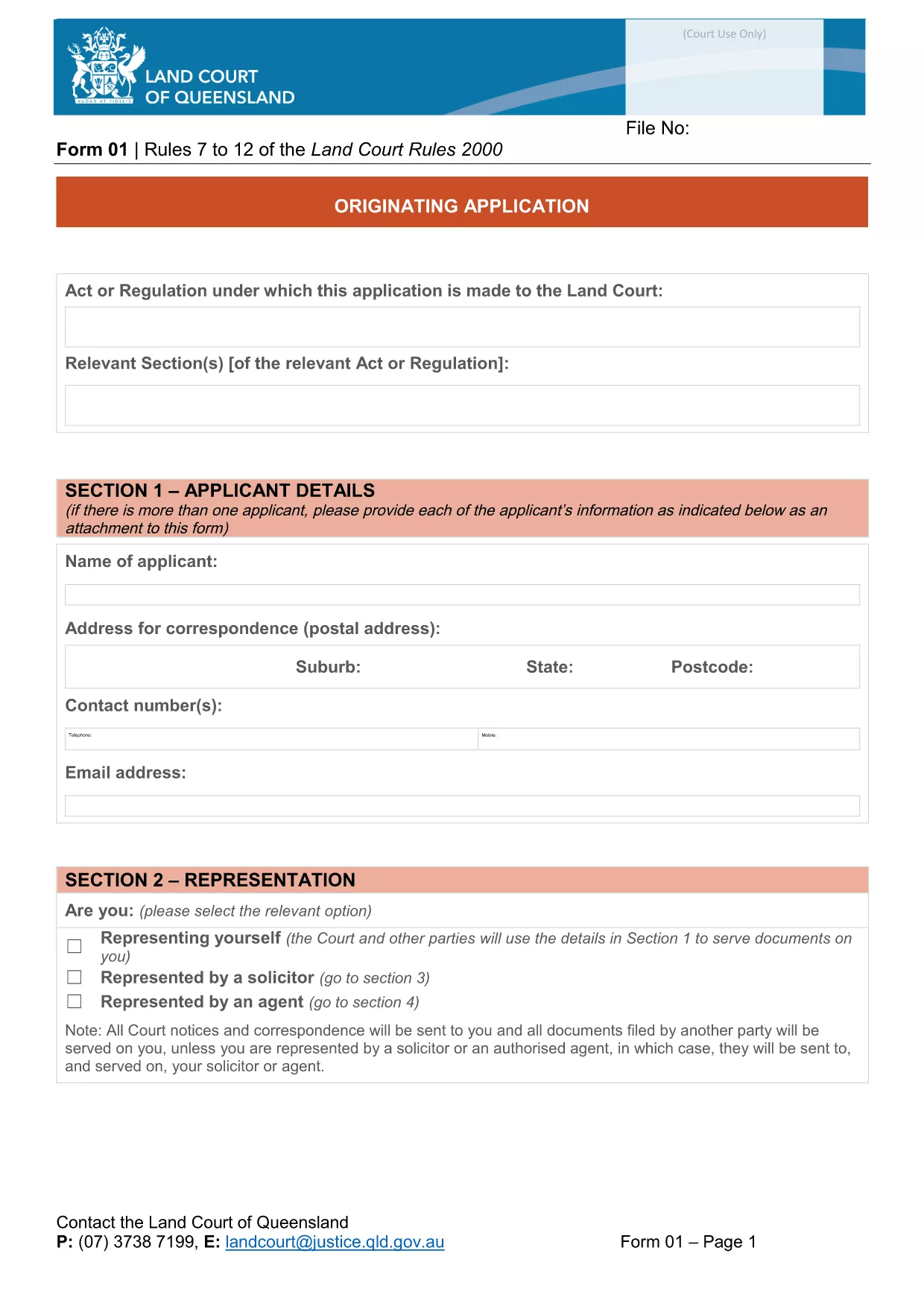
The Originating Application Form Part 1 is the first step in initiating a matter before the Queensland Land Court. Traditionally this PDF had to be printed, filled by hand, and scanned back in – a time‑consuming process that often led to errors.

With Formize’s free Fillable PDF feature, the same form is now completely editable online. The document is not locked, meaning you can type directly into every field, add dates, and even attach supporting files without ever opening a separate PDF editor.

Why Choose a Fillable PDF?

  • Instant validation – required fields are highlighted.
  • Save time – no printing, scanning, or faxing.
  • Reduce mistakes – auto‑formatting for dates, numbers, and checkboxes.
  • Secure storage – your completed form is saved in the cloud until you download it.

How to Complete the Form Online

Simply click the "Fill out this form" button on this page. The Formize PDF Filler app will load in seconds, presenting the exact layout of the official Queensland Courts form.

Enter your details, attach any required documents, and use the navigation tabs to move between sections. When you’re finished, click Save & Download to get a completed PDF ready for submission.

Common Mistakes & Tips

  • Leaving required fields blank: The filler highlights missing information in red.
  • Incorrect date format: Use the calendar picker to avoid format errors.
  • Uploading oversized files: Keep attachments under 5 MB for faster upload.
  • Not saving frequently: The app auto‑saves every 30 seconds, but a manual save gives peace of mind.

Download vs. Online Fill – What’s Best?

If you prefer to keep a local copy, you can still download the original PDF from the link below and fill it with any PDF editor. However, the online filler guarantees that the form stays unlocked and fully editable, which many other PDF viewers lock after the first edit.

Legal Use & Submission Guidelines

Once completed, the form must be signed (electronic signatures are accepted by the Queensland Land Court) and lodged according to the court’s filing instructions. Keep a copy for your records and submit the original as directed.

Ready to start? Click the button below and let Formize handle the rest.

常问问题
  • Do I need to download the PDF before I can fill it?

    No. Click the "Fill out this form" button and the Formize online filler will let you edit the document directly in your browser.

  • Is the form compatible with Adobe Acrobat?

    Yes. After you finish online, you can download the PDF and open it in Adobe Acrobat or any other PDF viewer.

  • Can I save my progress and return later?

    The Formize filler auto‑saves every 30 seconds. You can also manually click "Save" to download a draft and continue later.

  • Are electronic signatures accepted?

    The Queensland Land Court accepts electronic signatures on this form. Use the built‑in signature field in the filler or attach a scanned signature image.

  • What if I upload the wrong document?

    Simply delete the attachment in the filler and re‑upload the correct file. The app supports most common formats (PDF, JPG, PNG).

  • Is there a size limit for attachments?

    Each attachment must be under 5 MB to ensure quick upload and processing.

  • Do I need an account to use Formize?

    No account is required for this form. The filler works anonymously and does not store any personal data after you download the completed PDF.

  • Can I print the form after filling it online?

    Absolutely. Once you download the completed PDF, you can print it on any standard printer.

如何

如何通过 4 个简单步骤在线免费填写 fillable PDF:

  1. 1
    Open the Fillable Form
    Click the "Fill out this form" button on the page. The Formize PDF Filler loads instantly in your browser.
  2. 2
    Enter Your Information
    Type directly into each field, use the date picker for dates, and attach supporting documents where required.
  3. 3
    Validate & Save
    The filler highlights any missing required fields. Click "Save & Download" when all sections are complete.
  4. 4
    Download the Completed PDF
    A fully completed, unlocked PDF will be saved to your device. You can now print, sign electronically, or lodge it with the court.
Formize PDF Filler 应用程序
关于

司法部 (DOJ) 表格

fillable PDF 是美国司法部及其各个部门、机构和部门使用的官方表格之一。 DOJ 是联邦行政部门,负责执行联邦法律、在法律事务上捍卫美国利益并主持司法。

以下是司法部表格的一些示例:

联邦援助申请表 (SF-424):此表格供申请司法部或其下属机构管理的联邦拨款或财务援助的组织使用。它收集有关组织、拟议项目和预算的信息。

民权投诉表:此表用于向司法部民权部门提出有关涉嫌违反民权法的投诉,例如基于种族、性别、残疾或国籍的歧视。

受害者通知申请表:犯罪受害者使用此表格来请求有关联邦刑事案件的状态和诉讼程序的通知,这是司法部向犯罪受害者提供信息和支持的努力的一部分。

移民表格:司法部的移民审查执行办公室 (EOIR) 管理移民法庭和移民相关程序。移民法庭诉讼程序中使用各种表格,例如用于申请递解出境救济的表格 EOIR-42B 或用于上诉的表格 EOIR-28。

ATF 表格:如之前的回复中所述,隶属于司法部的酒精、烟草、枪械和爆炸物局 (ATF) 有自己的一套用于各种目的的表格。

缉毒局 (DEA) 表格:DEA 是司法部的另一个组成部分,使用自己的表格来处理与受控物质相关的事宜,包括注册、报告和记录保存要求的申请。

这些示例重点介绍了司法部表格的几个类别,但司法部使用的具体表格可能会有所不同,具体取决于所涉及的部门、机构或组成部分以及服务或诉讼的性质。建议查阅 DOJ 内特定部门或机构的官方网站或寻求法律建议,以获得与您的情况相关的特定 DOJ 表格的准确和最新信息。

特征

PDF 填充器

在线填写 PDF 表单的最简单方法

  • 快速填写fillable PDF
    正在寻找一种在线快速填写 fillable PDF 的方法?使用我们的在线免费 PDF 填表工具,您将在不到一分钟的时间内了解如何编辑和填写此 pdf 文档。
  • 易于使用的在线 PDF 编辑器
    是否厌倦了打印 PDF 文件以便在重新扫描并发回之前对其进行编辑?免费在线编辑 PDF 文档。使用我们的在线 pdf 编辑器可以节省时间和纸张。
  • 伟大的工具,所有平台
    想知道如何在 Mac 上填写 fillable PDF,或者如何免费使用 PDF 填充程序?我们的在线 PDF 工具适用于所有平台。
  • 安全文件存储
    完成的“fillable PDF”文件存储在由亚马逊云托管管理的安全数据库中。您可以随时从我们的系统中删除您的文件。在任何情况下,这些文件都会在 24 小时后自动删除。
  • 与 fillable PDF 聊天
    Chatize 上与“fillable PDF”聊天,这是一个免费的 PDF 阅读器助手。提出问题并从“fillable PDF”获得答案。只需点击上面的与文档聊天按钮即可。

删除填充会话

删除选定的填充会话?在这种情况下,您填写表格的进度将丢失。

删除编辑会话

删除选定的编辑会话?在这种情况下,您创建和编辑表单的进度将会丢失。