


Academic Extension Program模板
借助用于查看和填写 PDF 文档的传统功能集,结合 Web 应用程序和响应式布局的优势,您可以在几分钟内完成 Academic Extension Program。
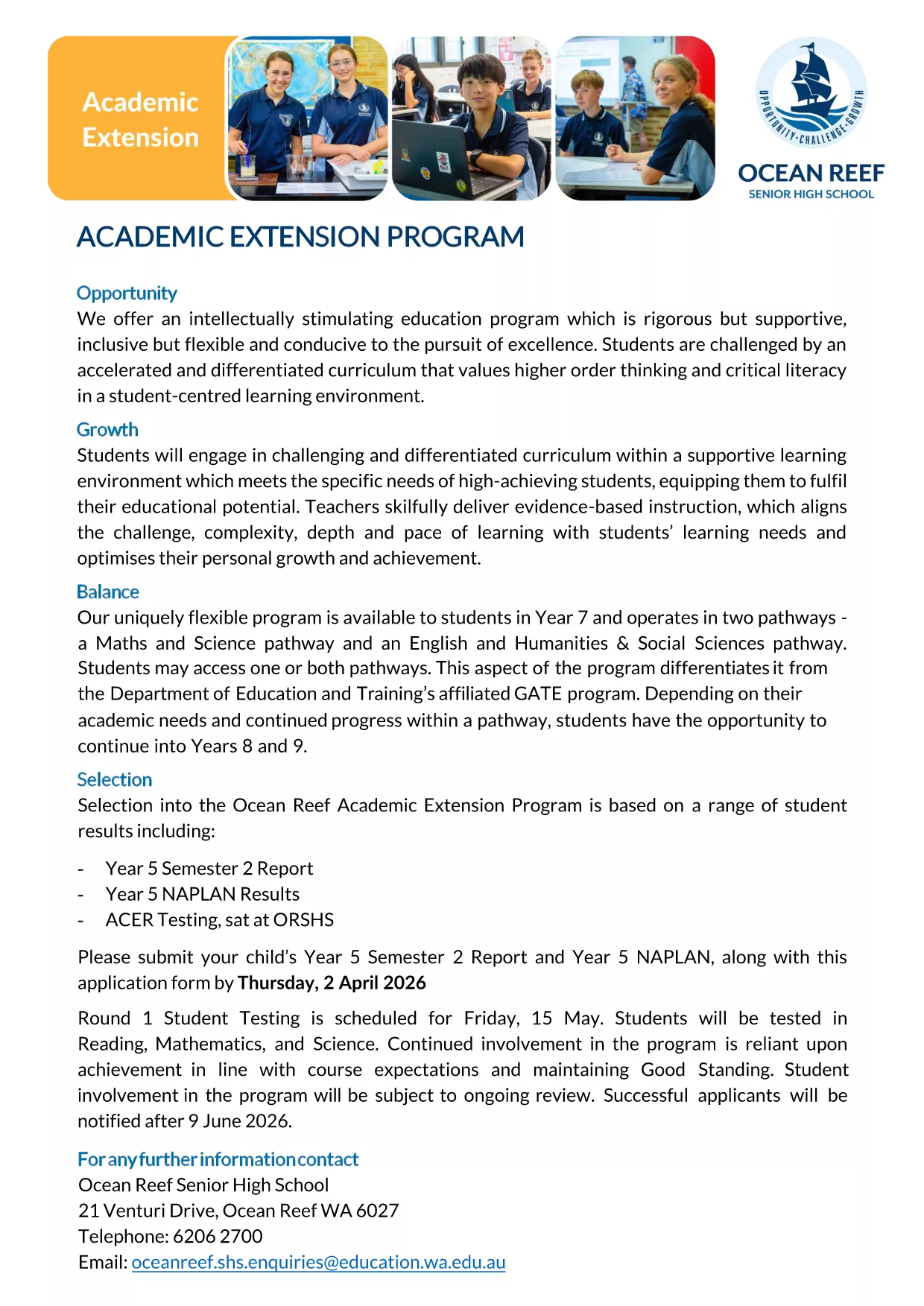
Looking for the official Academic Extension Program application form for 2027? You’re in the right place. This fillable PDF, hosted by Ocean Reef College, lets parents and students submit the required documents quickly and securely.
The fillable version eliminates the need for printing, scanning, or handwriting. All fields are interactive, data is saved automatically, and you can submit the completed form directly through the Formize PDF Filler app.
Follow the simple steps below to finish your application without any hassle.
Avoid these frequent errors: leaving mandatory fields blank, uploading the wrong report year, or using an unsupported file type for attachments.
If you prefer a hard copy, you can still download the PDF, print it, and fill it out by hand. However, the online filler is faster and reduces the chance of missing information.
Find answers to the most common queries about this application form further down the page.
Yes. The Formize PDF Filler turns the static PDF into an interactive form that you can complete directly in your browser.
No. The Formize app works in any modern browser, so you don’t need Adobe Acrobat or any additional software.
Absolutely. Use the “Save” button to download a copy of your partially completed form and reopen it later.
The form accepts PDF, JPG, and PNG files up to 5 MB each for reports and NAPLAN results.
All applications must be submitted by Thursday, 2 April 2026 (Round 1). Late submissions may not be considered.
If you experience problems with the Formize filler, try refreshing the page or using a different browser. For further assistance, contact Ocean Reef College’s admissions office.
借助用于查看和填写 PDF 文档的传统功能集,结合 Web 应用程序和响应式布局的优势,您可以在几分钟内完成 Academic Extension Program。
在线填写 PDF 表单的最简单方法
删除填充会话
删除编辑会话