


form h119模板
借助用于查看和填写 PDF 文档的传统功能集,结合 Web 应用程序和响应式布局的优势,您可以在几分钟内完成 form h119。
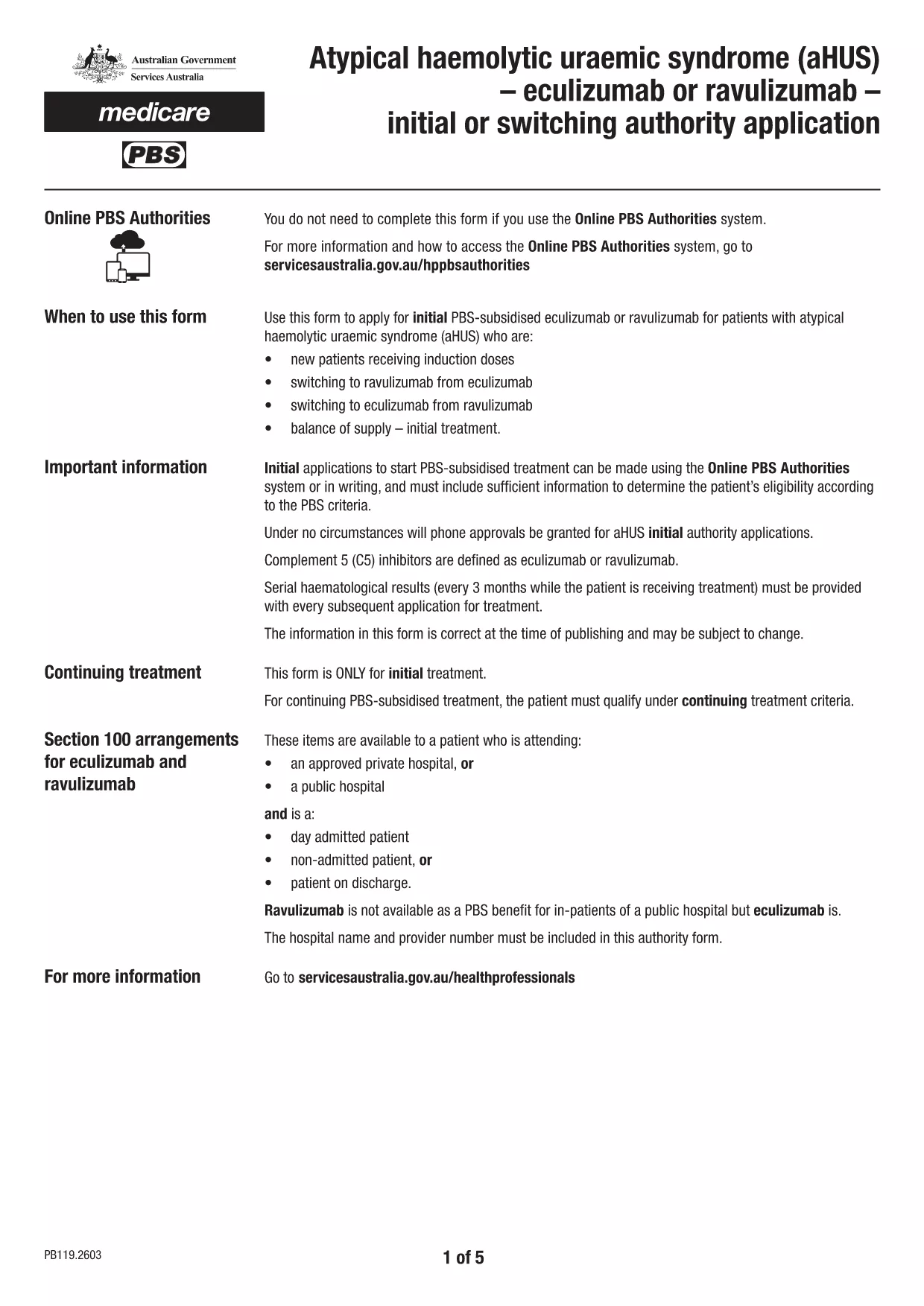
Form H119, also known as PB119, is the official application used by health professionals to request initial or switching PBS‑subsidised treatment with eculizumab or ravulizumab for patients with atypical haemolytic uraemic syndrome (aHUS). The form must be completed accurately before it can be uploaded to the Health Professionals Online Service (HPOS) or submitted through the online PBS Authorities system.
On this Formize landing page you can download the official fillable PDF, open it directly in our secure Formize PDF Filler app, and finish the whole process without installing any extra software. The filler works on any device – desktop, tablet or smartphone – and saves your entries automatically.
Below you will find everything you need to know about the form, step‑by‑step instructions for a smooth online experience, and answers to the most common questions.
Yes. The official name is PB119, but many users refer to it as Form H119. Both refer to the same PBS authority application for aHUS treatment.
No. Simply click the **Fill out this form** button and the fillable PDF loads directly in the Formize app. Downloading is optional for offline backup.
Absolutely. The Formize app stores a temporary copy in your browser. Open the saved file again in the app to make changes before final submission.
Formize works with the latest versions of Chrome, Edge, Firefox, and Safari. Mobile browsers on iOS and Android are also fully supported.
Yes. All data entered in the Formize PDF Filler is processed locally in your browser and never stored on our servers unless you choose to download the file.
Yes. The completed PDF must be uploaded to the Health Professionals Online Service (HPOS) or submitted via the online PBS Authorities system as required by Services Australia.
You can correct any error by reopening the saved PDF in the Formize app, editing the fields, and re‑saving before you upload it.
No. Formize provides the PDF filler for free for all public government forms.
在线填写 PDF 表单的最简单方法
删除填充会话
删除编辑会话