


NDIA access request form模板
借助用于查看和填写 PDF 文档的传统功能集,结合 Web 应用程序和响应式布局的优势,您可以在几分钟内完成 NDIA access request form。
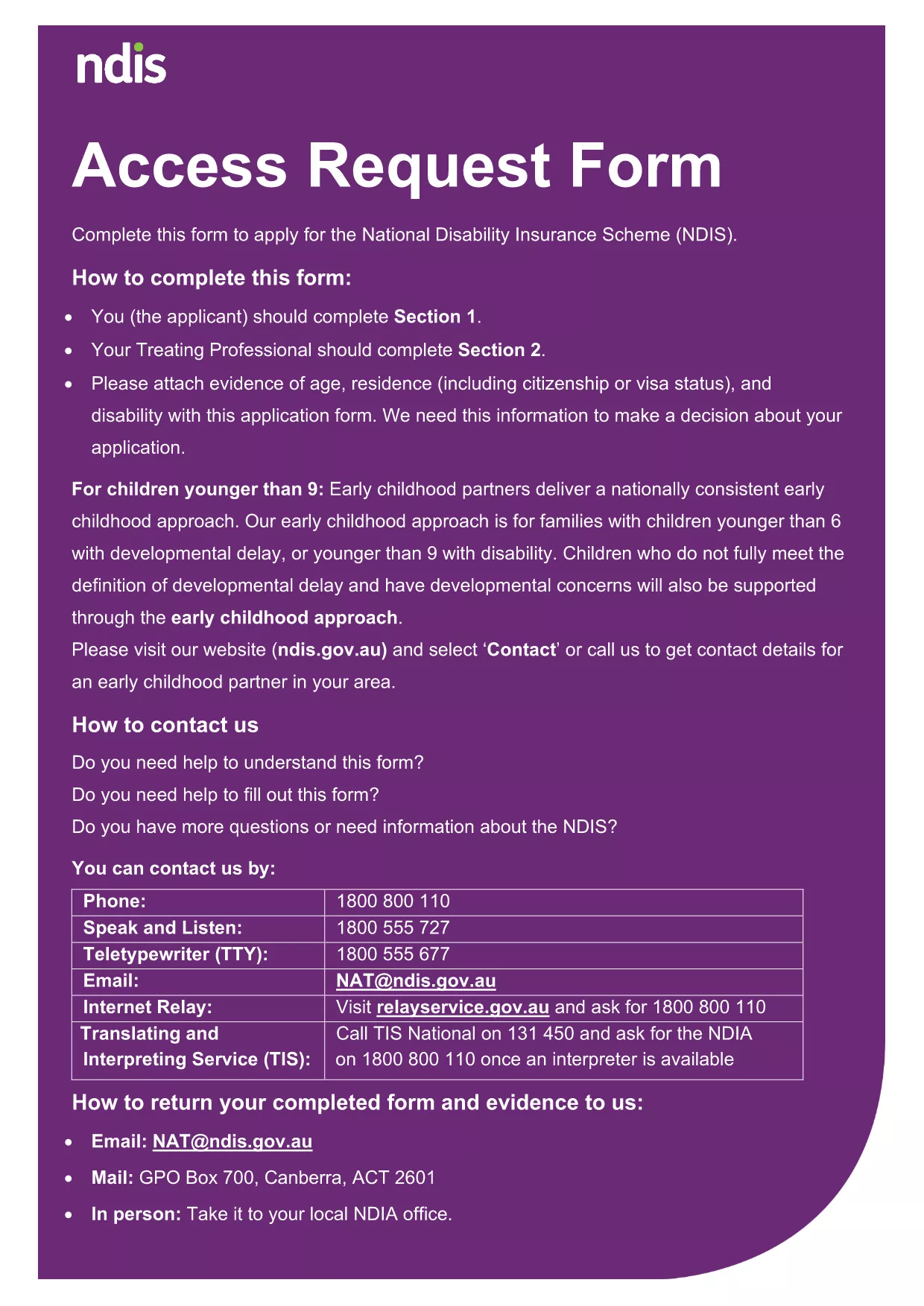
Looking for a fast, secure way to download and complete the NDIA Access Request Form? You’ve come to the right place. This fillable PDF is the official application used by the National Disability Insurance Agency (NDIA) to collect the personal information needed for disability support requests.
The form is recognized by the Australian government, complies with accessibility standards, and can be completed entirely online using Formize’s free PDF filler. No extra software, no printing, and no hassle.
Simply click the Fill out this form button below. The Formize PDF Filler app will load in your browser, presenting you with an intuitive, field‑by‑field interface. Enter your details, save progress, and download the completed PDF when you’re done.
After saving the filled PDF, email it to applications@ndis.gov.au or upload it through your MyNDIS portal. Keep a copy for your records.
Ready to get started? Click below and let Formize handle the rest.
Yes, the PDF is provided by the NDIA at no cost. Formize also offers a free online filler.
Absolutely. The Formize PDF Filler works on smartphones and tablets with any modern browser.
No. You can submit the completed PDF electronically. Print only if you prefer a hard copy for your records.
Open the saved PDF again in Formize’s filler, make the correction, and re‑download the updated version.
Processing times vary. After submission, the NDIA typically acknowledges receipt within 5 business days.
Formize uses SSL encryption and does not store your data on its servers unless you choose to save it in the cloud.
借助用于查看和填写 PDF 文档的传统功能集,结合 Web 应用程序和响应式布局的优势,您可以在几分钟内完成 NDIA access request form。
在线填写 PDF 表单的最简单方法
删除填充会话
删除编辑会话