


NDIA application form模板
借助用于查看和填写 PDF 文档的传统功能集,结合 Web 应用程序和响应式布局的优势,您可以在几分钟内完成 NDIA application form。
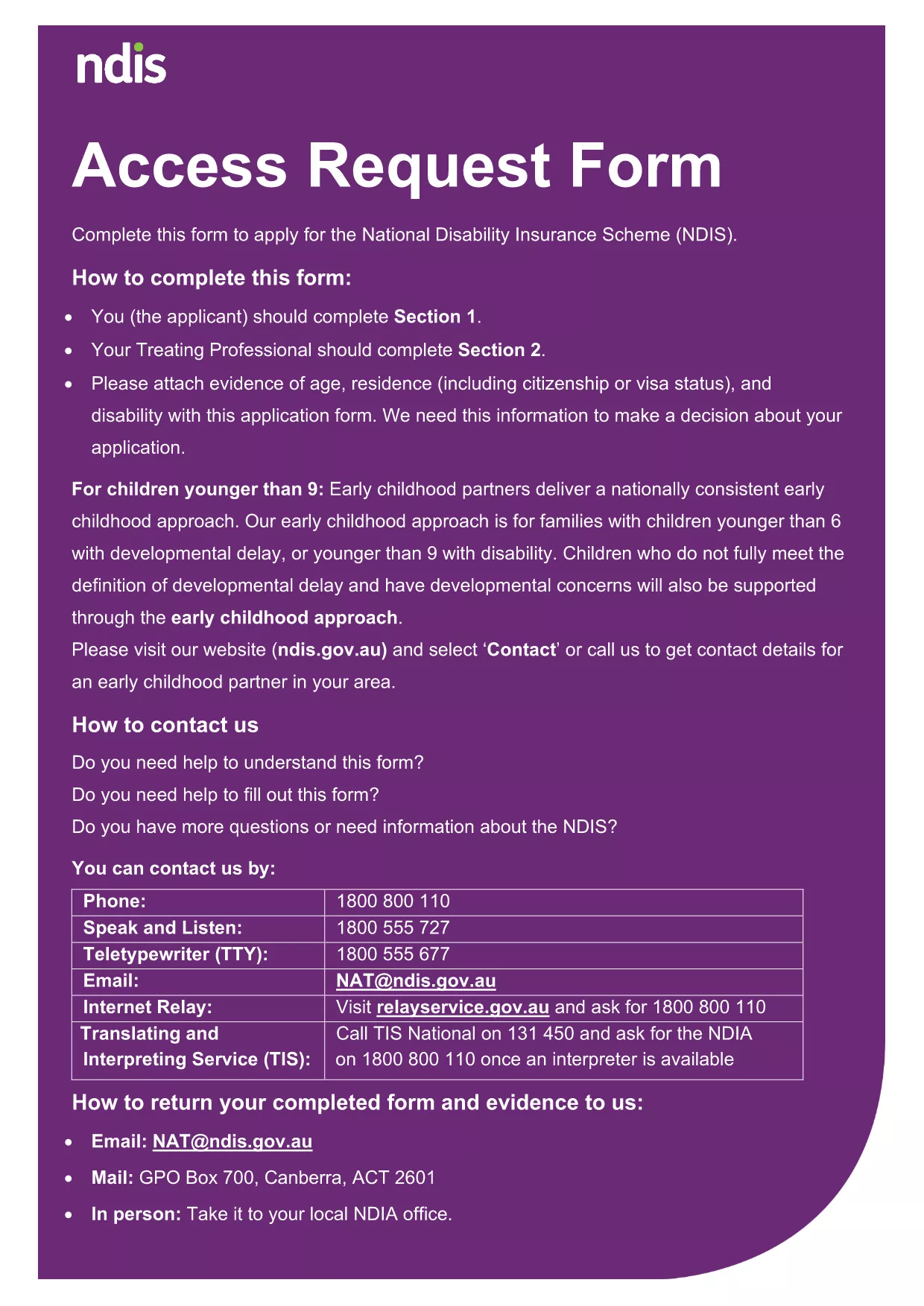
Searching for a quick, reliable way to complete your National Disability Insurance Agency (NDIA) application? Our online landing page lets you open the official NDIA form as a fillable PDF, edit it instantly, and submit without printing or scanning.
A fillable PDF preserves the exact layout required by the agency while allowing you to type directly into each field. This reduces transcription errors, speeds up processing, and keeps your data secure.
Follow our simple instructions to finish the form in minutes:
Even a small typo can delay approval. Make sure to:
If you prefer to work offline, you can download the original PDF from the government site. The file is fully compatible with Formize, so you can switch between offline and online editing without any loss of formatting.
No. The Formize PDF Filler works in any modern browser—no download or installation required.
Yes. Use the **Save** button to download a copy of your partially completed form and reload it later.
Formize processes the PDF locally in your browser, so your data never leaves your computer unless you choose to upload it.
Contact the NDIA directly. You can also download a fresh copy of the PDF, correct the error, and resubmit.
Absolutely. After completing the form, click **Print** to generate a hard‑copy version for your records.
借助用于查看和填写 PDF 文档的传统功能集,结合 Web 应用程序和响应式布局的优势,您可以在几分钟内完成 NDIA application form。
在线填写 PDF 表单的最简单方法
删除填充会话
删除编辑会话