
选择语言

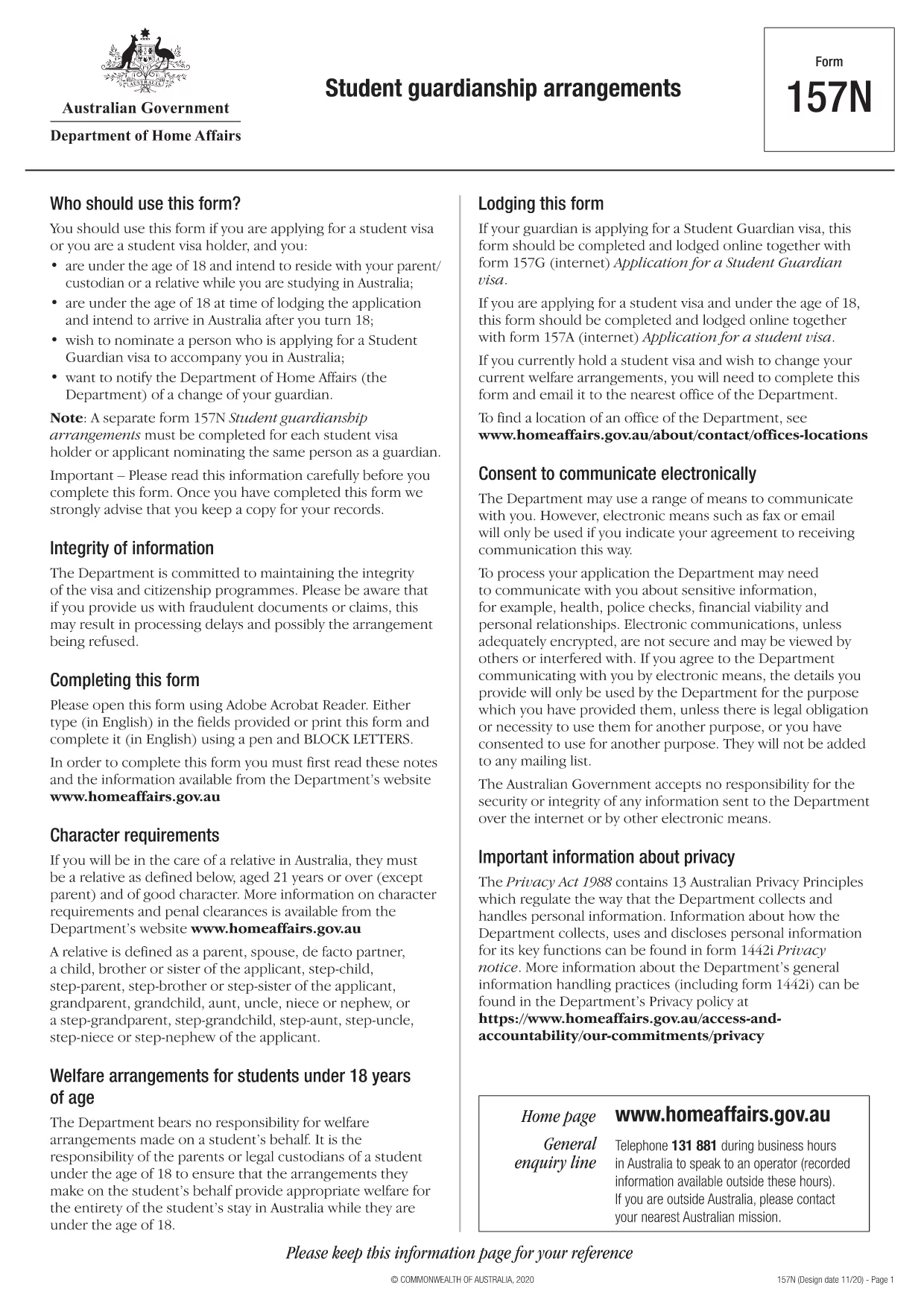
Form 157N – Student Guardian Arrangement (Fillable PDF)

  1. 语言 英语
  2. 国家 澳大利亚
  3. 活动 学习
Form 157N – Student Guardian Arrangement (Fillable PDF)

Form 157N is the official Australian document used to nominate a guardian for a student visa holder. Whether you are a parent, legal guardian, or an approved welfare provider, this form must be completed for every student who requires a guardian while studying in Australia.

What is Form 157N?

The Student Guardianship Arrangements – Form 157N captures details about the student, the proposed guardian, and the nature of the guardianship agreement. It is required by the Department of Home Affairs for visa subclasses 500, 590, and related student visas.

When and Who Must Complete Form 157N

  • Any new student visa applicant who needs a guardian in Australia.
  • Current visa holders who change their guardian or wish to add a second guardian.
  • Educational institutions acting on behalf of a student to nominate a welfare provider.

How to Fill Out Form 157N with Formize

Instead of downloading the PDF and editing it manually, use our Formize PDF Filler – a fast, secure, and fully fillable online solution.

Common Mistakes to Avoid

  • Leaving any mandatory field blank (marked with an asterisk *).
  • Submitting an outdated passport number for the guardian.
  • Providing an Australian address that does not belong to the guardian.
  • Failing to sign and date the form in the correct places.

Where to Submit the Completed Form

After you have filled the form online, download the completed PDF and attach it to your visa application through ImmiAccount, or email it to your education provider if they handle the submission.

Need help? Review our step‑by‑step guide below or check the FAQs for quick answers.

常问问题
  • Do I need to fill out a separate Form 157N for each student?

    Yes. Every student visa holder who nominates a guardian must have an individual Form 157N, even if the same guardian is named for multiple students.

  • Can I use the same PDF for a change of guardian?

    For a change of guardian you must complete a new Form 157N (sometimes referenced as Form 157N‑N). Submit the new form together with supporting evidence of the change.

  • Is an electronic signature accepted?

    The Department of Home Affairs accepts electronic signatures made within an approved PDF filler such as Formize. Ensure the signature field is marked as signed before downloading.

  • What happens if I forget to sign the form?

    An unsigned Form 157N will be rejected, causing delays in visa processing. The Formize validator will alert you to any missing signatures.

  • Do I need to provide proof of the guardian’s relationship to the student?

    Yes. Attach supporting documents (e.g., birth certificate, adoption papers, or legal guardianship order) alongside the completed Form 157N.

  • Can I save my progress and finish later?

    Formize allows you to save a draft locally. Click **Save Draft** before closing the browser, then reopen the saved file to continue.

  • Is there a fee to use Formize’s PDF filler?

    No. Formize provides free online filling for government forms like Form 157N. There are no hidden charges.

  • What if I submit the wrong guardian’s details?

    You must submit a corrected Form 157N as soon as the error is discovered. The Department will treat the new submission as the official record.

如何

如何通过 5 个简单步骤在线免费填写 Form 157N:

  1. 1
    Open the Fillable Form
    Click the **Fill out this form** button on this page. The Formize PDF Filler app will load the Form 157N directly in your browser.
  2. 2
    Enter Your Details
    Complete each field—student information, guardian details, and signatures—using your keyboard. All fields are interactive and save automatically.
  3. 3
    Review and Validate
    Use the built‑in validation to check for missing or incorrectly formatted data. Correct any highlighted errors before proceeding.
  4. 4
    Download the Completed PDF
    When you’re satisfied, click **Download PDF**. The file will be saved with all your entries intact, ready for upload to ImmiAccount.
  5. 5
    Submit with Your Visa Application
    Attach the downloaded PDF to your student visa application or provide it to your education provider as instructed.
Formize PDF Filler 应用程序
关于

学习表格

Form 157N 是在教育或学术研究中使用的文档之一。这些表格通常由学生、教育机构或研究组织用来收集和管理与学习、研究项目或学术过程相关的信息。使用的具体形式可能会根据所进行的研究或研究的性质而有所不同。以下是一些学习形式的示例:

申请表:学生在申请入读教育机构或特定学习课程时使用这些表格。他们收集个人信息、学术背景以及录取过程所需的其他详细信息。

课程注册表:学生通常需要填写课程注册表才能注册特定课程或科目。这些表格允许学生为即将到来的学期或学年选择他们喜欢的课程。

研究计划表:启动研究项目时,研究人员可能需要提交研究计划表。该表格概述了拟议研究所需的目标、方法、时间表和资源。

知情同意书:在涉及人类受试者的研究中,知情同意书用于确保参与者充分了解研究的目的、风险、益处和程序。参与者在参与研究之前签署这些表格以表示同意。

调查或问卷形式:研究人员经常使用调查或问卷形式从研究参与者那里收集数据。这些表格包含一系列问题,旨在收集与研究相关的具体信息。

研究进度报告表:在某些教育计划或研究项目中,学生或研究人员可能需要定期提交进度报告。这些表格跟踪学习或研究的进展、成就、挑战和后续步骤。

论文或论文表格:攻读高级学位的学生可能需要填写与其论文或论文相关的各种表格。这些表格包括提案表格、委员会批准表格和最终提交表格等。

出国留学申请表:申请出国留学项目的学生通常需要填写特定的申请表,其中收集有关其预期学习目的地、学术目标、语言水平和其他相关详细信息的信息。

这些只是教育或研究环境中常用的学习形式的几个例子。具体形式和要求可能因机构、项目或研究项目而异。请务必咨询教育机构或研究组织,以获取有关特定学术或研究活动所需学习形式的准确和最新信息。

特征

PDF 填充器

在线填写 PDF 表单的最简单方法

  • 快速填写Form 157N
    正在寻找一种在线快速填写 Form 157N 的方法?使用我们的在线免费 PDF 填表工具,您将在不到一分钟的时间内了解如何编辑和填写此 pdf 文档。
  • 易于使用的在线 PDF 编辑器
    是否厌倦了打印 PDF 文件以便在重新扫描并发回之前对其进行编辑?免费在线编辑 PDF 文档。使用我们的在线 pdf 编辑器可以节省时间和纸张。
  • 伟大的工具,所有平台
    想知道如何在 Mac 上填写 Form 157N,或者如何免费使用 PDF 填充程序?我们的在线 PDF 工具适用于所有平台。
  • 安全文件存储
    完成的“Form 157N”文件存储在由亚马逊云托管管理的安全数据库中。您可以随时从我们的系统中删除您的文件。在任何情况下,这些文件都会在 24 小时后自动删除。
  • 与 Form 157N 聊天
    Chatize 上与“Form 157N”聊天,这是一个免费的 PDF 阅读器助手。提出问题并从“Form 157N”获得答案。只需点击上面的与文档聊天按钮即可。

删除填充会话

删除选定的填充会话?在这种情况下,您填写表格的进度将丢失。

删除编辑会话

删除选定的编辑会话?在这种情况下,您创建和编辑表单的进度将会丢失。