
选择语言

FC Application Form – Confirmed by FC Meaning & Online Fill

  1. 语言 英语
  2. 国家 印度
  3. 部门 FCRA
  4. 活动 Foreign Contributions
填这张表格
FC Application Form – Confirmed by FC Meaning & Online Fill

Many organisations and individuals encounter the phrase “application form confirmed by FC” while dealing with foreign contributions in India. In the context of the Foreign Contribution Regulation Act (FCRA), FC stands for Foreign Contribution. A form that is “confirmed by FC” indicates that the submission has been reviewed and validated by the authorities overseeing foreign contributions.

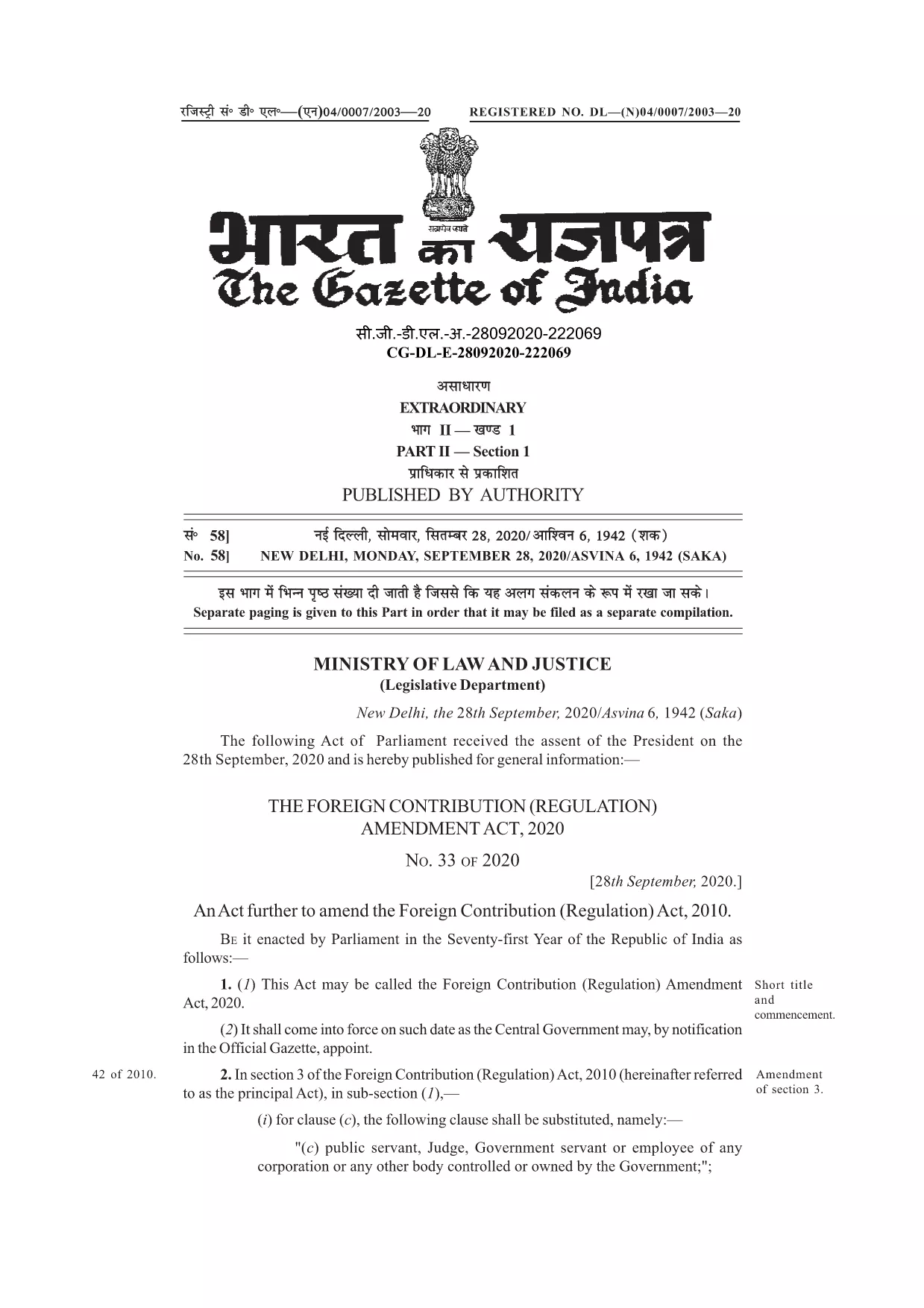
Understanding this meaning is crucial before you start filling out the official form. The PDF linked below is the authentic, fillable version used for seeking prior permission, registration, or renewal under the FCRA.

With Formize’s online PDF filler, you can complete the form without downloading any software. Just click the button, let the Formize app load, and start typing directly into the fields.

Below you’ll find a concise guide, tips to avoid common errors, and resources for further assistance.

常问问题
  • What does “FC” stand for in this form?

    FC stands for Foreign Contribution, referring to any donation or grant from a foreign source that is regulated under India’s FCRA.

  • Is the PDF fillable online or do I need Adobe Acrobat?

    You can fill it directly online using Formize’s free PDF filler – no Adobe Acrobat required.

  • Can I save the form before submitting it to the authorities?

    Yes. After completing the fields, use the “Save” button in the Formize app to download a copy for your records.

  • What common mistakes should I avoid?

    Do not leave mandatory fields blank, ensure the bank account details match the designated FC account, and double‑check dates and signatures.

  • Do I need to attach supporting documents with this PDF?

    Typically, supporting documents (e.g., bank letters, project proposals) are submitted separately as per the FCRA guidelines.

  • Where can I get further assistance if I’m stuck?

    Refer to the FCRA official website or consult a legal professional experienced in foreign contribution regulations.

如何

如何通过 3 个简单步骤在线免费填写 FC application form:

  1. 1
    Click the Fill Button
    On this page, locate the blue “Fill out this form” button and click it. The Formize PDF Filler will open in a new tab.
  2. 2
    Wait for the Formize App to Load
    The filler loads in seconds. You’ll see a familiar PDF layout with editable fields highlighted.
  3. 3
    Complete and Submit
    Enter the required information, double‑check each field, then click the “Save” or “Download” button to obtain a completed PDF you can email to the FCRA office.
Formize PDF Filler 应用程序
关于

FC application form模板

借助用于查看和填写 PDF 文档的传统功能集,结合 Web 应用程序和响应式布局的优势,您可以在几分钟内完成 FC application form。
特征

PDF 填充器

在线填写 PDF 表单的最简单方法

  • 快速填写FC application form
    正在寻找一种在线快速填写 FC application form 的方法?使用我们的在线免费 PDF 填表工具,您将在不到一分钟的时间内了解如何编辑和填写此 pdf 文档。
  • 易于使用的在线 PDF 编辑器
    是否厌倦了打印 PDF 文件以便在重新扫描并发回之前对其进行编辑?免费在线编辑 PDF 文档。使用我们的在线 pdf 编辑器可以节省时间和纸张。
  • 伟大的工具,所有平台
    想知道如何在 Mac 上填写 FC application form,或者如何免费使用 PDF 填充程序?我们的在线 PDF 工具适用于所有平台。
  • 安全文件存储
    完成的“FC application form”文件存储在由亚马逊云托管管理的安全数据库中。您可以随时从我们的系统中删除您的文件。在任何情况下,这些文件都会在 24 小时后自动删除。
  • 与 FC application form 聊天
    在 Chatize 上与“FC application form”聊天,这是一个免费的 PDF 阅读器助手。提出问题并从“FC application form”获得答案。只需点击上面的与文档聊天按钮即可。

删除填充会话

删除选定的填充会话?在这种情况下,您填写表格的进度将丢失。

删除编辑会话

删除选定的编辑会话?在这种情况下,您创建和编辑表单的进度将会丢失。