


Umwalimu Sacco application form模板
借助用于查看和填写 PDF 文档的传统功能集,结合 Web 应用程序和响应式布局的优势,您可以在几分钟内完成 Umwalimu Sacco application form。
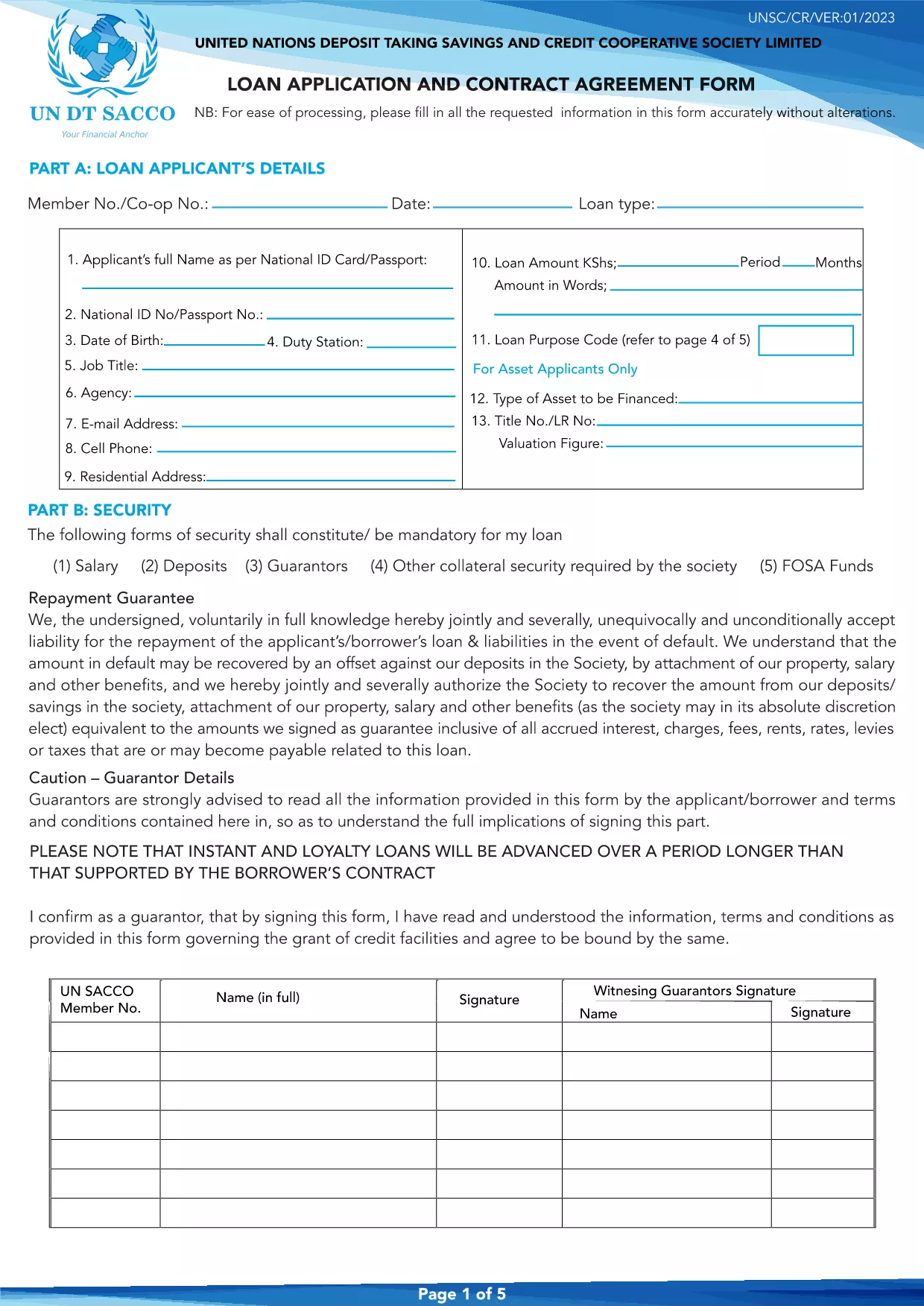
The Umwalimu Sacco application form is now available as a fully fillable PDF that you can complete directly in your browser. No software download is required – simply click the "Fill out this form" button and let the Formize PDF Filler load the document for you.
Using a fillable PDF saves time, reduces errors, and ensures that your information is captured exactly as the Sacco requires. Whether you are applying for a loan, membership, or a savings account, this form is the official gateway to the services offered by Umwalimu Sacco.
Follow these simple steps to fill out the form quickly and accurately:
Avoid these pitfalls to ensure your application is processed without delay:
With the fillable PDF and these guidelines, your Umwalimu Sacco application will be ready for review in minutes.
Yes, the fillable PDF can be accessed and completed at no cost through Formize.
No. The Formize PDF Filler works in any modern browser, so you don’t need additional software.
Absolutely. Use the "Save" button in the filler to download a partially completed PDF and reopen it later.
Submit the completed form as a standard PDF file, exactly as generated by the filler.
All data stays on your device until you choose to download or upload the file. Formize does not store your information.
Refresh the page and reload the filler. If the problem persists, download the PDF and fill it using a desktop PDF editor.
Printing is optional. Most Sacco offices accept the digital PDF, but you can print a copy if you prefer.
借助用于查看和填写 PDF 文档的传统功能集,结合 Web 应用程序和响应式布局的优势,您可以在几分钟内完成 Umwalimu Sacco application form。
在线填写 PDF 表单的最简单方法
删除填充会话
删除编辑会话