


UWC consent form pdf模板
借助用于查看和填写 PDF 文档的传统功能集,结合 Web 应用程序和响应式布局的优势,您可以在几分钟内完成 UWC consent form pdf。
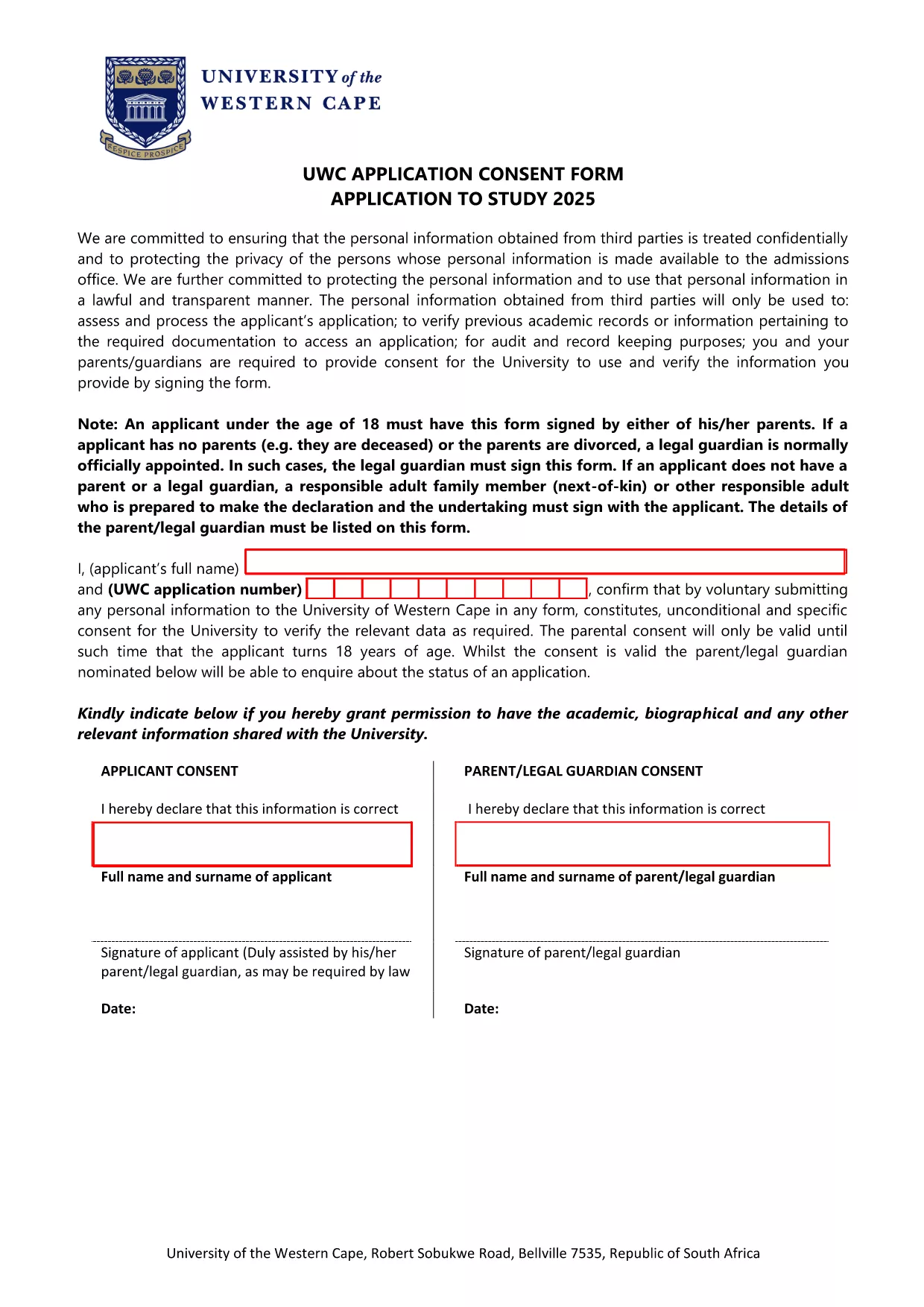
The University of Western Cape (UWC) requires a signed consent form for every applicant who wishes to submit personal data to the university. This UWC Application Consent Form is a standard, fillable PDF that confirms the applicant’s permission for the university to verify and process their information.
Our Formize page lets you complete the form directly in your browser—no extra software needed. Simply click the "Fill out this form" button, fill in the required fields, and download the completed PDF for submission.
The consent form captures the applicant’s and, if applicable, the parent/guardian’s details. By signing, the applicant gives unconditional and specific consent for UWC to verify the data provided.
Follow the step‑by‑step guide below to complete the form quickly and accurately.
After completing the form, click "Download PDF" to save a copy on your device. You can then attach it to your UWC application portal or email it directly to the admissions office.
Yes. Every applicant must submit a signed consent form to allow the university to verify personal data.
You can, but a digitally filled and signed PDF is faster and accepted by the admissions office.
Use the "Clear All" button in the Formize filler to reset the form, then re‑enter the information.
No. The downloaded file is a standard PDF that can be opened with any free PDF reader (Adobe Reader, Edge, Chrome, etc.).
Formize uses SSL encryption, ensuring that your data is transmitted securely while you fill out the form.
Use the latest 2025 version provided on this page. Older versions may be rejected by the university.
The Formize filler does not currently support saving progress. Complete the form in one session and download the PDF when finished.
借助用于查看和填写 PDF 文档的传统功能集,结合 Web 应用程序和响应式布局的优势,您可以在几分钟内完成 UWC consent form pdf。
在线填写 PDF 表单的最简单方法
删除填充会话
删除编辑会话