


child support application模板
借助用于查看和填写 PDF 文档的传统功能集,结合 Web 应用程序和响应式布局的优势,您可以在几分钟内完成 child support application。
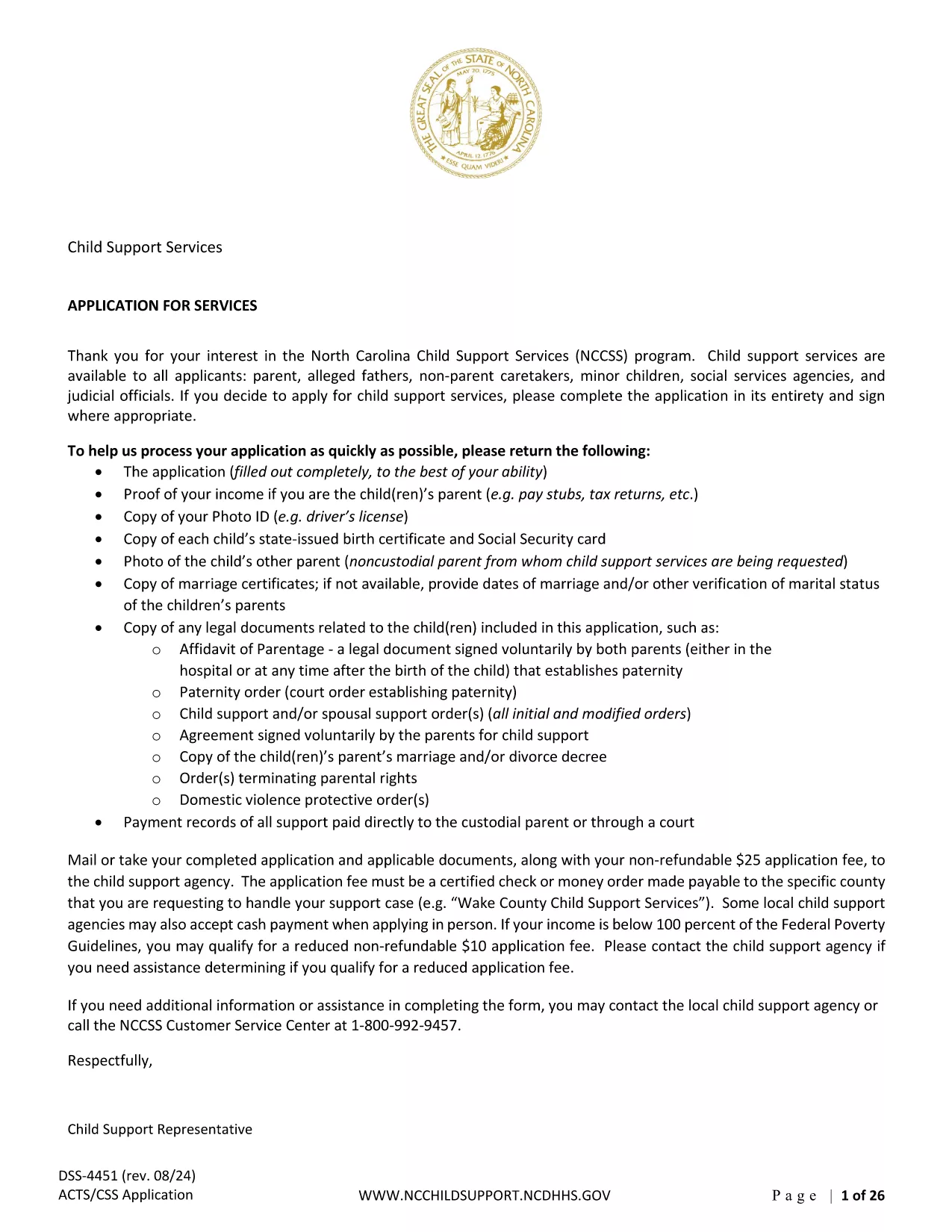
Applying for child support can feel overwhelming, but with the right form and clear instructions you can submit a complete and accurate application in minutes. Our page provides the official Child Support Services Application (North Carolina) as a fully fillable PDF that works directly in your browser via the Formize PDF Filler app.
Follow the simple steps below to fill out the form, sign electronically, and submit it to the appropriate agency.
Once you have completed the form, you can download a PDF copy for your records and upload it through the NC Child Support Services portal. You will receive a confirmation email with a tracking number to monitor the status of your request.
Need help? Review our FAQs below or contact your local Child Support Office for personalized assistance.
The PDF provided is the official North Carolina Child Support Services Application. If you live in another state, check your local agency for the appropriate form.
Yes. The Formize PDF Filler lets you save a draft to your computer. Open the saved file later to continue where you left off.
No. Most states accept electronic submissions. After filling the form, you can upload the completed PDF directly to the agency’s portal.
Typical attachments include recent pay stubs, tax returns, custody or visitation orders, and proof of the child’s birth (birth certificate).
Processing times vary by state, but most agencies acknowledge receipt within 2‑3 business days and may take 4‑6 weeks to determine support amounts.
Formize runs locally in your browser; data never leaves your device unless you choose to upload it. All information is encrypted during any transmission.
借助用于查看和填写 PDF 文档的传统功能集,结合 Web 应用程序和响应式布局的优势,您可以在几分钟内完成 child support application。
在线填写 PDF 表单的最简单方法
删除填充会话
删除编辑会话