


Air Force recruitment form模板
借助用于查看和填写 PDF 文档的传统功能集,结合 Web 应用程序和响应式布局的优势,您可以在几分钟内完成 Air Force recruitment form。
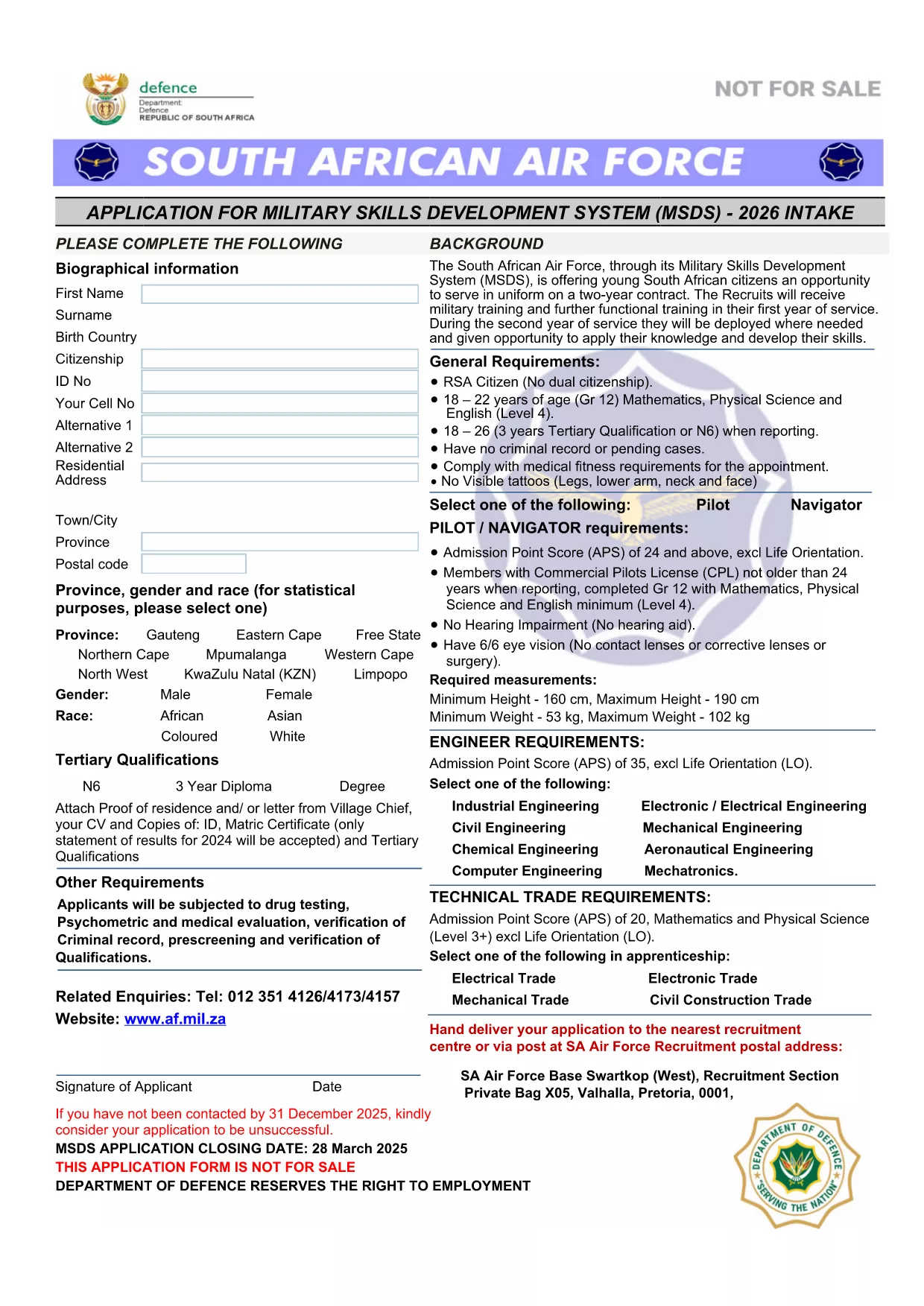
Joining the United States Air Force starts with a single, essential step – completing the official recruitment application. Our fillable PDF version lets you enter your information quickly, securely, and without the hassle of printing or scanning.
Follow these simple steps to finish your enlistment request without ever leaving the browser:
Once you have saved the completed PDF, you can either upload it through the official Air Force recruiting portal or deliver a printed copy to your nearest recruiting office. The fillable version ensures a clean, professional presentation that speeds up the review process.
Ready to start your Air Force career? Click the button below and let Formize handle the rest.
No. The Formize PDF Filler runs in your web browser, so you can complete the form on any device without installing additional software.
Yes. While the Formize app is open, you can download a draft copy at any time and reload it later to continue editing.
Yes. The Air Force accepts e‑signatures that comply with the ESIGN Act and UETA, which Formize provides automatically.
Contact your recruiting officer immediately. You can download a corrected version of the PDF, make the changes, and resend the updated file.
Formize uses SSL encryption for all data transmission and does not store your completed form on our servers after you download it.
Absolutely. After you finish and download the PDF, you can print it on standard letter‑size paper and deliver it to your recruiter.
The form guides you through each section, but you may navigate between fields freely. Required fields are highlighted until completed.
借助用于查看和填写 PDF 文档的传统功能集,结合 Web 应用程序和响应式布局的优势,您可以在几分钟内完成 Air Force recruitment form。
在线填写 PDF 表单的最简单方法
删除填充会话
删除编辑会话