

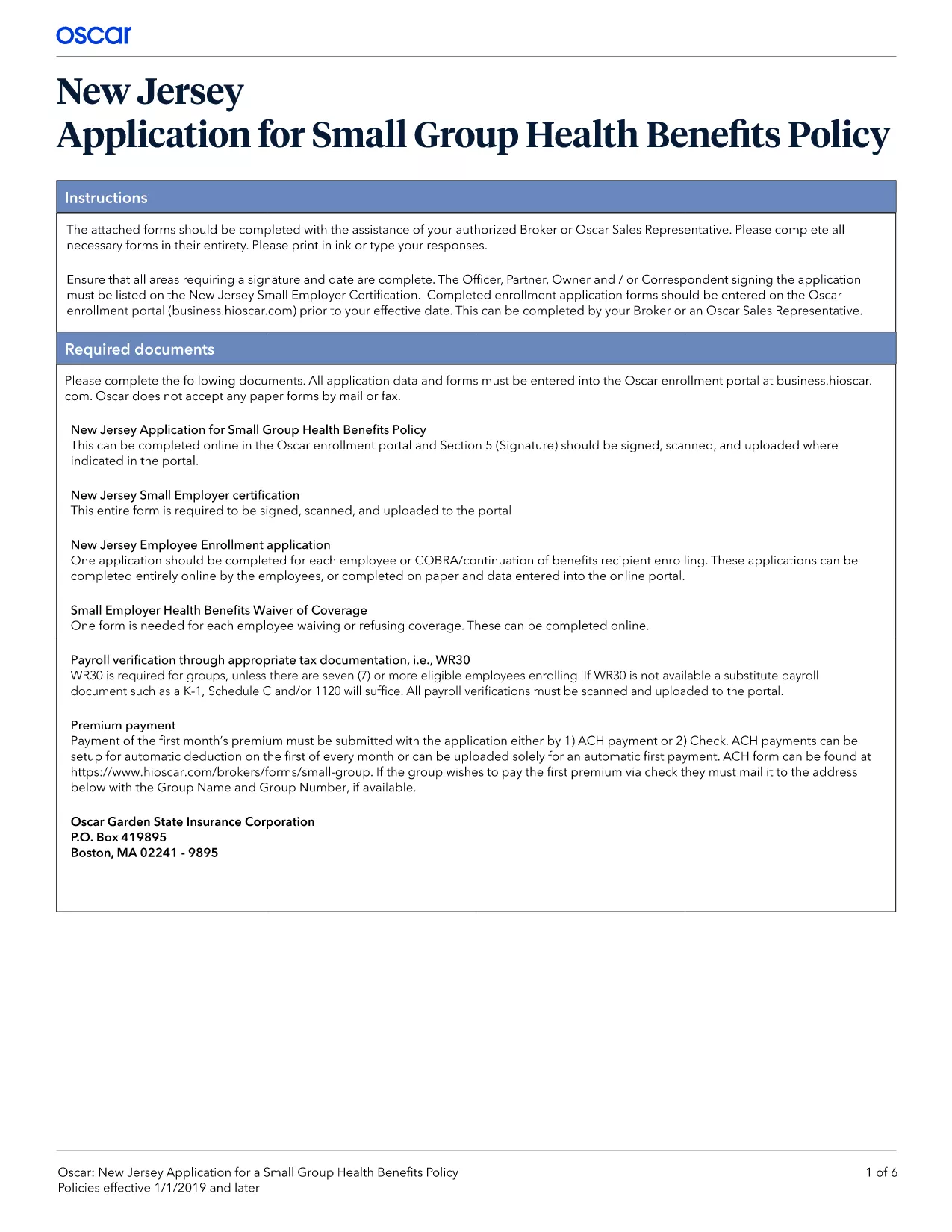

application form in Tagalog模板
借助用于查看和填写 PDF 文档的传统功能集,结合 Web 应用程序和响应式布局的优势,您可以在几分钟内完成 application form in Tagalog。
Looking for an application form in Tagalog that you can fill out instantly without installing any software? You’re in the right place. Our fillable PDF is hosted on Formize, allowing you to complete, sign, and download the form directly in your browser.
Follow these simple steps to finish your application quickly:
After saving the PDF, you can:
Need help? Our FAQ section covers the most common questions.
No. The Formize PDF Filler runs completely in your web browser – no download or installation required.
Yes. Use the browser’s Print function at any time, but remember that changes made after printing won’t appear on the printed copy.
Absolutely. The filler is responsive and works on smartphones and tablets, allowing you to sign with a finger.
Make sure you are using a supported browser and that the field is not marked as read‑only. Refresh the page and try again.
After signing, a preview of the signature appears in the field. When you save the PDF, open it to confirm the signature is visible.
Yes, you can reopen the saved PDF in Formize or any standard PDF editor to make additional changes.
借助用于查看和填写 PDF 文档的传统功能集,结合 Web 应用程序和响应式布局的优势,您可以在几分钟内完成 application form in Tagalog。
在线填写 PDF 表单的最简单方法
删除填充会话
删除编辑会话