


CA-41 form模板
借助用于查看和填写 PDF 文档的传统功能集,结合 Web 应用程序和响应式布局的优势,您可以在几分钟内完成 CA-41 form。
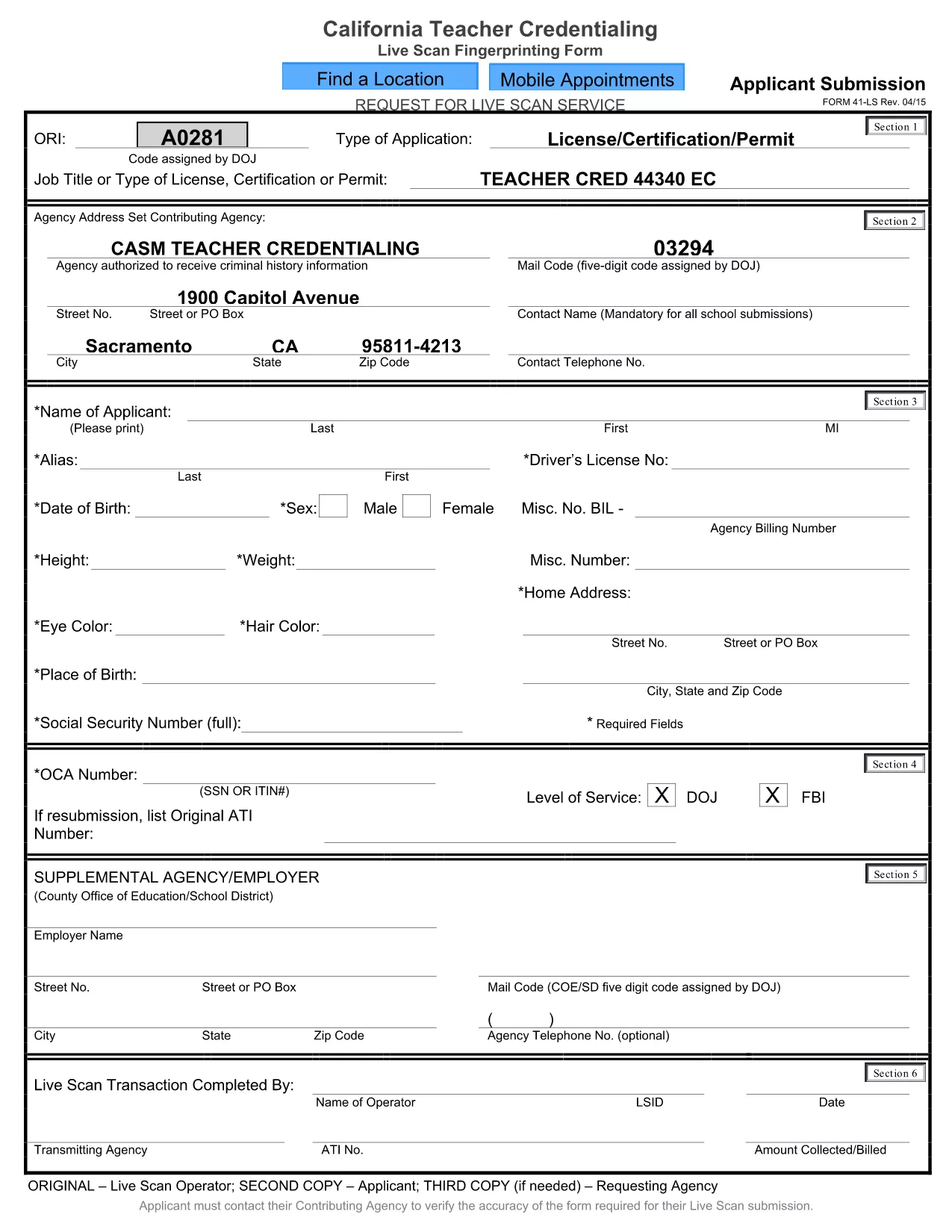
The CA‑41 Live Scan form is required for California teachers, school staff, and other professionals who need a fingerprint‑based background check. This official form captures applicant information and authorizes the California Department of Justice to process your live‑scan results.
With Formize you can fill the CA‑41 directly in your browser—no extra software needed. Simply click the button below, complete each field, and download the finished PDF ready for submission.
Our step‑by‑step guide below explains everything you need to know, from preparing your documents to avoiding common errors that could delay processing.
The CA‑41 authorizes the California Department of Justice to conduct a live‑scan fingerprint background check for teachers, staff, and other professionals.
No. With Formize you can fill the form online in any modern browser—no additional software required.
Yes. Use the “Save Draft” button in the Formize filler to download a copy you can reopen and complete later.
Make sure all required fields are completed, use the exact spelling of names, and double‑check your California driver’s license number. Missing or incorrect data can delay processing.
Submit the completed form to the agency that requested the live‑scan (e.g., school district, licensing board) along with your fingerprint results.
Formize offers free filling and downloading of the CA‑41 form. No hidden charges apply.
Review the on‑screen field instructions, or consult the official California DOJ guidance linked at the bottom of the form.
在线填写 PDF 表单的最简单方法
删除填充会话
删除编辑会话