

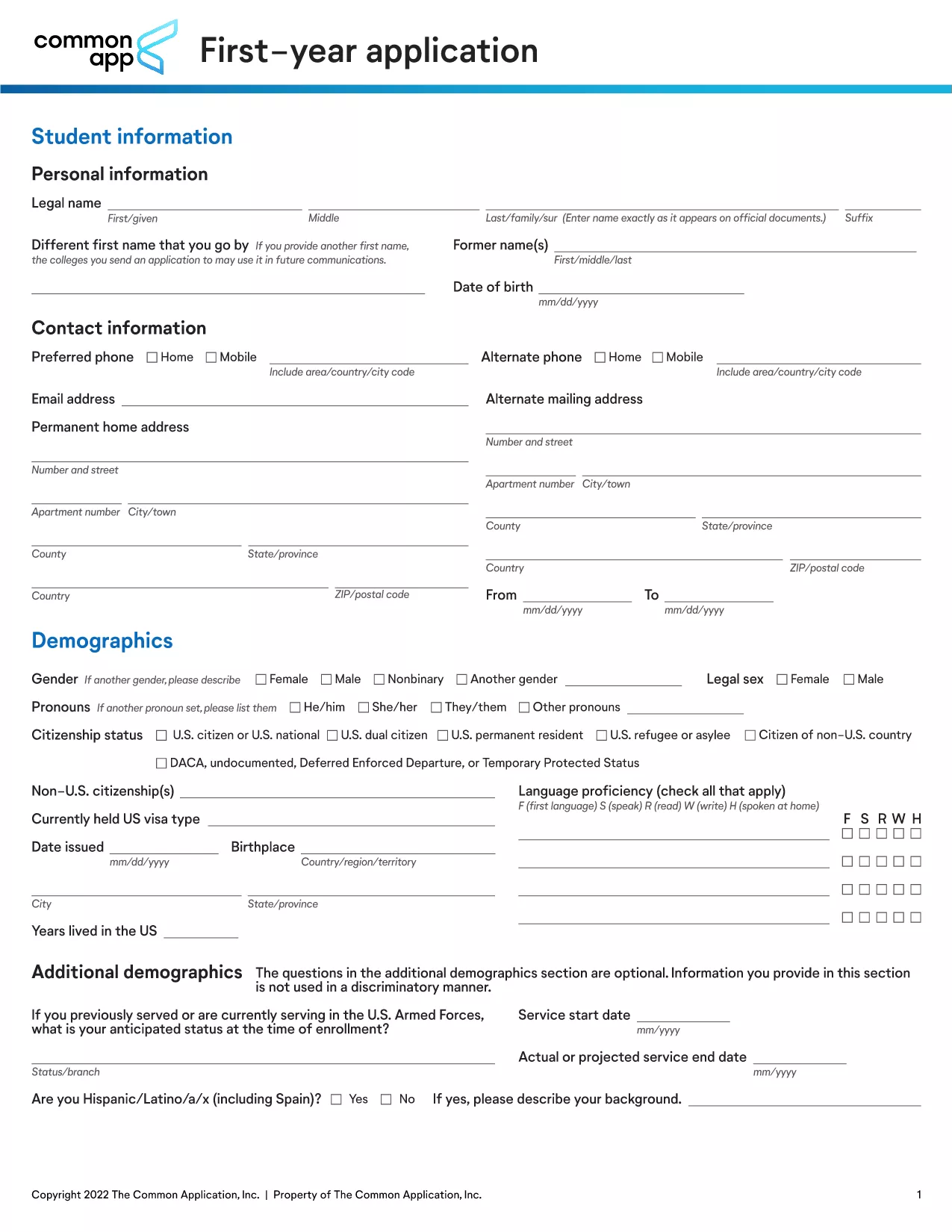

student application form模板
借助用于查看和填写 PDF 文档的传统功能集,结合 Web 应用程序和响应式布局的优势,您可以在几分钟内完成 student application form。
Looking for a ready‑to‑use student application form? Our fillable PDF provides a complete example that matches the standards of top universities. Whether you’re applying for undergraduate admission, a scholarship, or a student exchange program, this form captures all essential information in a clean, organized layout.
The PDF is fully interactive – you can type directly into the fields, add checkmarks, and upload supporting documents without printing a single page. After completing the form, save it as a single file and submit it via email or your school’s portal.
Using a proven template saves you time, ensures you don’t miss required sections, and presents your information professionally. It’s the same format used by leading institutions such as Harvard, City College, and many others.
Below you’ll find step‑by‑step instructions, tips to avoid common errors, and a direct download link to the PDF. Get started now and submit a flawless application!
No. The Formize PDF Filler works entirely in your web browser, so you can complete the form without any additional software.
Yes. Open the saved PDF again with the Formize filler, make changes, and re‑save the updated version.
Formize uses SSL encryption for all data transferred between your browser and our servers, ensuring your information remains private.
The completed form is saved as a standard PDF file, compatible with any email client or document management system.
Absolutely. After saving, open the PDF in any viewer and print it just like any other document.
Simply click the "Undo" button or edit the field directly. The filler allows unlimited changes before you finalize the document.
The example form is a single‑page PDF, but Formize can handle multi‑page documents as well.
借助用于查看和填写 PDF 文档的传统功能集,结合 Web 应用程序和响应式布局的优势,您可以在几分钟内完成 student application form。
在线填写 PDF 表单的最简单方法
删除填充会话
删除编辑会话