


application form model模板
借助用于查看和填写 PDF 文档的传统功能集,结合 Web 应用程序和响应式布局的优势,您可以在几分钟内完成 application form model。
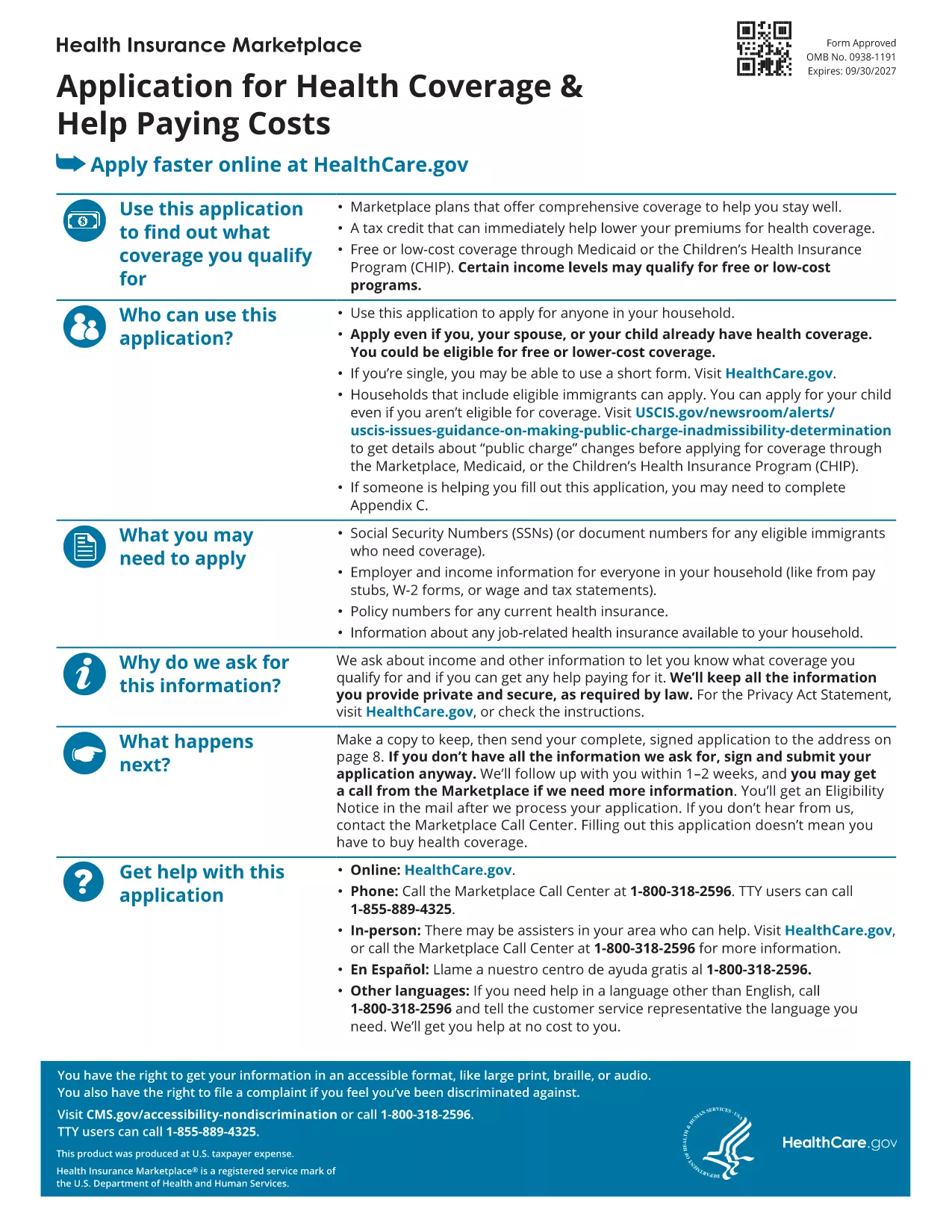
Looking for a reliable application form model that you can fill out directly in your browser? You’ve come to the right place. Our page offers a fillable PDF of the Marketplace Application for Family. This form is a perfect example of a generic application template that can be adapted for health‑coverage enrollment, scholarship requests, or any multi‑person application process.
The PDF provided by the Centers for Medicare & Medicaid Services (CMS) is a comprehensive application form model that captures household information, income details, and coverage preferences. Although it’s designed for health‑insurance enrollment, the structure—sections for personal data, dependents, and signatures—makes it an excellent reference for creating your own custom applications.
Instead of downloading the file and opening a PDF editor, simply click the "Fill out this form" button on this page. The Formize PDF Filler app will load in seconds, letting you type, check boxes, and sign directly on the screen. All changes are saved automatically, and you can download the completed form at the end.
If you need guidance, the CMS website offers detailed instructions for each section of the application. You can also consult the CMS Marketplace Help Center for FAQs and video tutorials.
Ready to start? Click the button below and let Formize do the heavy lifting.
No. The Formize PDF Filler works entirely in your web browser, so no extra software is required.
Yes. The downloaded file remains fully editable with any standard PDF editor if you need to make changes later.
Formize uses SSL encryption, ensuring that all information you enter is transmitted securely.
You can use the "Undo" button or simply click into the field again to correct any errors before saving.
Absolutely. The layout is a generic application model that can be adapted for scholarships, memberships, or any multi‑person request.
Typical completion time is 10‑15 minutes, depending on how many household members you need to add.
Formize only provides the filled PDF. You’ll need to upload or mail the completed form according to the agency’s instructions.
借助用于查看和填写 PDF 文档的传统功能集,结合 Web 应用程序和响应式布局的优势,您可以在几分钟内完成 application form model。
在线填写 PDF 表单的最简单方法
删除填充会话
删除编辑会话