


legal firm website template模板
借助用于查看和填写 PDF 文档的传统功能集,结合 Web 应用程序和响应式布局的优势,您可以在几分钟内完成 legal firm website template。
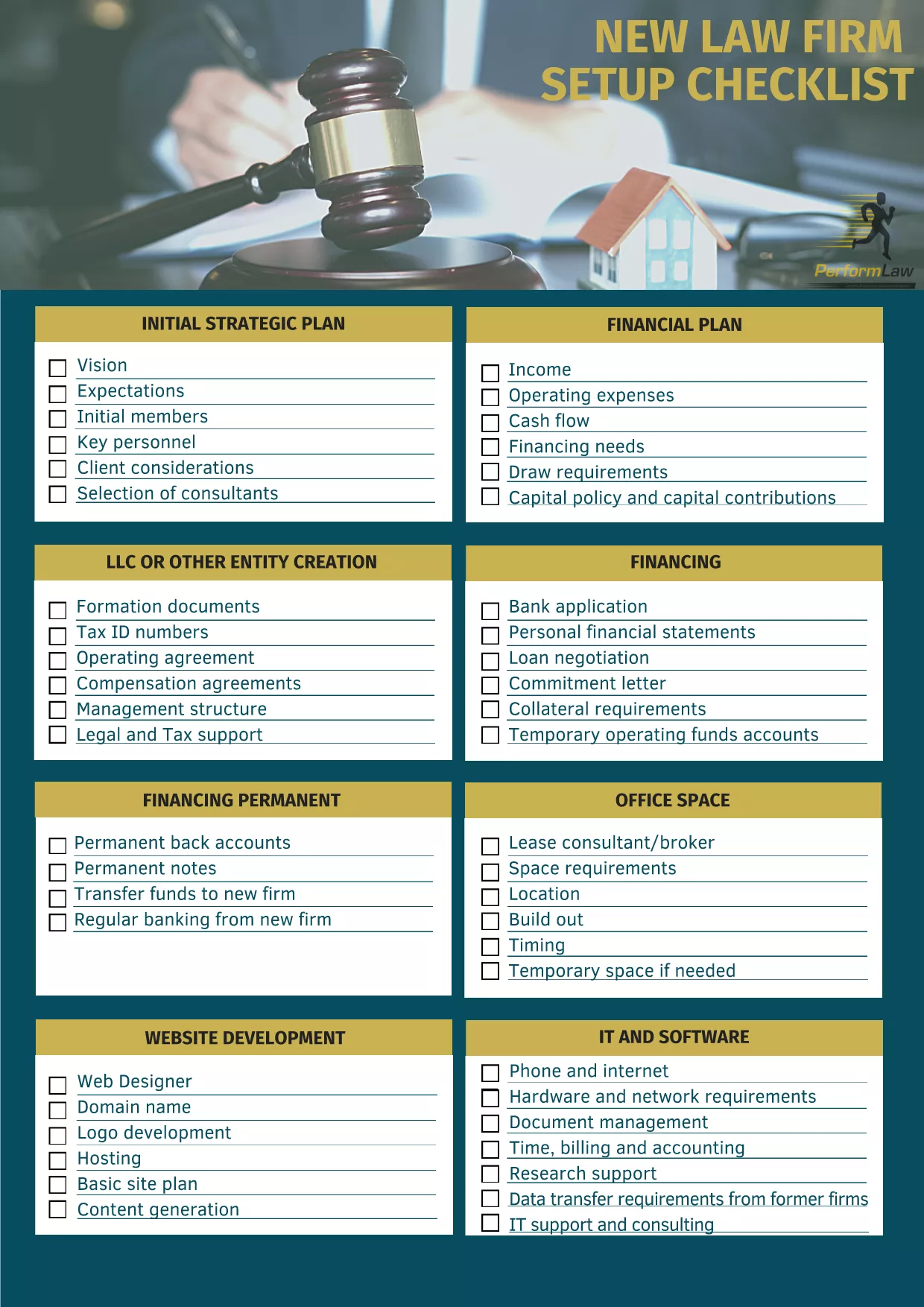
Starting a law firm’s online presence can feel overwhelming. Our Legal Firm Website Template Checklist gives you a step‑by‑step, fillable PDF that ensures no critical detail is missed—from branding and navigation to compliance and client intake.
A structured checklist saves time, reduces errors, and aligns your website with professional standards. It’s especially useful for solo practitioners and small firms that need a polished site without hiring a designer.
Instead of downloading and opening the PDF in a separate editor, simply click the "Fill out this form" button on this page. The Formize PDF Filler app will load instantly, letting you type directly into each field, add dates, and select options.
Skipping the compliance section can lead to ethical issues. Also, neglecting mobile‑responsive design may turn away potential clients. Use the checklist to verify each item before publishing.
Once you finish, click Save in the Formize interface to download a completed PDF copy. Keep it on file for future website updates or audits.
No. The Formize PDF Filler works entirely in your browser, so you can fill the form without any extra software.
Yes. The downloaded PDF remains fully editable in any standard PDF editor if you need to make changes later.
The checklist covers core website elements that apply to solo practitioners, boutique firms, and larger practices alike.
All data is processed locally in your browser and is not stored on Formize’s servers unless you choose to upload it.
Absolutely. After saving the completed PDF, you can print it for meetings or record‑keeping.
Yes. The Legal Firm Website Template Checklist is provided at no cost; you only need an internet connection to fill it online.
借助用于查看和填写 PDF 文档的传统功能集,结合 Web 应用程序和响应式布局的优势,您可以在几分钟内完成 legal firm website template。
在线填写 PDF 表单的最简单方法
删除填充会话
删除编辑会话