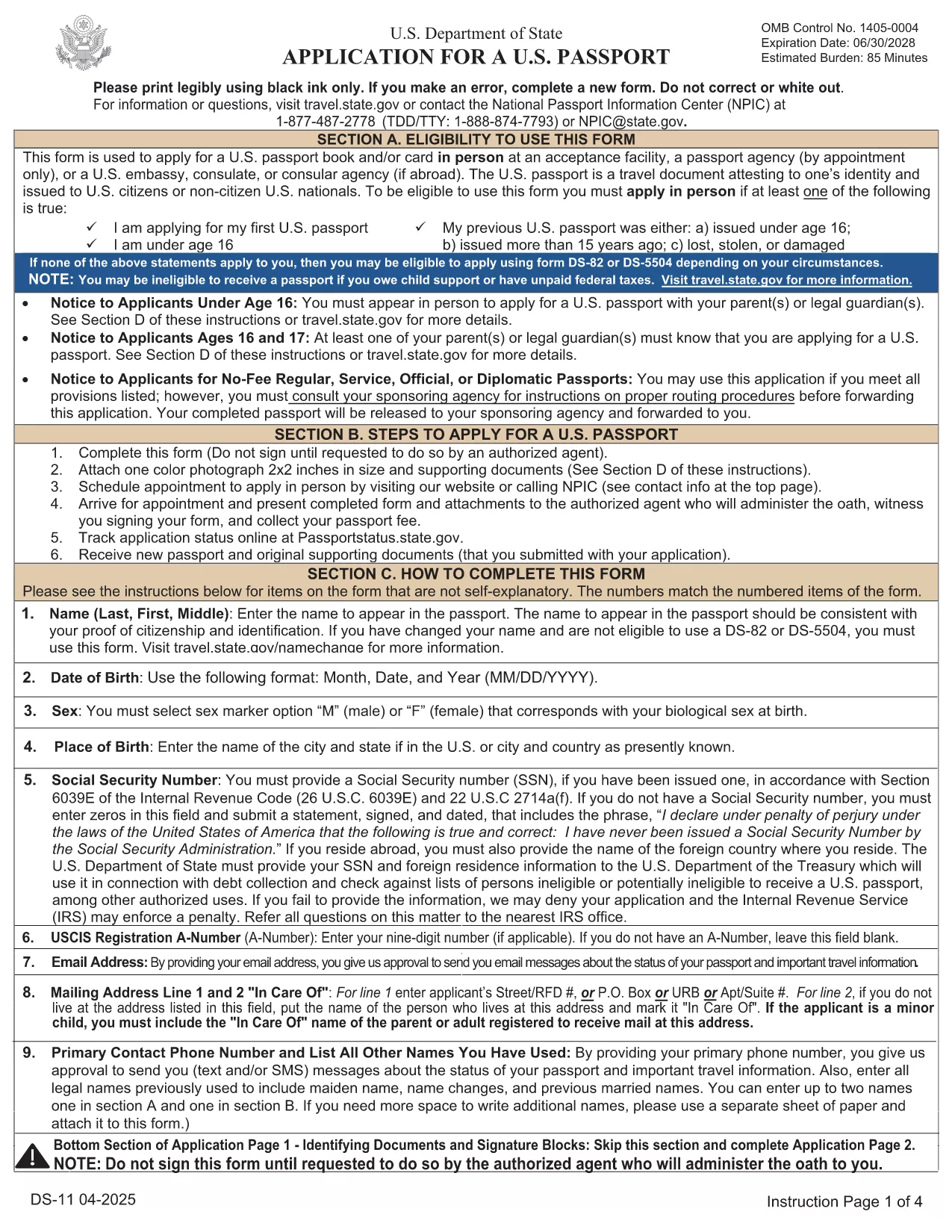
The DS-11 is the official application for first‑time U.S. passports, passports for minors, and replacement of lost or damaged passports. Using Formize’s built‑in PDF filler, you can complete the form online, avoid manual errors, and print a clean, one‑sided copy ready for submission.
What Is the DS-11 Form?
DS-11 is issued by the U.S. Department of State. It collects personal information, citizenship proof, and travel details. You must present the unsigned, completed form at a passport acceptance facility along with supporting documents.
How to Complete the DS-11 with Formize
Follow these simple steps to fill the form directly in your browser—no PDF editor required.
- Click “Fill out this form” on the page.
- Wait a few seconds while the Formize PDF Filler loads the official DS-11.
- Enter your information in each field using the on‑screen keyboard.
- Use the navigation arrows to move between pages.
- When finished, click Print to produce a one‑sided copy.
Common Mistakes to Avoid
- Using colored ink – print in black ink only.
- Leaving any required box empty – the filler will highlight missing fields.
- Signing the form before you reach the acceptance facility – sign only on the printed copy.
- Altering a printed form by hand – any corrections require a new form.
Where to Submit Your Completed Form
Take the printed, unsigned DS-11, your proof of citizenship, a government‑issued photo ID, and a passport‑size photo to any passport acceptance facility (post offices, libraries, or designated clerks). If you need expedited service, schedule an appointment at a regional passport agency.
Download the Official Fillable PDF
For offline use, you can download the original PDF from the U.S. Department of State. The online filler provides the same official form, but the download link is included for reference.
Download DS-11 PDF (official)