


application form editor模板
借助用于查看和填写 PDF 文档的传统功能集,结合 Web 应用程序和响应式布局的优势,您可以在几分钟内完成 application form editor。
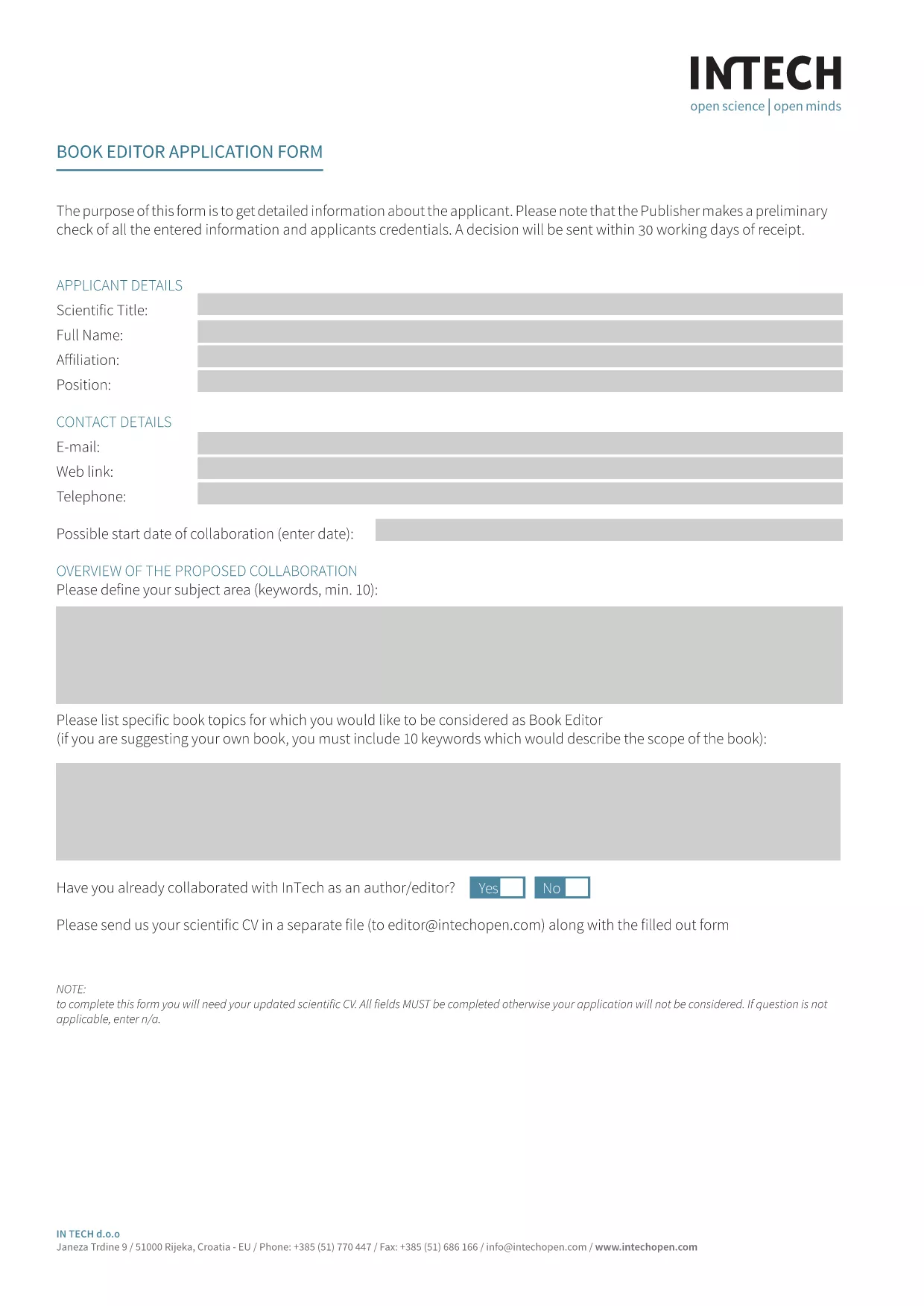
Looking for a fast, secure way to complete the Book Editor Application Form without printing or scanning? Our Application Form Editor turns the PDF into an interactive, fillable document that you can complete directly in your browser.
An application form editor is a web‑based tool that converts a static PDF into a live, editable form. Users can type into text fields, select checkboxes, and add signatures—all while the original layout stays intact. With Formize, the editor loads instantly, so you never have to download a separate program.
Simply click the "Fill out this form" button below. The Formize PDF Filler app will appear, load the PDF, and you can start typing right away.
After you submit, you can instantly download a PDF copy for your records or share it with your hiring committee. No extra software, no printing, no scanning – just a clean, professional document.
Ready to get started? Click the button below and let Formize do the heavy lifting.
No. The Formize PDF Filler works in any modern browser, so you don’t need Acrobat or any extra software.
Yes. The editor auto‑saves your entries locally. When you return, simply reload the page and continue where you left off.
All data is processed in your browser and only transmitted when you click Submit. Formize uses SSL encryption for every connection.
You can edit any field at any time before submitting. Use the backspace or delete keys to correct entries.
Absolutely. After you download the finished PDF, you can print it on any printer.
No. The fillable PDF editor is free and unlimited for this form.
No. The original layout, fonts, and branding stay exactly the same – only the form fields become interactive.
借助用于查看和填写 PDF 文档的传统功能集,结合 Web 应用程序和响应式布局的优势,您可以在几分钟内完成 application form editor。
在线填写 PDF 表单的最简单方法
删除填充会话
删除编辑会话