

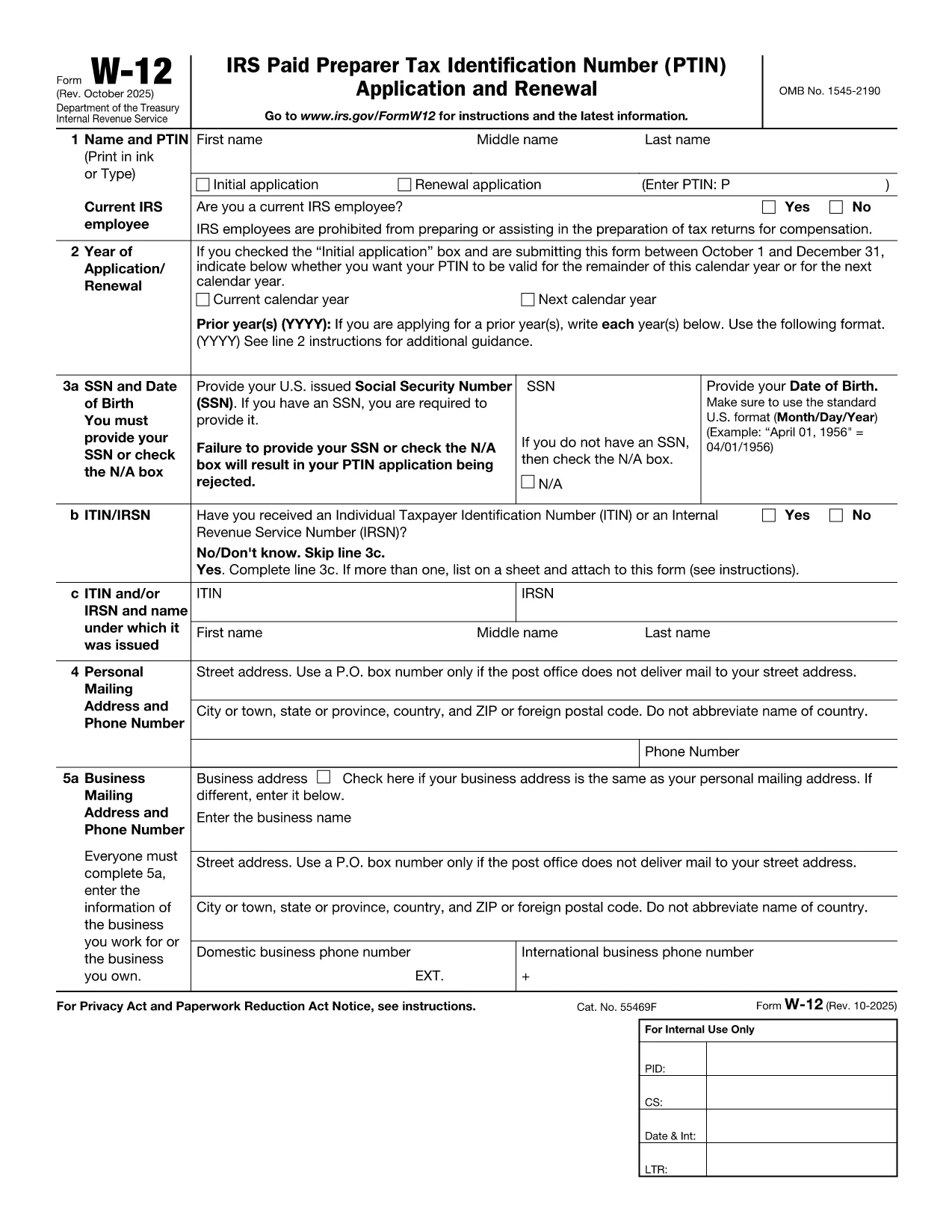

Formulieren van de Internal Revenue Service (IRS).
IRS Form W-12 is een van de officiële belastingformulieren die in de Verenigde Staten worden gebruikt om inkomsten te rapporteren, inhoudingen en tegoeden te claimen, de belastingplicht te berekenen en aan andere belastinggerelateerde verplichtingen te voldoen. De IRS is de federale instantie die verantwoordelijk is voor het beheer en de handhaving van de interne inkomstenwetten in de Verenigde Staten.
Hier zijn enkele voorbeelden van formulieren van de Internal Revenue Service:
Formulier 1040: dit is het primaire aangifteformulier voor de individuele inkomstenbelasting dat door de meeste belastingbetalers wordt gebruikt. Het wordt gebruikt om verschillende soorten inkomsten te rapporteren, aftrekposten en tegoeden te claimen, de belastingplicht te berekenen en te bepalen of een belastingbetaler aanvullende belasting verschuldigd is of recht heeft op teruggaaf.
Formulier 1099: er zijn verschillende varianten van formulier 1099, zoals 1099-MISC, 1099-INT, 1099-DIV, enz. Deze formulieren worden gebruikt om inkomsten te rapporteren die individuen of bedrijven ontvangen uit verschillende bronnen anders dan werk, zoals zelfstandig ondernemerschap inkomsten, rente-inkomsten, dividendinkomsten en huurinkomsten.
Formulier W-2: dit formulier wordt door werkgevers gebruikt om de aan werknemers betaalde lonen en de belastingen te rapporteren ingehouden op hun loon. Werknemers gebruiken de informatie op formulier W-2 om hun individuele belastingaangifte in te vullen.
Formulier 941: Werkgevers gebruiken dit formulier om arbeidsbelastingen, inclusief ingehouden federale inkomstenbelasting, socialezekerheidsbelasting en Medicare-belasting, voor hun werknemers aan te geven.
Formulier 1065: dit formulier wordt door partnerschappen gebruikt om hun inkomsten, inhoudingen en belastingplicht te rapporteren. Maatschappen betalen zelf geen inkomstenbelasting; in plaats daarvan rapporteren de partners hun aandeel in het partnerschapsinkomen op hun individuele belastingaangiften.
Formulier 1120: dit is het aangifteformulier voor de vennootschapsbelasting dat door C-bedrijven wordt gebruikt om hun inkomsten aan te geven. aftrekposten en belastingplicht.
Formulier 990: dit formulier wordt gebruikt door van belasting vrijgestelde organisaties, zoals non-profitorganisaties en liefdadigheidsinstellingen, om rapporteren hun financiële informatie, activiteiten en naleving van de belastingwetten.
Formulier 8862: dit formulier wordt gebruikt door belastingbetalers die eerder het Earned Income Tax Credit (EITC) hebben geclaimd maar had het niet toegestaan, en wil het nu opnieuw claimen.
Dit zijn slechts enkele voorbeelden van de talrijke IRS-formulieren die bestaan om aan verschillende belastinggerelateerde verplichtingen te voldoen. De specifieke formulieren die vereist zijn voor een individu of bedrijf zijn afhankelijk van hun unieke omstandigheden, inkomstenbronnen en inhoudingen. Het is raadzaam om de officiële website van de Internal Revenue Service (www.irs.gov) te raadplegen of professioneel belastingadvies in te winnen om nauwkeurige en actuele informatie te verkrijgen over de specifieke IRS formulieren die relevant zijn voor uw belastingsituatie.