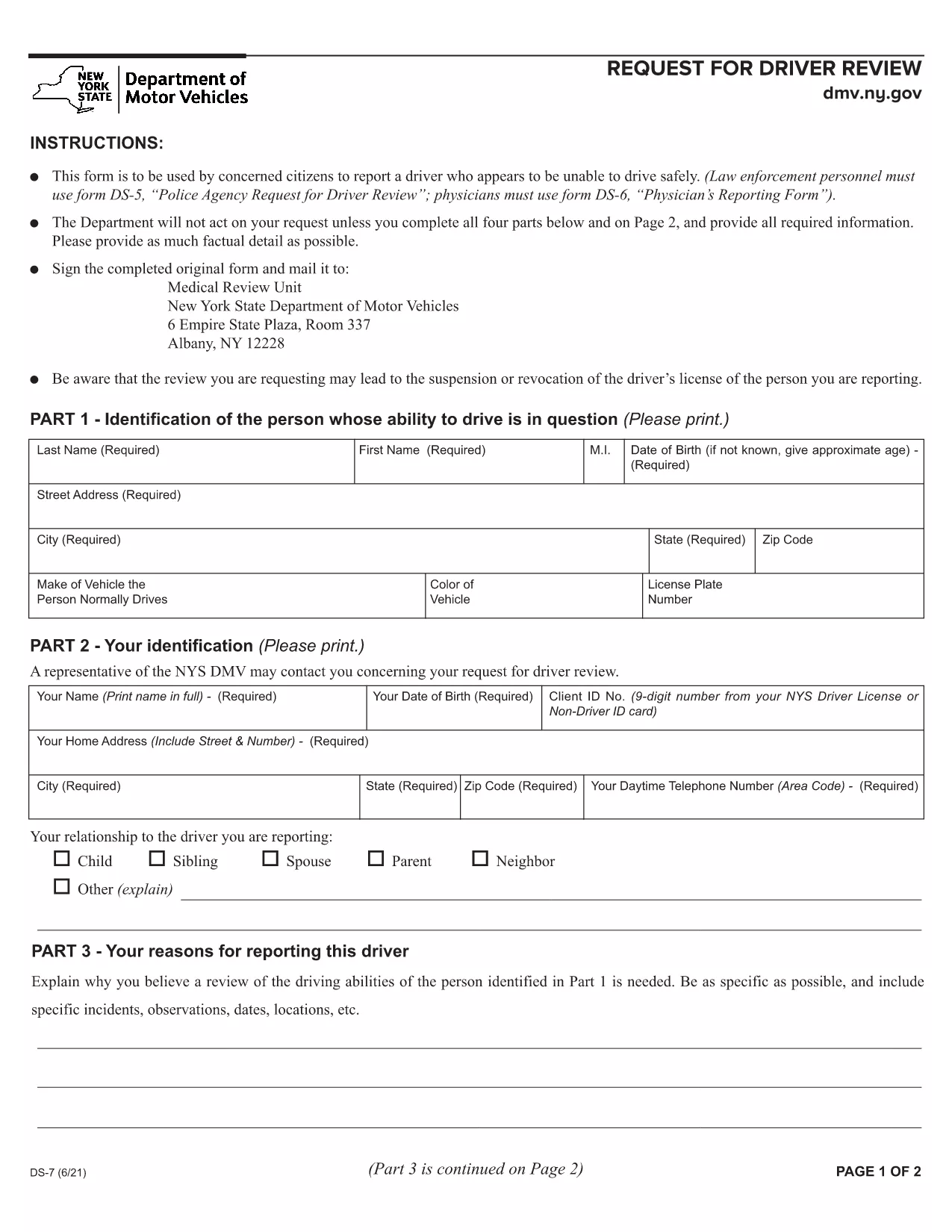
The New York Department of Motor Vehicles (DMV) requires a completed Form DS‑7 when a citizen wants to report a driver who may be unsafe on the road. This form is used by law‑enforcement, physicians, and concerned citizens to initiate a driver safety review.
Our online fillable PDF lets you complete the entire DS‑7 directly in your browser—no extra software needed. Simply click the “Fill out this form” button, wait for the Formize PDF Filler to load, and start entering your information.
Below you’ll find a quick overview of the form, detailed instructions, and tips to avoid common errors.
What Is Form DS‑7?
Form DS‑7, titled “Request for Driver Review,” collects detailed information about the driver’s behavior, vehicle details, and incident description. The DMV uses this data to determine whether a formal investigation or licensing action is required.
How to Fill Out DS‑7 Online
Follow the step‑by‑step guide in the How To section. The online filler automatically validates required fields, so you won’t miss any critical information.
Common Mistakes to Avoid
- Leaving any required field blank – the filler will highlight missing sections.
- Using vague descriptions – provide specific dates, times, and locations.
- Submitting without a signature – you can sign digitally within the filler.
Submit Your Completed Form
After completing the form, click the “Submit” button to download a signed PDF. Mail or fax the PDF to the address listed on the last page of the form, or bring a printed copy to any DMV office.
Download the Fillable PDF
If you prefer to work offline, you can download the official fillable PDF directly from the New York DMV website.