
Selecteer taal

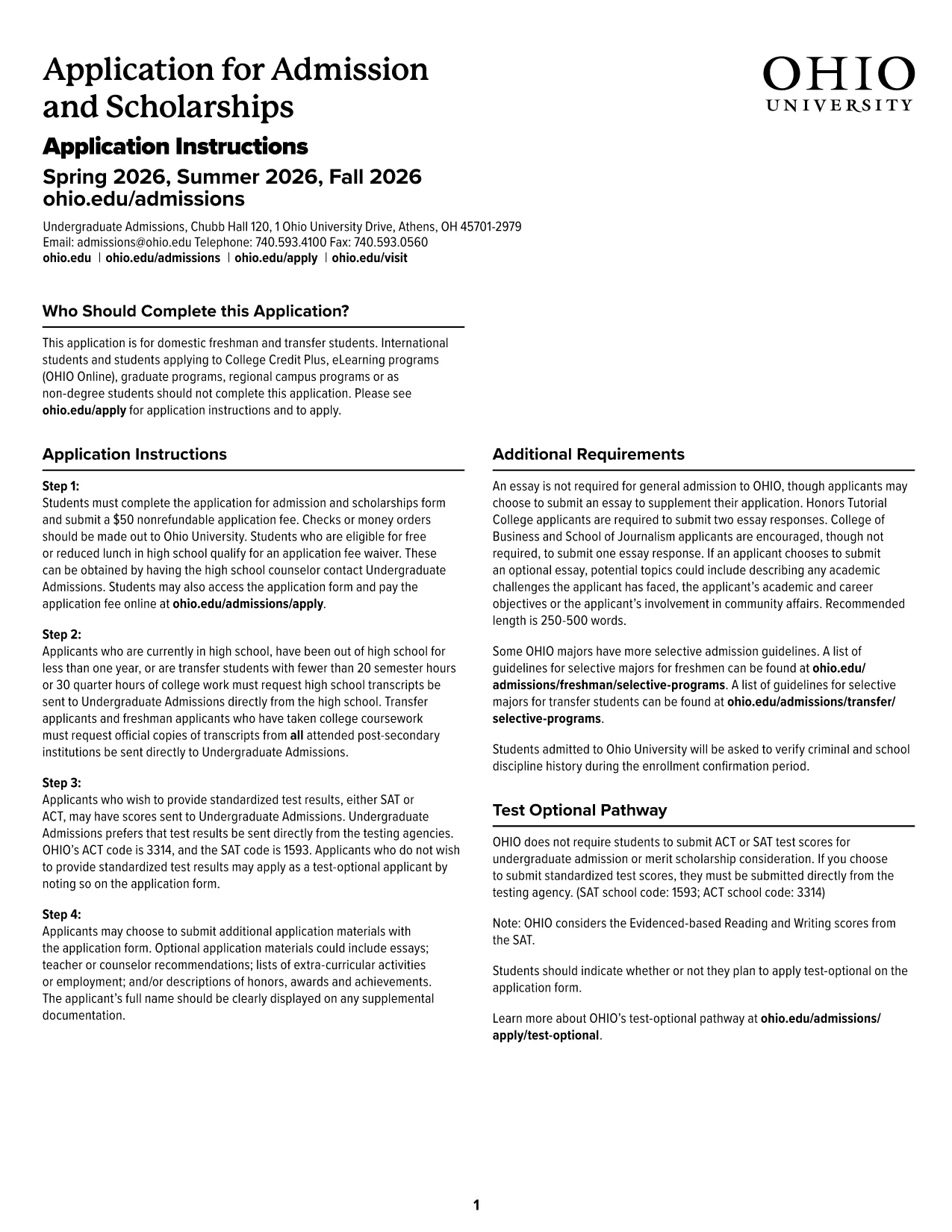
Ohio University Admission Application – Fillable PDF

  1. Taal Engels
  2. Land VS
  3. Activiteit College Admissions
  4. Afdeling Education
Ohio University Admission Application – Fillable PDF

Applying to Ohio University has never been easier. Our official Ohio University Admission Application is available as a fillable PDF that you can complete directly in your browser using the Formize PDF Filler app. No Adobe Acrobat download, no printing, and no hassle.

Why Choose the Fillable PDF Admission Form?

The fillable PDF is designed to match the university’s official paper form, ensuring that every required field is captured accurately. It includes built‑in validation, drop‑down menus, and auto‑formatting for dates and numbers, which reduces errors and speeds up processing.

How to Complete the Ohio University Application Online

Follow the simple steps below to submit a complete, error‑free application:

  • Click the "Fill out this form" button on this page.
  • Wait a few seconds while the Formize PDF Filler app loads.
  • Enter your personal, academic, and extracurricular information in each section.
  • Review the form for any highlighted errors or missing fields.
  • When you’re satisfied, click Submit to send the form directly to Ohio University Admissions.

Common Mistakes to Avoid When Filling the Form

Even with a user‑friendly interface, a few pitfalls can delay your admission:

  • Leaving required fields blank: The filler will highlight missing information in red.
  • Incorrect date formats: Use the calendar picker provided.
  • Typos in names or IDs: Double‑check spelling before submitting.
  • Uploading unsupported file types for supporting documents: Stick to PDF, JPG, or PNG.

Where to Submit Your Completed Application

After you click Submit, Formize securely transmits the completed PDF to the Ohio University Undergraduate Admissions office. You will receive a confirmation email with a copy of your application for your records.

If you need to make changes after submission, contact the admissions office at admissions@ohio.edu within 48 hours.

FAQ
  • Do I need Adobe Acrobat to fill this form?

    No. The Formize PDF Filler works in any modern browser – no additional software is required.

  • Can I save a draft and finish later?

    Yes. Use the "Save Draft" button to download a copy of the partially completed PDF and reload it later.

  • What file format is accepted for supporting documents?

    Only PDF, JPG, or PNG files are accepted. Each file must be under 5 MB.

  • Will my data be secure?

    Formize uses SSL encryption and does not store your personal data after submission.

  • What if I make a mistake after submitting?

    Contact Ohio University Admissions at admissions@ohio.edu within 48 hours to request a correction.

  • Is there a fee to use the online filler?

    No. The fillable PDF and the Formize service are completely free for applicants.

  • Can international students use this form?

    Yes, the form includes sections for citizenship, visa status, and financial sponsorship.

  • How do I know the form was received?

    You will receive an email confirmation with a PDF copy of your submitted application.

HOE

Zo vult u Ohio University admission form gratis online in in 5 eenvoudige stappen:

  1. 1
    Click the Fill‑out Button
    Press the "Fill out this form" button on the page to launch the Formize PDF Filler.
  2. 2
    Wait for the Filler to Load
    A short loading screen appears while the secure online filler prepares the PDF.
  3. 3
    Enter Your Information
    Complete each section—personal data, academic history, test scores, and essays—using the on‑screen fields.
  4. 4
    Review and Validate
    Check for highlighted errors, correct any issues, and ensure all required boxes are checked.
  5. 5
    Submit Securely
    Click the Submit button; the filled PDF is sent directly to Ohio University Admissions and a confirmation email is sent to you.
Formize PDF Filler-app
WAT BETREFT

Ohio University admission form-sjabloon

Met de traditionele set functies voor het bekijken en invullen van een PDF-document, gecombineerd met de voordelen van een webapplicatie en responsieve lay-out, kunt u Ohio University admission form binnen enkele minuten voltooien.

FUNCTIES

PDF-vuller

De eenvoudigste manier om online PDF-formulieren in te vullen

  • Vul snel Ohio University admission form in
    Op zoek naar een manier om Ohio University admission form snel online in te vullen? Met onze online gratis PDF-formulierinvuller weet u hoe u dit pdf-document in minder dan een minuut kunt bewerken en invullen.
  • Gebruiksvriendelijke online PDF-editor
    Ben je het beu om PDF-bestanden uit te printen zodat je ze kunt bewerken, voordat je ze opnieuw scant en terugstuurt? Bewerk PDF-documenten gratis online. Gebruik onze online pdf-editor om tijd en papier te besparen.
  • Geweldige tools, alle platforms
    Vraagt ​​u zich af hoe u Ohio University admission form op een Mac moet invullen, of misschien hoe u gratis een PDF-filler kunt gebruiken? Onze online pdf-tools werken op alle platformen.
  • Veilige bestandsopslag
    Voltooide "Ohio University admission form"-bestanden worden opgeslagen in een beveiligde database die wordt beheerd door Amazon Cloud hosting. U kunt uw bestanden op elk moment uit ons systeem verwijderen. Deze bestanden worden in ieder geval na 24 uur automatisch verwijderd.
  • Chat met {trefwoord}
    Chat met "Ohio University admission form" op Chatize, een gratis PDF-lezerassistent. Stel vragen en krijg antwoorden van "Ohio University admission form". Klik gewoon op de knop Chatten met document hierboven.

De vulsessie verwijderen

De geselecteerde vulsessie verwijderen? In dat geval gaat uw voortgang bij het invullen van het formulier verloren.

Bewerkingssessie verwijderen

De geselecteerde bewerkingssessie verwijderen? In dit geval gaat uw voortgang bij het maken en bewerken van het formulier verloren.