Selecteer taal

Application Form Model – Fillable PDF

  1. Taal Engels
  2. Land VS
  3. Afdeling Health & Human Services
  4. Activiteit Health Insurance
Application Form Model – Fillable PDF

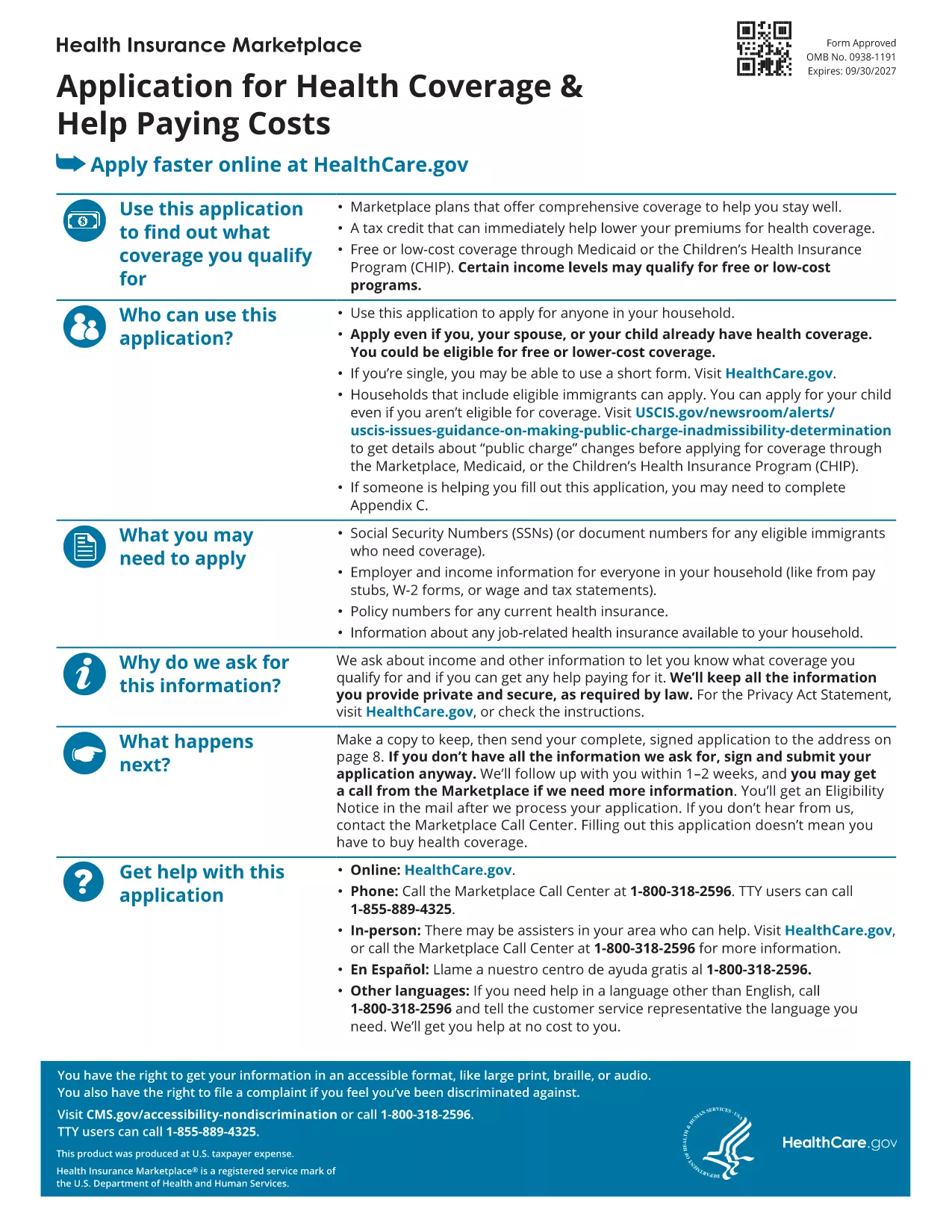
Looking for a reliable application form model that you can fill out directly in your browser? You’ve come to the right place. Our page offers a fillable PDF of the Marketplace Application for Family. This form is a perfect example of a generic application template that can be adapted for health‑coverage enrollment, scholarship requests, or any multi‑person application process.

What Is This Application Form Model?

The PDF provided by the Centers for Medicare & Medicaid Services (CMS) is a comprehensive application form model that captures household information, income details, and coverage preferences. Although it’s designed for health‑insurance enrollment, the structure—sections for personal data, dependents, and signatures—makes it an excellent reference for creating your own custom applications.

How to Fill Out the Form Online with Formize

Instead of downloading the file and opening a PDF editor, simply click the "Fill out this form" button on this page. The Formize PDF Filler app will load in seconds, letting you type, check boxes, and sign directly on the screen. All changes are saved automatically, and you can download the completed form at the end.

Common Mistakes to Avoid

  • Leaving required fields blank – the filler will highlight missing information before you submit.
  • Using the wrong date format – follow the MM/DD/YYYY pattern shown in the form.
  • Forgetting to sign – the digital signature field must be completed; otherwise the PDF is considered incomplete.

Where to Find Help and Additional Resources

If you need guidance, the CMS website offers detailed instructions for each section of the application. You can also consult the CMS Marketplace Help Center for FAQs and video tutorials.

Ready to start? Click the button below and let Formize do the heavy lifting.

FAQ
  • Do I need a PDF reader to fill out this form?

    No. The Formize PDF Filler works entirely in your web browser, so no extra software is required.

  • Can I edit the form after I download it?

    Yes. The downloaded file remains fully editable with any standard PDF editor if you need to make changes later.

  • Is my data secure while using Formize?

    Formize uses SSL encryption, ensuring that all information you enter is transmitted securely.

  • What if I make a mistake while filling the form?

    You can use the "Undo" button or simply click into the field again to correct any errors before saving.

  • Is this form suitable for non‑health‑insurance applications?

    Absolutely. The layout is a generic application model that can be adapted for scholarships, memberships, or any multi‑person request.

  • How long does it take to complete the form?

    Typical completion time is 10‑15 minutes, depending on how many household members you need to add.

  • Can I submit the form directly to an agency from Formize?

    Formize only provides the filled PDF. You’ll need to upload or mail the completed form according to the agency’s instructions.

HOE

Zo vult u application form model gratis online in in 3 eenvoudige stappen:

  1. 1
    Click the Fill Out Button
    Press the "Fill out this form" button on the page. The Formize PDF Filler app will open in a new tab.
  2. 2
    Enter Your Information
    Type directly into each field, select checkboxes, and upload signatures just like you would on paper.
  3. 3
    Save and Download
    When all required sections are completed, click "Save" and then download the finished PDF for your records.
Formize PDF Filler-app
WAT BETREFT

application form model-sjabloon

Met de traditionele set functies voor het bekijken en invullen van een PDF-document, gecombineerd met de voordelen van een webapplicatie en responsieve lay-out, kunt u application form model binnen enkele minuten voltooien.

FUNCTIES

PDF-vuller

De eenvoudigste manier om online PDF-formulieren in te vullen

  • Vul snel application form model in
    Op zoek naar een manier om application form model snel online in te vullen? Met onze online gratis PDF-formulierinvuller weet u hoe u dit pdf-document in minder dan een minuut kunt bewerken en invullen.
  • Gebruiksvriendelijke online PDF-editor
    Ben je het beu om PDF-bestanden uit te printen zodat je ze kunt bewerken, voordat je ze opnieuw scant en terugstuurt? Bewerk PDF-documenten gratis online. Gebruik onze online pdf-editor om tijd en papier te besparen.
  • Geweldige tools, alle platforms
    Vraagt ​​u zich af hoe u application form model op een Mac moet invullen, of misschien hoe u gratis een PDF-filler kunt gebruiken? Onze online pdf-tools werken op alle platformen.
  • Veilige bestandsopslag
    Voltooide "application form model"-bestanden worden opgeslagen in een beveiligde database die wordt beheerd door Amazon Cloud hosting. U kunt uw bestanden op elk moment uit ons systeem verwijderen. Deze bestanden worden in ieder geval na 24 uur automatisch verwijderd.
  • Chat met {trefwoord}
    Chat met "application form model" op Chatize, een gratis PDF-lezerassistent. Stel vragen en krijg antwoorden van "application form model". Klik gewoon op de knop Chatten met document hierboven.

De vulsessie verwijderen

De geselecteerde vulsessie verwijderen? In dat geval gaat uw voortgang bij het invullen van het formulier verloren.

Bewerkingssessie verwijderen

De geselecteerde bewerkingssessie verwijderen? In dit geval gaat uw voortgang bij het maken en bewerken van het formulier verloren.