


Belasting formulieren
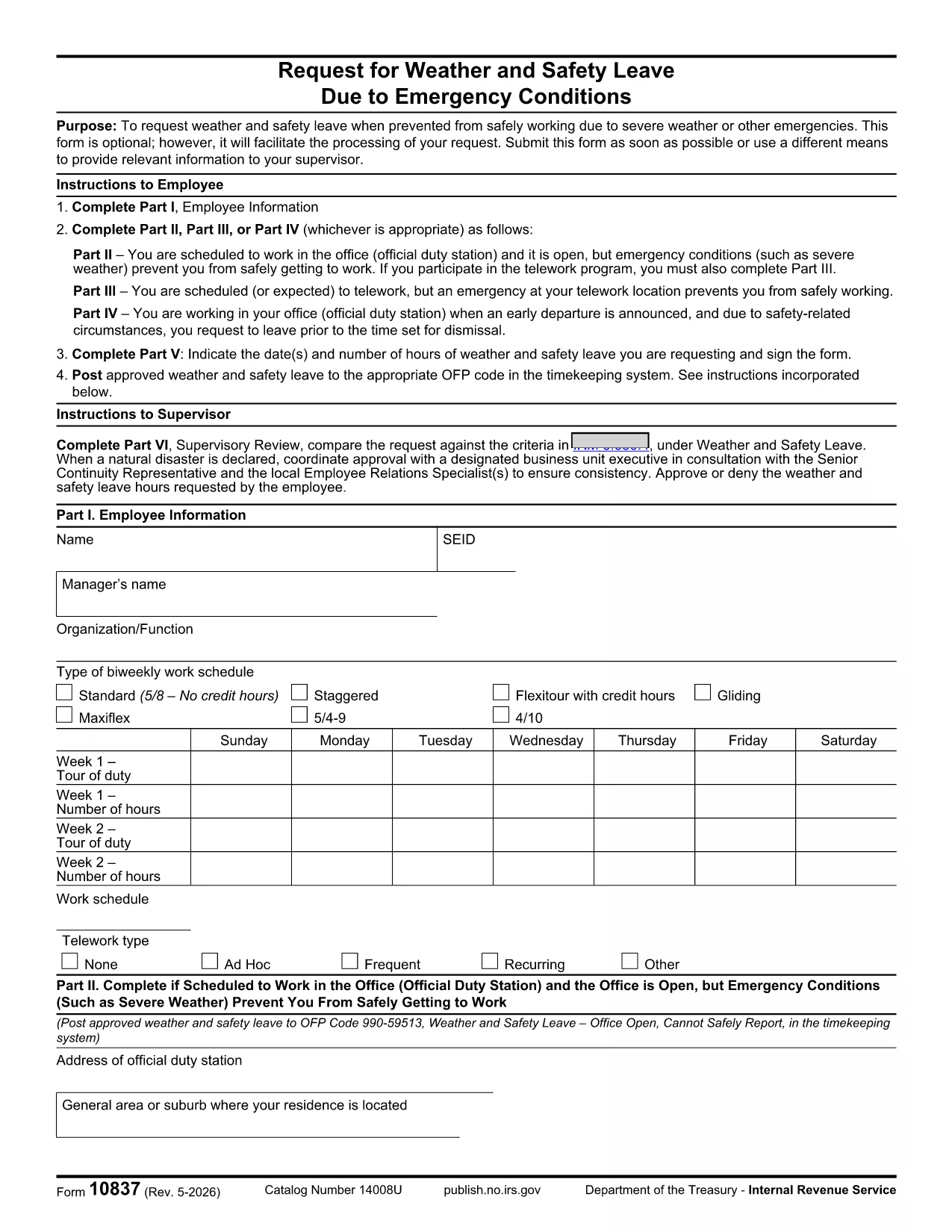
Form 10837 is een van de belastingformulieren. Dit zijn documenten die worden gebruikt om informatie over het inkomen, de inhoudingen en de belastingplicht van een individu of bedrijf aan de relevante belastingdienst te rapporteren. Deze formulieren zijn nodig om te voldoen aan de belastingwetten en om aan belastingverplichtingen te voldoen. Belastingformulieren variëren afhankelijk van het land en de specifieke belastingvereisten die er gelden. Hier volgen enkele veelvoorkomende belastingformulieren:
Individuele belastingformulieren: deze formulieren worden door individuele belastingbetalers gebruikt om hun persoonlijke inkomen aan te geven en aftrekposten, tegoeden en vrijstellingen te claimen. Voorbeelden hiervan zijn het 1040-formulier in de Verenigde Staten of het Self-Assessment Tax Return-formulier in het Verenigd Koninkrijk.
Belastingformulieren voor bedrijven: belastingformulieren voor bedrijven worden gebruikt door bedrijven, partnerschappen of zelfstandigen om hun bedrijfsinkomsten, uitgaven en andere belastinggerelateerde informatie te rapporteren. Voorbeelden hiervan zijn het Schedule C-formulier (Profit or Loss from Business) in de Verenigde Staten of het CT600-formulier (Company Tax Return) in het Verenigd Koninkrijk.
Loonbelastingformulieren: deze formulieren worden door werkgevers gebruikt om de lonen, salarissen en belastingen aan te geven die zijn ingehouden op de loonstrookjes van hun werknemers. Voorbeelden hiervan zijn het W-2-formulier in de Verenigde Staten of het P60-formulier in het Verenigd Koninkrijk.
Omzetbelastingformulieren: Omzetbelastingformulieren worden door bedrijven gebruikt om de omzetbelasting op belastbare goederen of diensten te rapporteren en af te dragen. De specifieke omzetbelastingformulieren variëren per rechtsgebied.
Formulieren van belasting over de toegevoegde waarde (btw): btw-formulieren worden gebruikt in landen waar belasting over de toegevoegde waarde wordt geheven om de geïnde btw op verkopen aan te geven en af te dragen en om btw-tegoeden voor aankopen te claimen. Voorbeelden hiervan zijn de BTW-aangifteformulieren die in veel landen worden gebruikt.
Geschatte belastingformulieren: Geschatte belastingformulieren worden gebruikt voor het rapporteren en betalen van geschatte belastingen op inkomsten waarop geen inhouding van toepassing is, zoals inkomsten uit zelfstandig ondernemerschap of beleggingsinkomsten.
Dit zijn slechts enkele voorbeelden van de vele belastingvormen die er kunnen zijn. De specifieke vereiste formulieren zijn afhankelijk van de belastingwetten en -regelgeving in uw land of rechtsgebied. Om te bepalen welke formulieren op uw situatie van toepassing zijn, is het belangrijk om de richtlijnen van de Belastingdienst te raadplegen of professioneel advies in te winnen.