
I-765-sjabloon
Met de traditionele set functies voor het bekijken en invullen van een PDF-document, gecombineerd met de voordelen van een webapplicatie en responsieve lay-out, kunt u I-765 binnen enkele minuten voltooien.


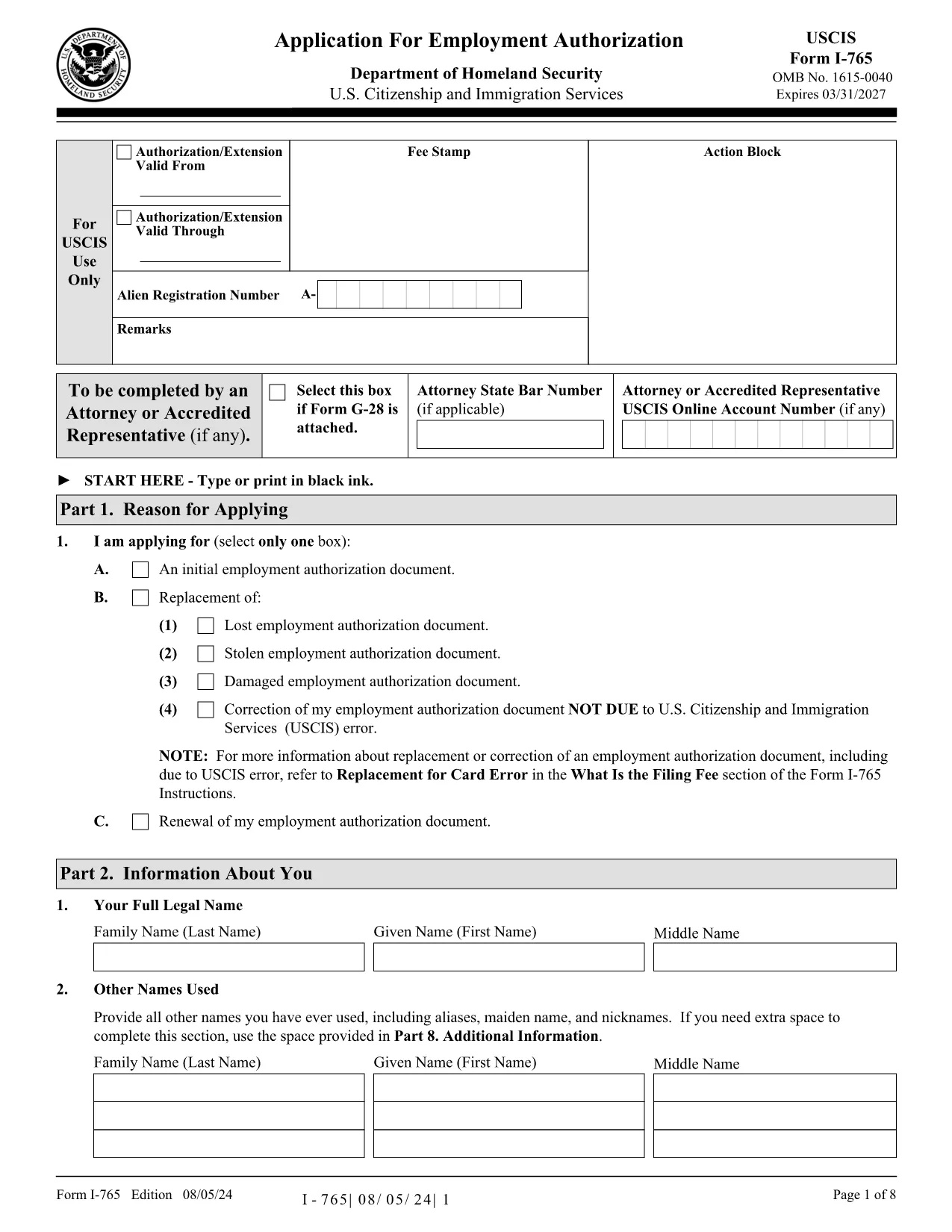
Form I-765, Application for Employment Authorization, is the official USCIS document you need to request an Employment Authorization Document (EAD). With Formize, you can download a fully fillable PDF, complete it directly in your browser, and avoid the hassle of printing and scanning.
The I-765 allows eligible non‑citizens to obtain permission to work in the United States. It is used for a variety of immigration statuses, including DACA recipients, asylum seekers, and F‑1 students applying for Optional Practical Training (OPT).
Follow the simple steps below – no PDF editor required. The Formize PDF Filler loads automatically when you click the button.
After completing the form, download the finished PDF, print it, sign it where required, and mail it to the USCIS address listed for your eligibility category.
No. With Formize you can fill the official I‑765 PDF directly in your browser—no additional software required.
USCIS currently accepts only paper submissions for most categories. After filling the form online, download, print, and mail it.
The filing fee varies by category and changes annually. Check the latest fee schedule on the USCIS website before mailing your application.
Processing times range from 2 to 7 months depending on the service center and your eligibility category.
If you discover an error after mailing, you can file a new I-765 with the correct information and include a brief explanation of the previous mistake.
Yes. USCIS requires one unmounted, unretouched passport‑style photo. Attach it to the bottom of the form after printing.
Yes, but you must select the appropriate renewal eligibility category and include a copy of your current EAD.
Met de traditionele set functies voor het bekijken en invullen van een PDF-document, gecombineerd met de voordelen van een webapplicatie en responsieve lay-out, kunt u I-765 binnen enkele minuten voltooien.
De eenvoudigste manier om online PDF-formulieren in te vullen
De vulsessie verwijderen
Bewerkingssessie verwijderen