

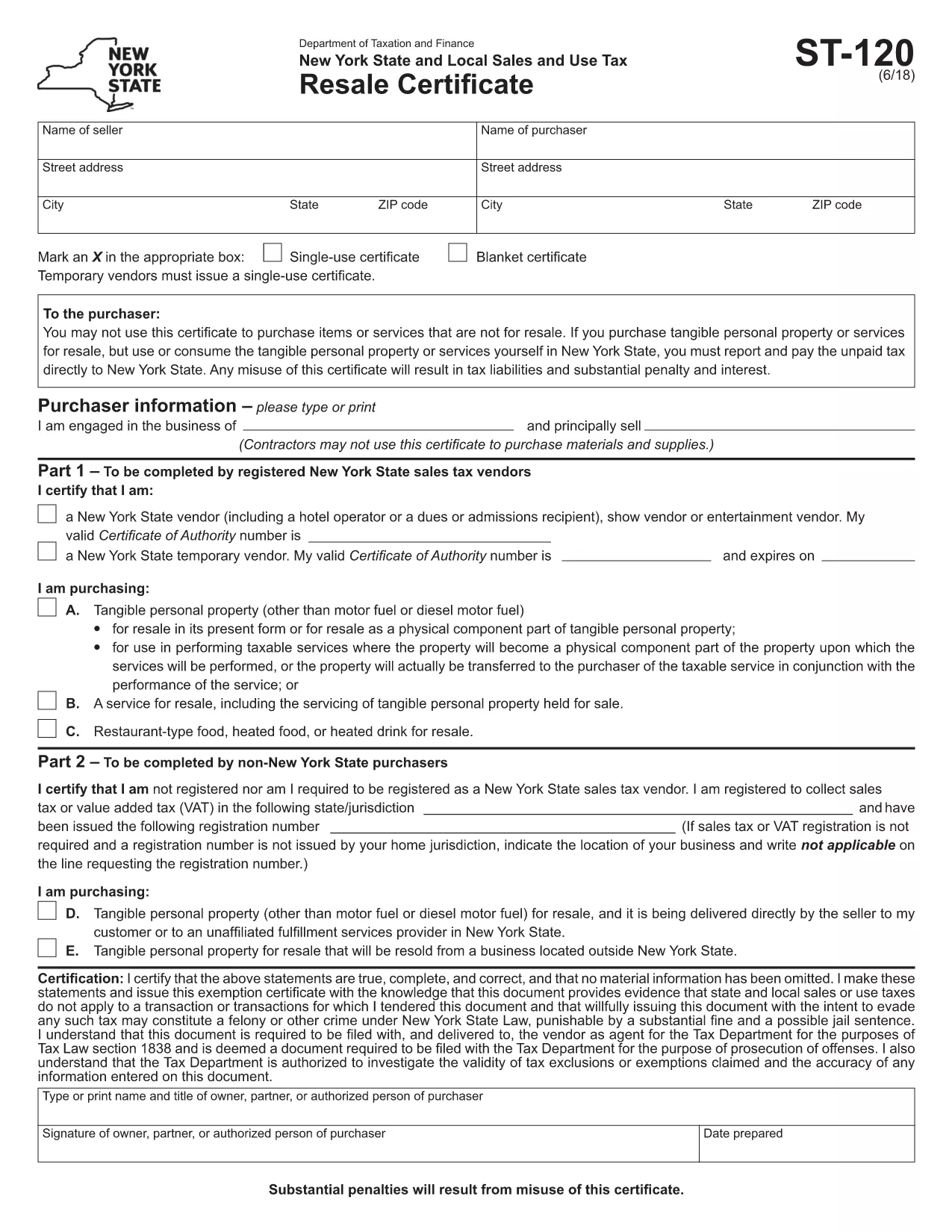

Les formulaires d'impôt
SP-120 form est l'un des formulaires fiscaux qui sont des documents utilisés pour déclarer les revenus, les déductions et l'impôt à payer à l'autorité fiscale compétente. Ces formulaires constituent un élément essentiel du processus de déclaration de revenus et sont utilisés pour garantir que les particuliers et les entreprises se conforment aux lois fiscales et calculent avec précision leurs obligations fiscales.
Les formulaires fiscaux spécifiques requis peuvent varier en fonction de facteurs tels que le statut de déclaration d'un individu, les sources de revenus et les lois fiscales du pays. Cependant, voici quelques types courants de formulaires fiscaux :
Formulaires d'impôt sur le revenu des particuliers : ces formulaires, tels que la série 1040 aux États-Unis, sont utilisés par les particuliers pour déclarer leurs revenus, demander des déductions et des crédits et calculer leur obligation fiscale.
Formulaires fiscaux pour les entreprises : les entreprises, y compris les entreprises individuelles, les sociétés de personnes, les sociétés et les travailleurs indépendants, peuvent devoir remplir divers formulaires pour déclarer leurs revenus, dépenses et impôts dus. Les exemples incluent l'annexe C (bénéfice ou perte d'une entreprise) et le formulaire 1120 (déclaration de revenus des sociétés aux États-Unis).
Formulaires d'impôt sur le travail : les employeurs sont tenus de déclarer les salaires des employés et de retenir et verser les charges sociales. Des formulaires tels que W-2 (déclaration de salaire et d'impôts) et 941 (déclaration de revenus fédérale trimestrielle de l'employeur) sont utilisés à cette fin.
Formulaires de comptes de placement et de retraite : ces formulaires sont utilisés pour déclarer les revenus de placement, les gains et les pertes en capital, ainsi que les cotisations et les distributions des comptes de retraite. Les exemples incluent le formulaire 1099-DIV (dividendes et distributions) et Formulaire 5498 (Informations sur les contributions IRA).
Formulaires fiscaux sur les successions et les donations : lorsqu'une personne décède ou fait des dons importants, des formulaires spécifiques tels que le Formulaire 706 (Déclaration de revenus des États-Unis sur les successions (et les transferts de génération)) et le Formulaire 709 (Don des États-Unis (et transfert de génération) (Saut de transfert) Déclaration de revenus) sont utilisés pour déclarer et calculer les taxes applicables sur les successions ou les donations.
Il est important de noter que les lois et les formulaires fiscaux peuvent changer au fil du temps. Les particuliers et les entreprises doivent donc consulter l'autorité fiscale compétente ou demander l'avis d'un fiscaliste professionnel pour garantir le respect des exigences actuelles.