
Ընտրել լեզուն

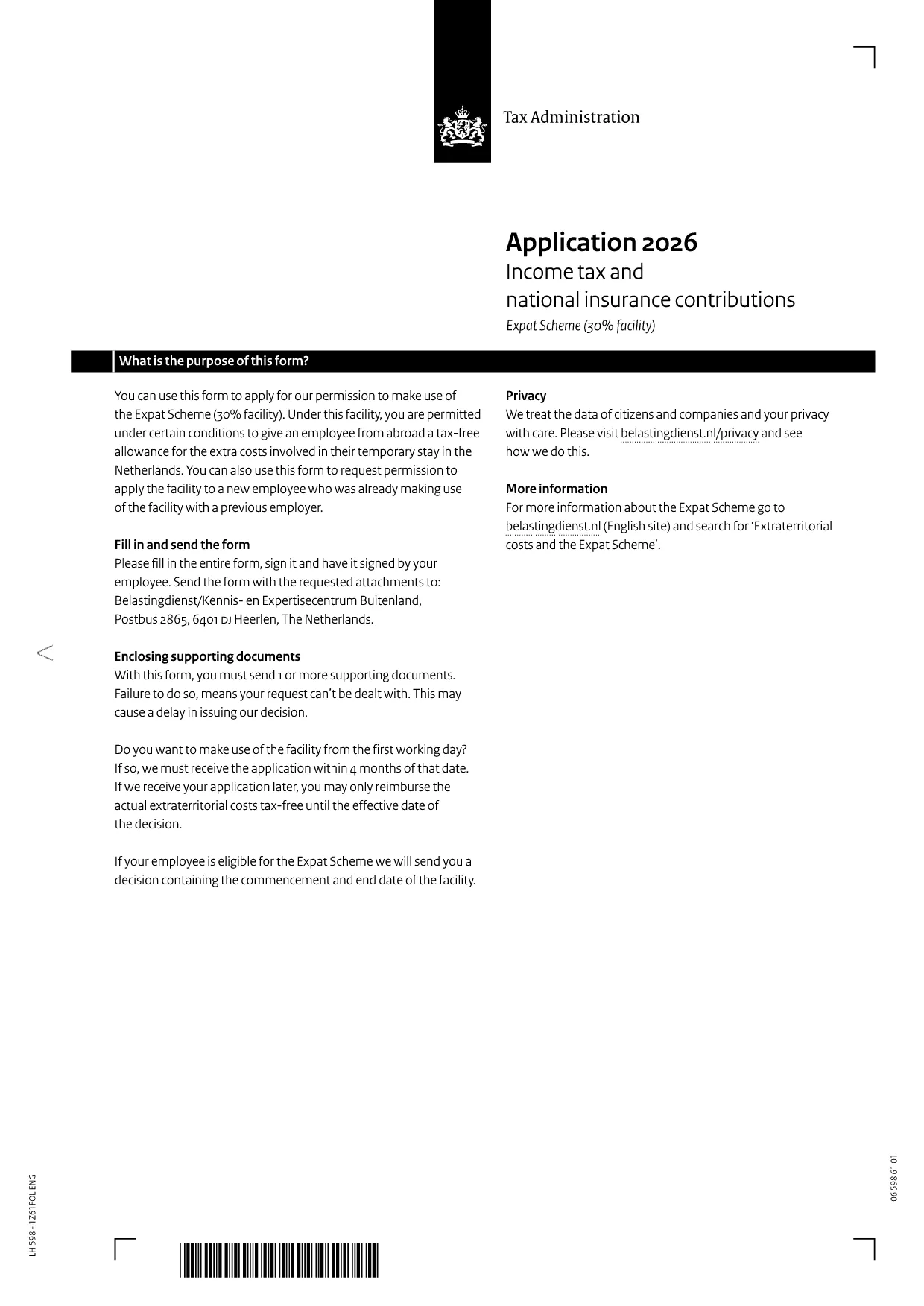
Netherlands Official Application Form – Fillable PDF

  1. Լեզու Անգլերեն
  2. Երկիր Նիդեռլանդներ
  3. բաժին Tax Administration
  4. Գործունեություն Հարկեր
Netherlands Official Application Form – Fillable PDF

Looking for the official Netherlands application form that you can fill out online? You’ve come to the right place. Our page hosts the downloadable fillable PDF from the Dutch Tax Administration and integrates with the Formize PDF Filler so you can complete the form directly in your browser—no extra software required.

Why Use Our Fillable PDF Form?

The original PDF is designed for Adobe Reader, but with Formize you get:

  • Instant online editing – just click and type.
  • Automatic field validation to reduce errors.
  • Easy preview, download, or print options.
  • Secure handling of your personal data.

How to Complete the Netherlands Application Form

Follow the simple steps below to fill out the form correctly and submit it to the Belastingdienst.

Common Mistakes to Avoid

Even with a fillable PDF, it’s easy to slip up. Watch out for:

  • Leaving mandatory fields blank.
  • Using an outdated version of the form (always use the latest PDF linked below).
  • Submitting the form without a signature—print, sign, and scan if required.

Where to Submit the Completed Form

After you’ve filled, reviewed, and signed the form, send it to the address indicated in the PDF:

Belastingdienst/Kennis‑en‑Expertisecentrum Buitenland
PO Box 2865
6401 DJ Heerlen
The Netherlands

Alternatively, you can fax or email the scanned copy if the receiving department accepts electronic submissions.

Frequently Asked Questions

Below are the most common questions about this application form.

ՀՏՀ
  • Is the PDF form available in English?

    Yes, the version linked on this page is the English translation of the Dutch Tax Administration’s application form.

  • Do I need Adobe Reader to fill the form?

    No. While the original PDF requires Adobe Reader, our Formize PDF Filler lets you complete it directly in the browser without any additional software.

  • Can I save my progress and finish later?

    Yes. Use the “Save” button in the Formize interface to download a partially‑filled copy, then reopen it later to continue.

  • What if I make a mistake after submitting?

    Contact the Belastingdienst’s Kennis‑en‑Expertisecentrum Buitenland using the address in the PDF. They will advise whether a corrected form is needed.

  • Is there a filing deadline?

    The deadline depends on your specific situation. Check the instructions section of the PDF or contact the tax authority for exact dates.

  • Can I submit the form electronically?

    Some departments accept scanned PDFs via email. Verify the submission method in the PDF’s instructions before sending.

  • Is there a fee to use the Formize filler?

    No. Formize provides the filler for free on this page; you only pay any standard mailing or processing fees required by the tax authority.

ԻՆՉՊԵՍ

Ինչպես լրացնել Netherlands application form-ն անվճար, առցանց՝ 5 հեշտ քայլերով.

  1. 1
    Open the Fillable Form
    Click the “Fill out this form” button on this page. The Formize PDF Filler will load in a new tab.
  2. 2
    Enter Your Information
    Type directly into each highlighted field. The filler validates numeric and date formats as you go.
  3. 3
    Review & Sign
    Use the preview button to double‑check all entries. Print the form, add a handwritten signature, then scan it back if a physical signature is required.
  4. 4
    Download or Print
    When you’re satisfied, click “Download PDF” to save a copy or “Print” to produce a hard copy for mailing.
  5. 5
    Submit the Form
    Mail the signed document to the address listed in the PDF, or follow any electronic submission instructions provided by the tax authority.
Ձևավորել PDF Filler հավելվածը
ՄԱՍԻՆ

Հարկային ձևեր

Netherlands application form-ը հարկային ձևերից մեկն է, որն օգտագործվում է համապատասխան հարկային մարմնին հարկերի հետ կապված տեղեկատվությունը զեկուցելու համար: Կան տարբեր տեսակի հարկային ձևեր, ներառյալ դաշնային, նահանգային և տեղական հարկային ձևերը, որոնք կարող են տարբեր լինել՝ կախված հարկ վճարողի հանգամանքներից և գտնվելու վայրից:

ՀԱՏԿՈՒԹՅՈՒՆՆԵՐ

PDF լցոնիչ

Առցանց Netherlands application form-ը լրացնելու ամենահեշտ ձևը

  • Արագ լրացրեք Netherlands application form
    Փնտրու՞մ եք միջոց՝ արագորեն լրացնելու Netherlands application form առցանց: Մեր առցանց անվճար PDF ձևաթուղթ լրացնողի միջոցով դուք կիմանաք, թե ինչպես խմբագրել և լրացնել այս pdf փաստաթուղթը մեկ րոպեից պակաս ժամանակում:
  • Հեշտ օգտագործման առցանց PDF խմբագիր
    Հոգնե՞լ եք PDF ֆայլեր տպելուց, որպեսզի կարողանաք դրանք խմբագրել, նախքան նորից սկանավորելը և հետ ուղարկելը: Խմբագրել PDF փաստաթղթերը անվճար առցանց: Օգտագործեք մեր առցանց pdf խմբագրիչը ժամանակ և թուղթ խնայելու համար:
  • Հիանալի գործիքներ, բոլոր հարթակներ
    Զարմանում եք, թե ինչպես լրացնել Netherlands application form-ը Mac-ում, կամ գուցե ինչպես անվճար օգտագործել PDF լցոնիչը: Մեր առցանց PDF գործիքներն աշխատում են բոլոր հարթակներում:
  • Անվտանգ ֆայլերի պահպանում
    Ավարտված «Netherlands application form» ֆայլերը պահվում են պաշտպանված տվյալների բազայում, որը կառավարվում է Amazon Cloud հոսթինգի կողմից: Ցանկացած ժամանակ կարող եք ջնջել ձեր ֆայլերը մեր համակարգից: Ամեն դեպքում, այս ֆայլերը ավտոմատ կերպով ջնջվում են 24 ժամ հետո:
  • Զրուցեք Netherlands application form-ի հետ
    Զրուցեք «Netherlands application form»-ի հետ Chatize-ում, որը PDF ընթերցողի անվճար օգնական է: Հարցեր տվեք և ստացեք պատասխաններ «Netherlands application form»-ից։ Պարզապես սեղմեք վերևում գտնվող Զրույց փաստաթղթի հետ կոճակը:

Ջնջել լրացման նիստը

Ջնջե՞լ ընտրված լրացման աշխատաշրջանը: Այս դեպքում ձևը լրացնելու ձեր առաջընթացը կկորչի:

Ջնջել խմբագրման նիստը

Ջնջե՞լ ընտրված խմբագրման աշխատաշրջանը: Այս դեպքում ձևը ստեղծելու և խմբագրելու ձեր առաջընթացը կկորչի: